Svead 🍺




Put a proper <Head /> on every page.
Svead is two Svelte components. Head sets your title, canonical,
Open Graph and Twitter tags. SchemaOrg adds JSON-LD structured data.
Read the docs at svead.pages.dev
Name
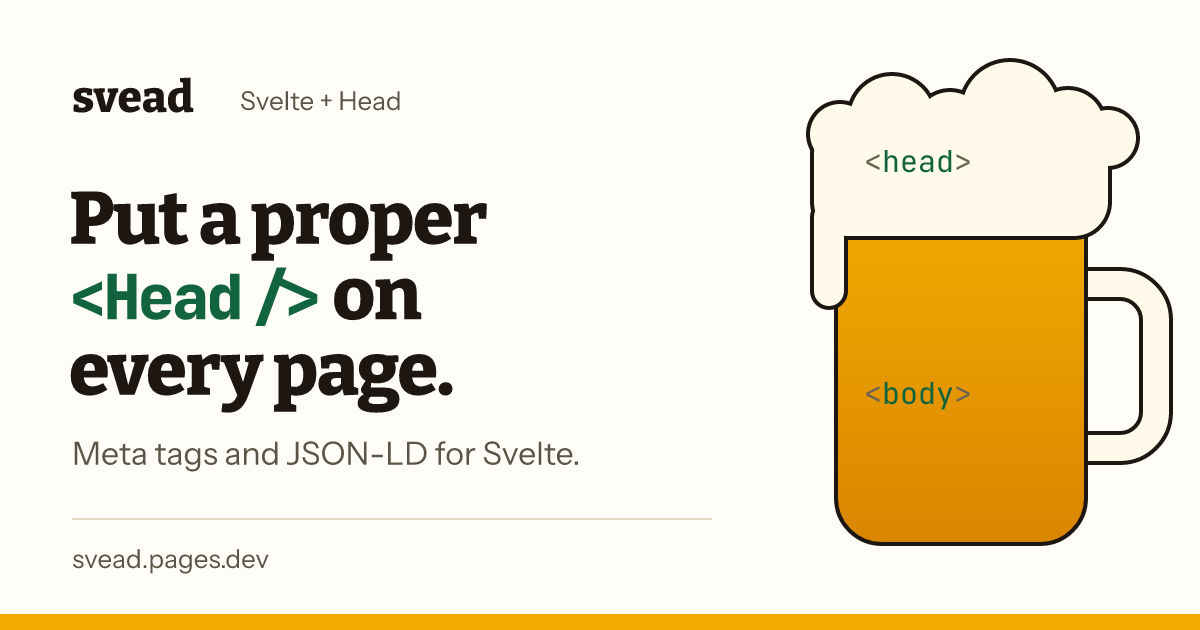
The name was meant to be Svelte + Head, but I like Puru's suggestion of Svelte + Mead, hence the pint.
Use it
pnpm add -D sveadSvead needs Svelte 5. If you're still on Svelte 4, stay on
svead@0.0.9, which has the older API with one prop per tag.
Build a config for the page and hand it to Head. Add SchemaOrg
when you want structured data too:
<script lang="ts">
	import { Head, SchemaOrg } from 'svead';
	import type { SeoConfig, SchemaOrgProps } from 'svead';

	const seo_config: SeoConfig = {
		title: 'Welcome to My Site',
		description: 'This is a simple web page example.',
		url: 'https://example.com/welcome',
	};

	const schema_org: SchemaOrgProps['schema'] = {
		'@type': 'WebPage',
		name: 'Welcome to My Site',
		description: 'This is a simple web page example.',
		url: 'https://example.com/welcome',
	};
</script>

<Head {seo_config} />
<SchemaOrg schema={schema_org} />

<h1>Welcome to My Site</h1>
<p>This is a simple web page example.</p>
The home page has a pint you can type a config into to see the tags it produces.
Head
Head takes one prop, seo_config. From just the three required
options it renders 13 tags:
- the canonical link,
<title>and thetitleanddescriptionmeta tags - Open Graph:
og:url,og:type,og:titleandog:description - Twitter:
twitter:card,twitter:titleandtwitter:description itempropnameanddescription
The optional ones add to that, for example open_graph_image adds
og:image, og:image:alt, twitter:image and itemprop="image".
SeoConfig options
| Property | Type | Description | Required |
|---|---|---|---|
title | string | The title of the web page. | Yes |
description | string | A description of the web page. | Yes |
url | string | The URL of the web page. | Yes |
website | string | The website the web page belongs to. | No |
language | string | The locale for og:locale, e.g. en_GB. Omitted if unset. | No |
open_graph_image | string | The URL of an image to use for Open Graph meta tags. | No |
payment_pointer | string | A payment pointer for Web Monetization. | No |
author_name | string | The name of the author. | No |
site_name | string | The name of the site for og:site_name. | No |
twitter_handle | string | The Twitter handle of the content creator or site. | No |
twitter_card_type | string | The type of Twitter card. Defaults to 'summary_large_image'. | No |
open_graph_image_alt | string | Alt text for the Open Graph image. Defaults to the title. | No |
SchemaOrg
The SchemaOrg component allows you to add structured data to your
web pages using JSON-LD format. This helps search engines better
understand your content and can potentially improve your site's
appearance in search results.
Usage
<script lang="ts">
	import { SchemaOrg, type SchemaOrgProps } from 'svead';

	const schema_org: SchemaOrgProps['schema'] = {
		'@type': 'BlogPosting',
		headline: 'My First Blog Post',
		description: 'This is an example of a blog post using svead.',
		author: {
			'@type': 'Person',
			name: 'John Doe',
		},
		datePublished: '2023-08-22T10:00:00Z',
	};
</script>

<SchemaOrg schema={schema_org} />
SchemaOrgProps
| Property | Type | Description | Required |
|---|---|---|---|
schema | SchemaOrgType or array | The structured data object(s) following schema.org vocabulary. | Yes |
SchemaOrgType
SchemaOrgType is a union type that includes:
Thing: Represents the most generic type of item in schema.org.WithContext<Thing>: A Thing with an added@contextproperty.Graph: A JSON-LD graph with@contextand@graph.
You can use any valid schema.org type as defined in the schema.org documentation.
Good to know
- The
@contextproperty is automatically added by the component if not provided. - Passing an array renders a single JSON-LD
@graphwith one sharedhttps://schema.orgcontext. - You can also include related schema types by nesting them within the main schema object.
- Always validate your structured data using tools like Google's Rich Results Test to ensure it's correctly formatted.
Nesting schema types
<script lang="ts">
	import { SchemaOrg, type SchemaOrgProps } from 'svead';

	const schema_org: SchemaOrgProps['schema'] = {
		'@type': 'WebPage',
		name: 'My Blog Post',
		description: 'An example blog post with structured data',
		mainEntity: {
			'@type': 'BlogPosting',
			headline: 'My First Blog Post',
			author: {
				'@type': 'Person',
				name: 'John Doe',
			},
			datePublished: '2023-08-22T10:00:00Z',
		},
	};
</script>

<SchemaOrg schema={schema_org} />
Documentation
- Quick reference: install, basic usage and a cheatsheet
- Components: every option for
HeadandSchemaOrg - Common schema types and more schema types
- Real-world patterns, type safety with schema-dts and advanced patterns
- Best practices, FAQ and troubleshooting
Developing locally
This is a pnpm workspace: the package is in packages/svead and the
docs site in apps/web. It needs Node 24.15 or later.
pnpm install
# run the docs site against the local package
pnpm run dev:web
# format, lint and type check
pnpm run check
# unit tests for the package and the site
pnpm run test:ci
# end-to-end tests for the site, against a production build
pnpm --filter web run test:e2e
Tests sit beside the code they cover: *.svelte.test.ts runs in a
real browser, *.ssr.test.ts and *.test.ts run in Node, and
*.e2e.ts is Playwright.
Each docs page is a Markdown file in apps/web/src/lib/copy with an
entry in apps/web/src/lib/docs/pages.ts, which is what the sidebar,
the home page list and the command palette read. After adding or
renaming a page, run pnpm run share-cards in apps/web to render
its link preview image. A test fails if a page has no entry or no
image.
Releasing
Scott, this is here for you to remember how to do this 🙃
Releases are manual and use changesets:
# describe the change (once per change, commit the file it writes)
pnpm changeset
# bump the version and write the changelog
pnpm run version
# build and publish to npm
pnpm run release
# push the tags
git push --follow-tags
Contributors ✨
Thanks goes to these wonderful people (emoji key):
 Scott Spence 💻 📖 💡 🚧 ⚠️ | ||||||
 Add your contributions
| ||||||
This project follows the all-contributors specification. Contributions of any kind welcome!