Where is my SDDM theme?
:eyes: That feeling when your SDDM theme suddenly disappeared...
The most minimalistic and highly customizable SDDM theme. Only black screen and password input field. Nothing extra, right? Even when you enter wrong password theme will show only red border around your screen. To login, just type your password and press <Enter> key.
Examples of customization
To install one of these configs, run inside theme directory:
cp <path to config> theme.confIf config based on image background, also copy image. For example:
cp example_configurations/tree.conf theme.conf
cp example_configurations/tree.png tree.png
Classic (where_is_my_sddm_theme/theme.conf) | Classic, no cursor (where_is_my_sddm_theme/example_configurations/classic_nocursor.conf) |
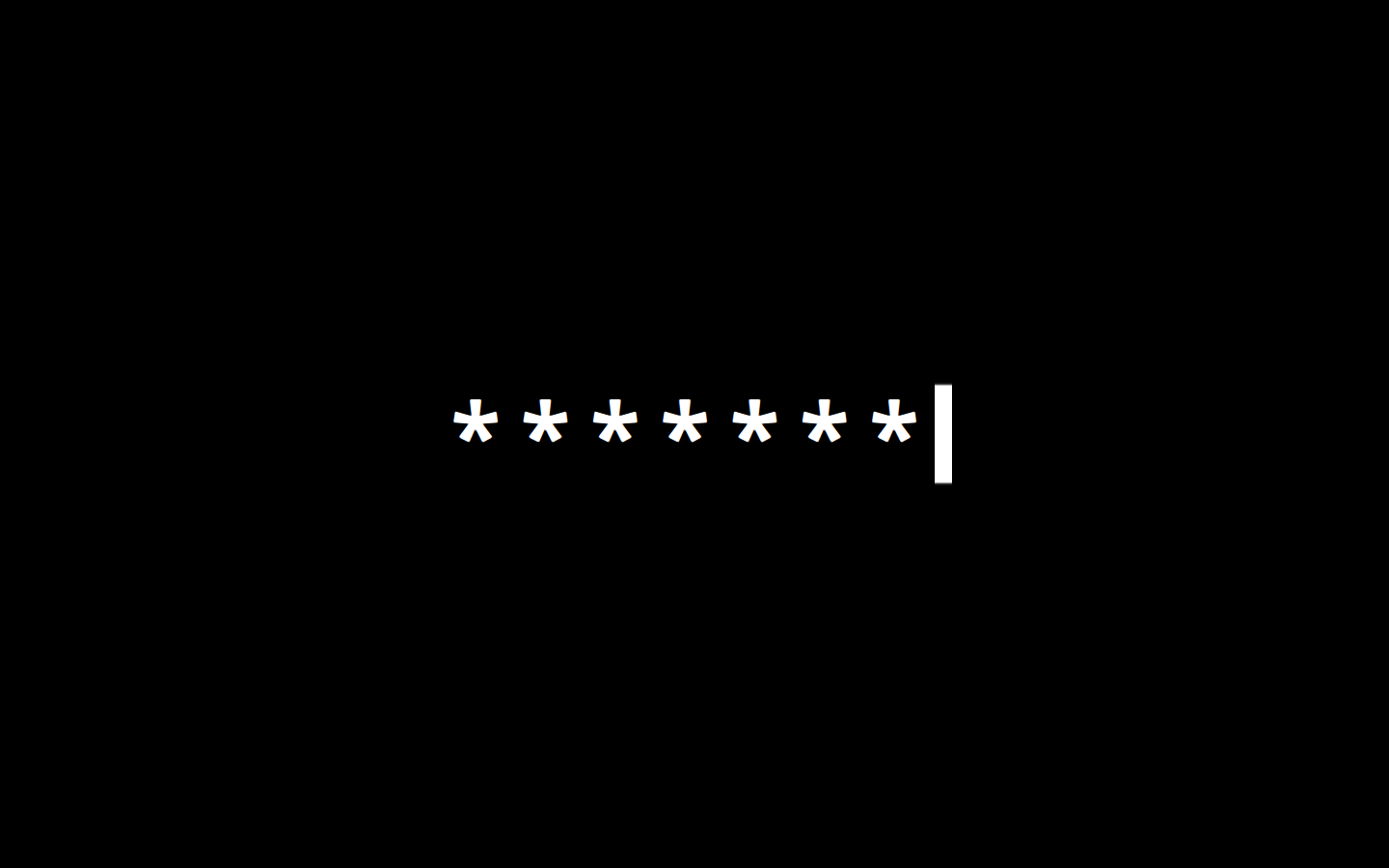 | 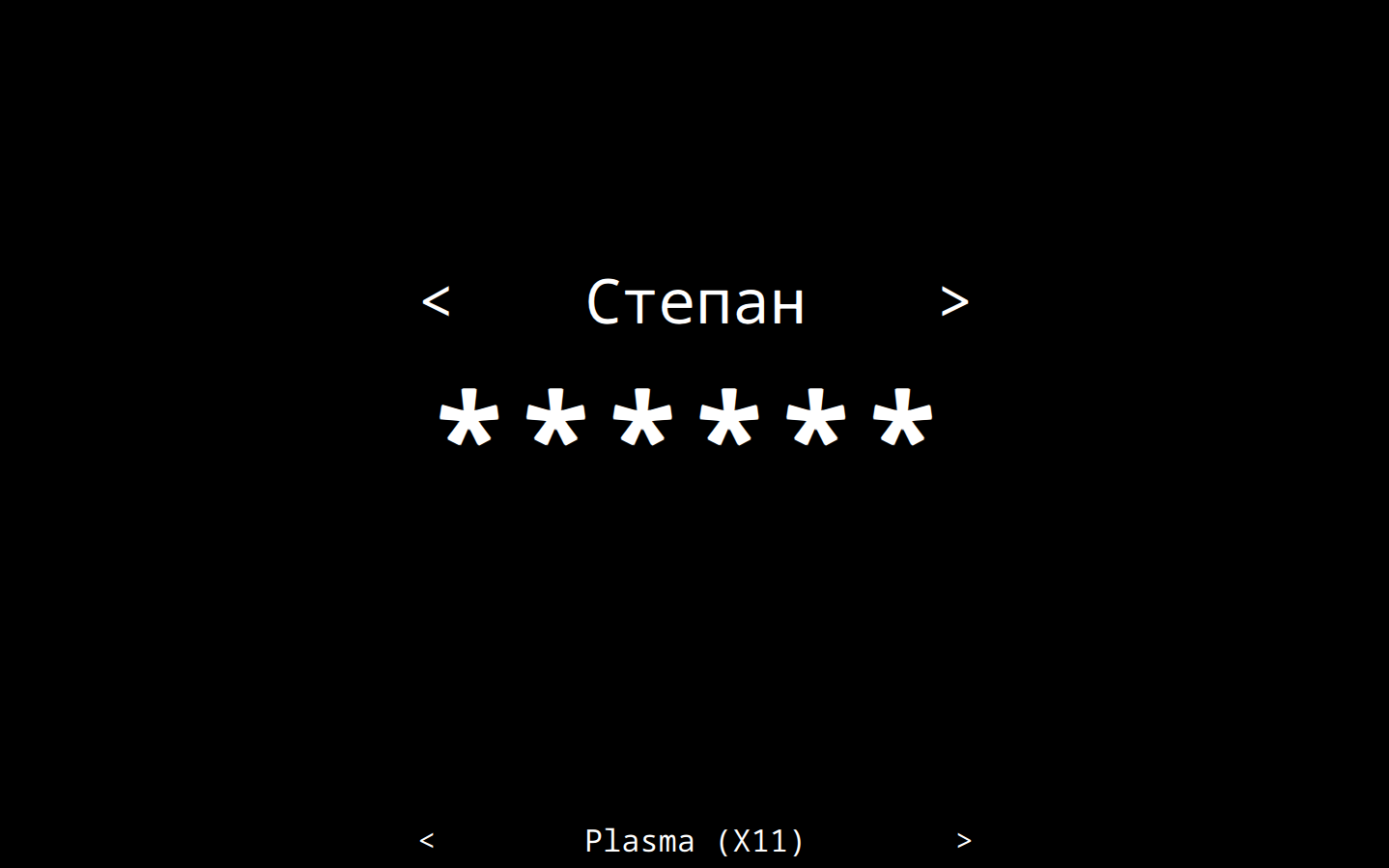 |
Grey (where_is_my_sddm_theme/example_configurations/grey.conf) | Light grey (where_is_my_sddm_theme/example_configurations/lightgrey.conf) |
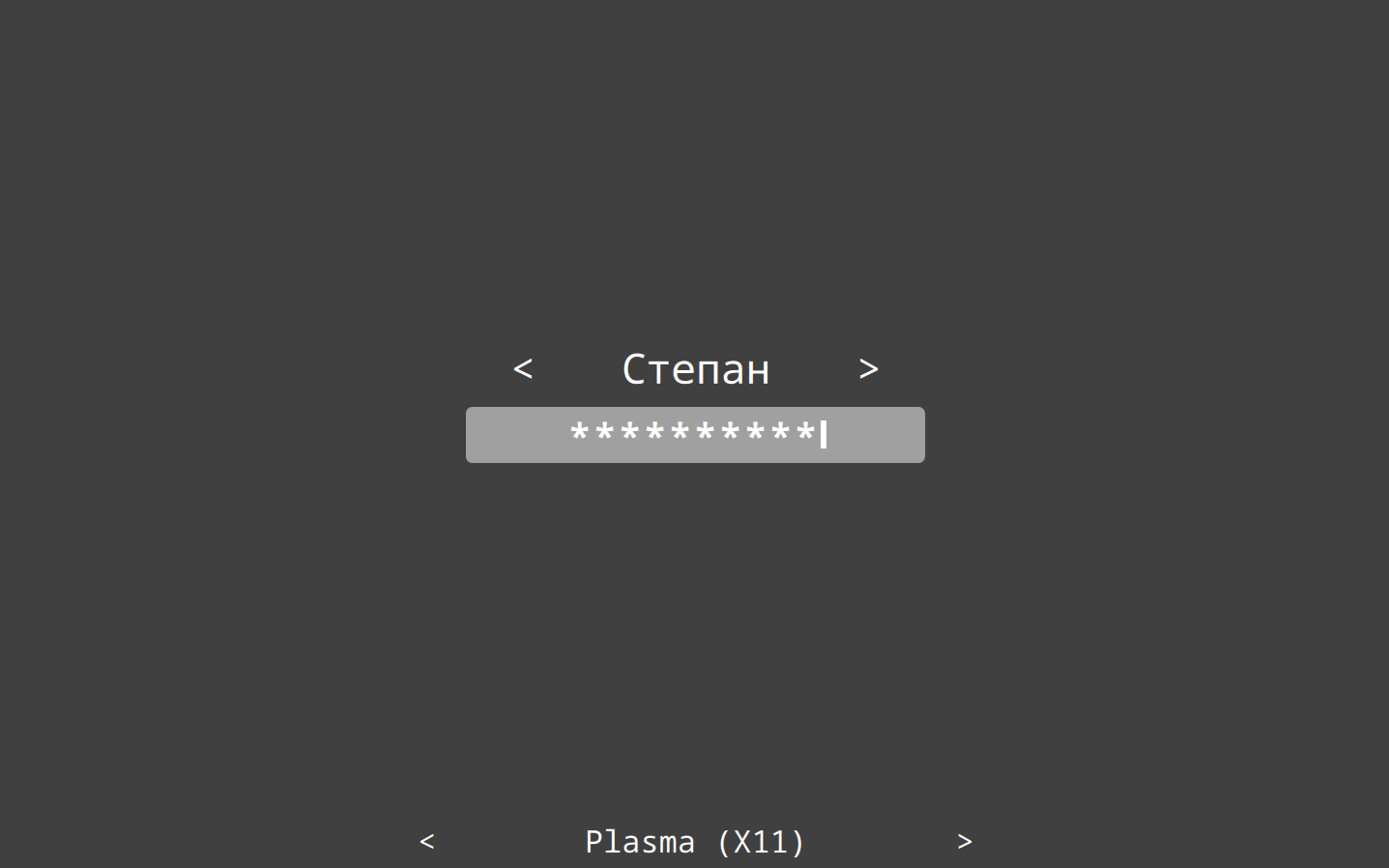 | 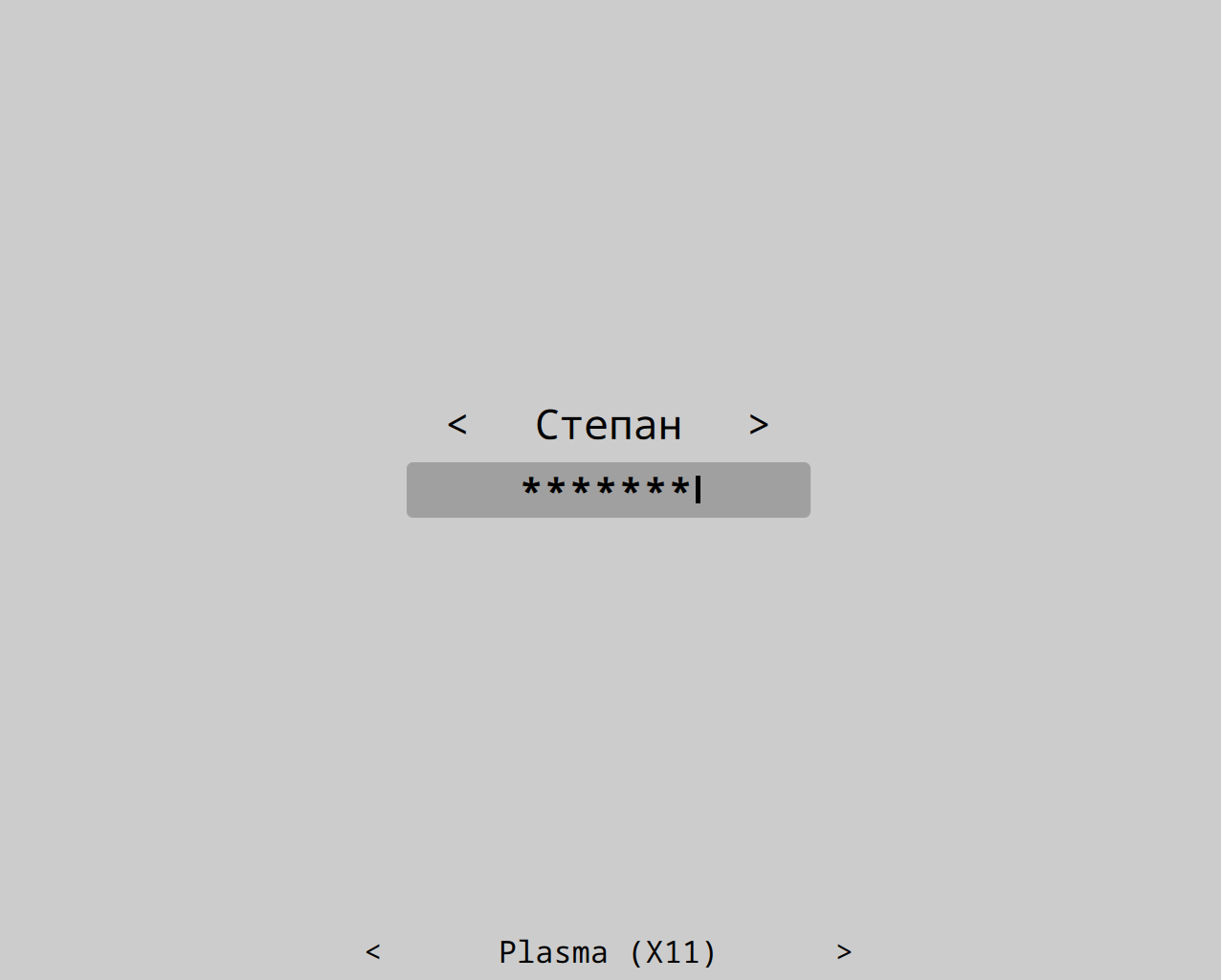 |
Blue (where_is_my_sddm_theme/example_configurations/blue.conf) | Tree (where_is_my_sddm_theme/example_configurations/tree.conf) |
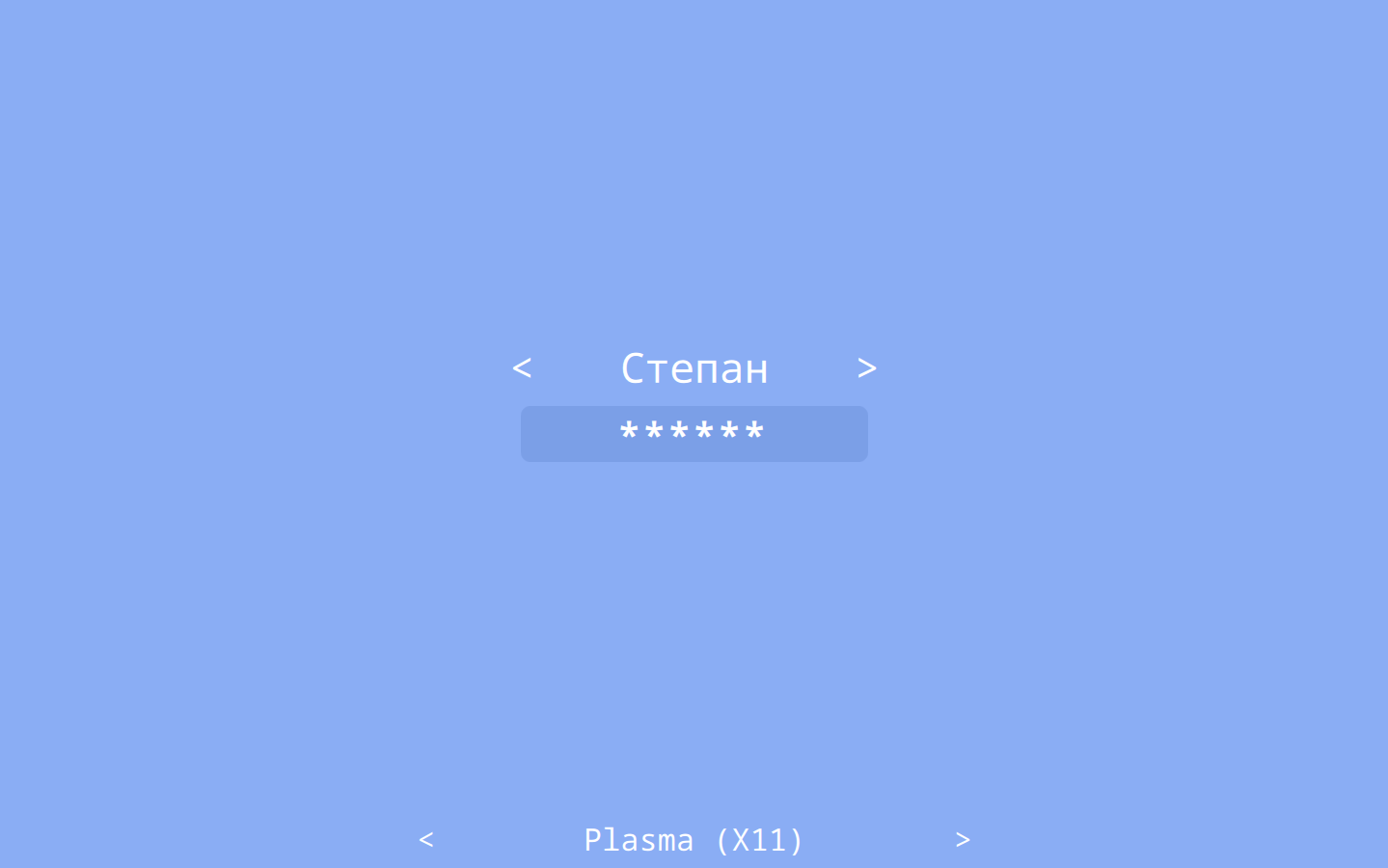 | 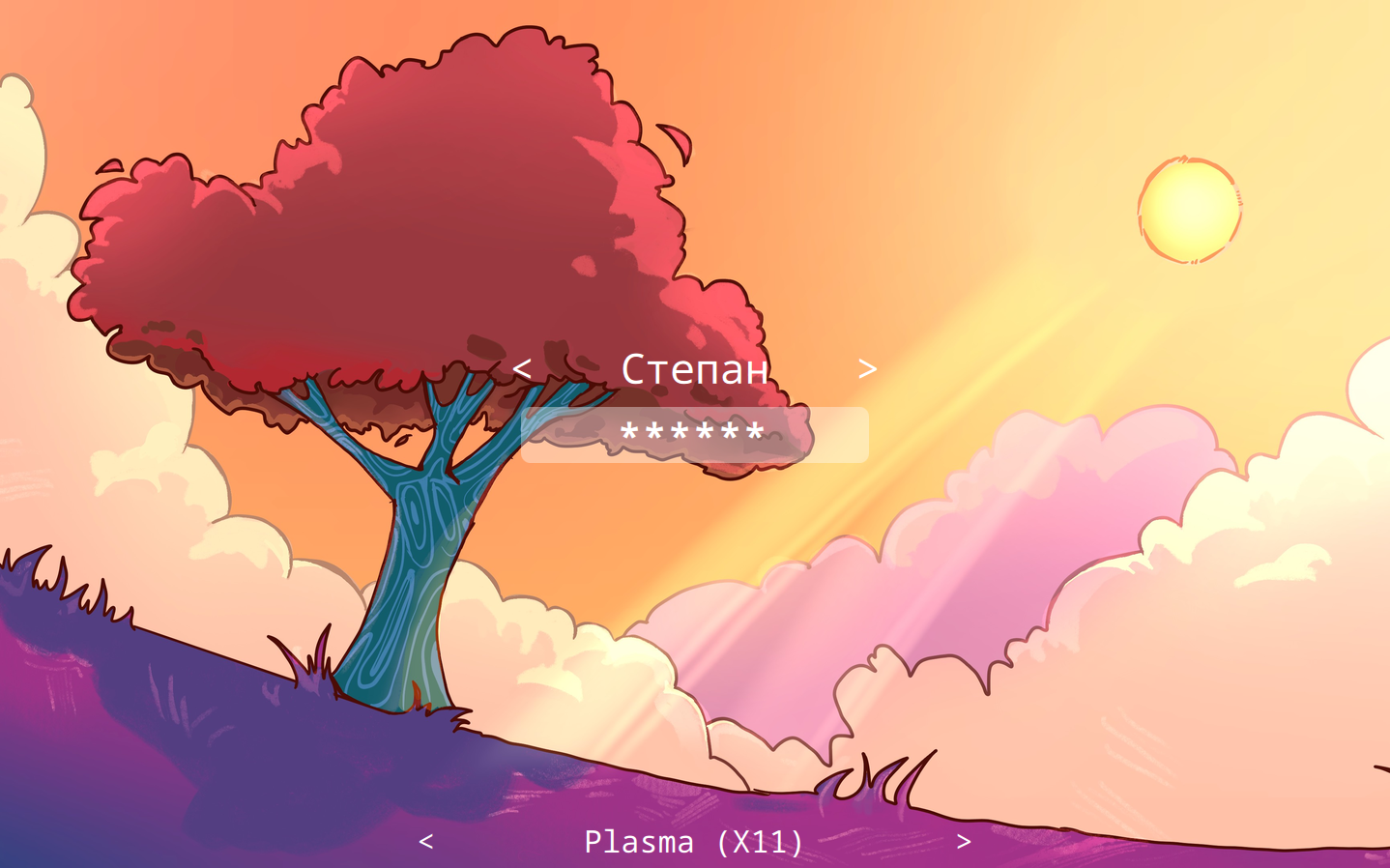 |
Catppuccin (https://github.com/catppuccin/where-is-my-sddm-theme) | Rose-Pine Moon (where_is_my_sddm_theme/example_configurations/rose-pine-moon.conf) |
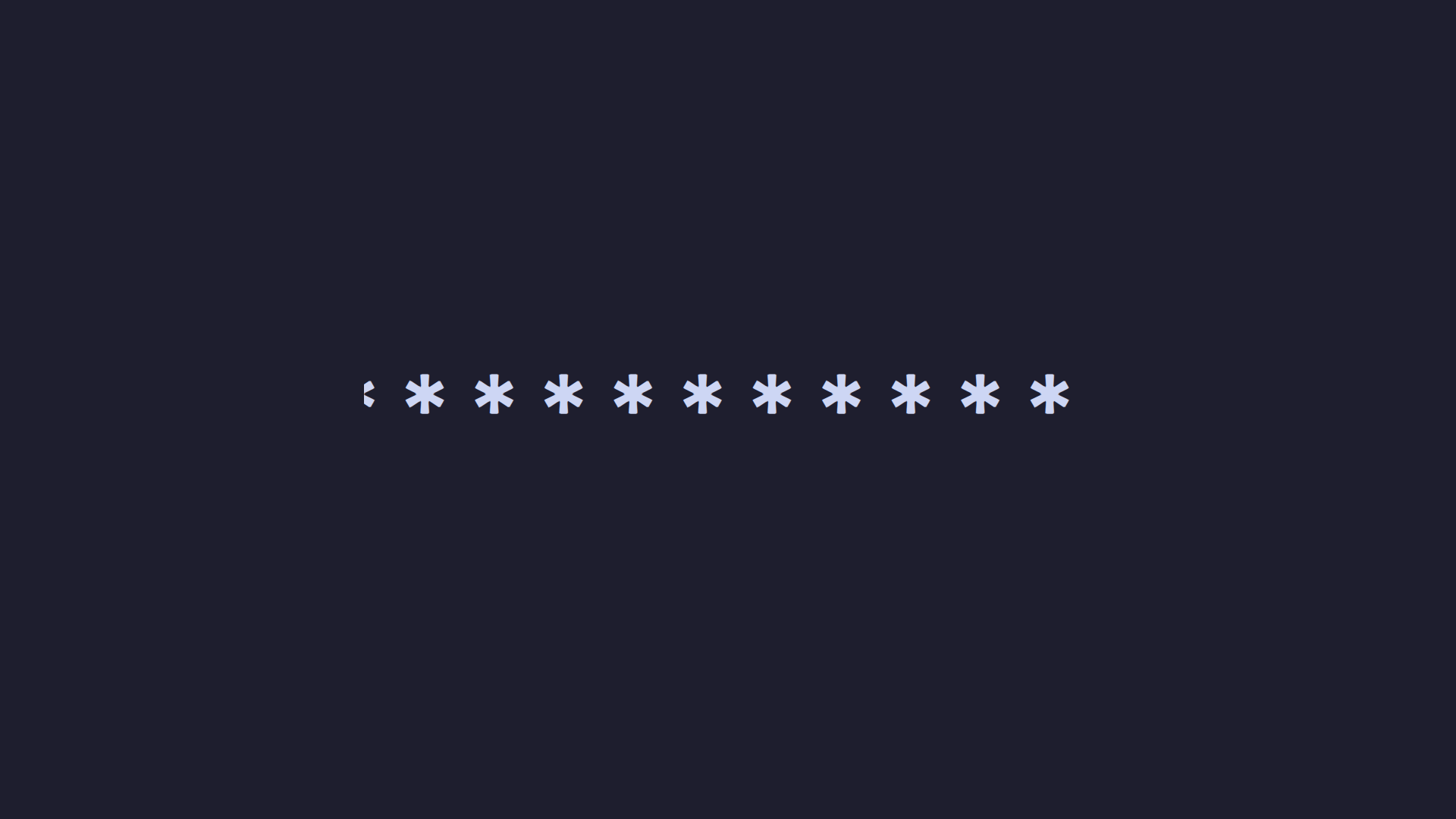 | 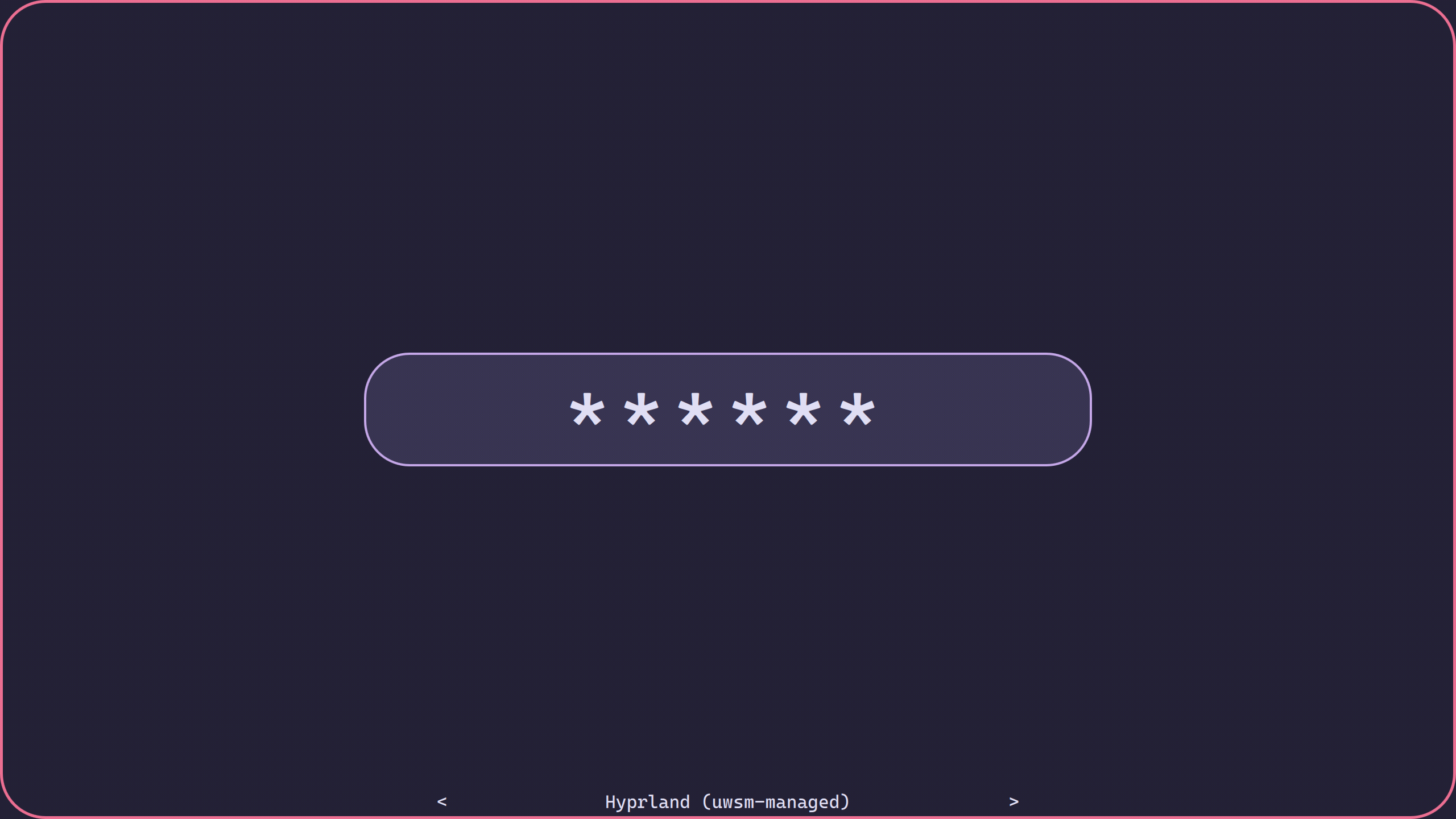 |
Nord (where_is_my_sddm_theme/example_configurations/nord.conf) | |
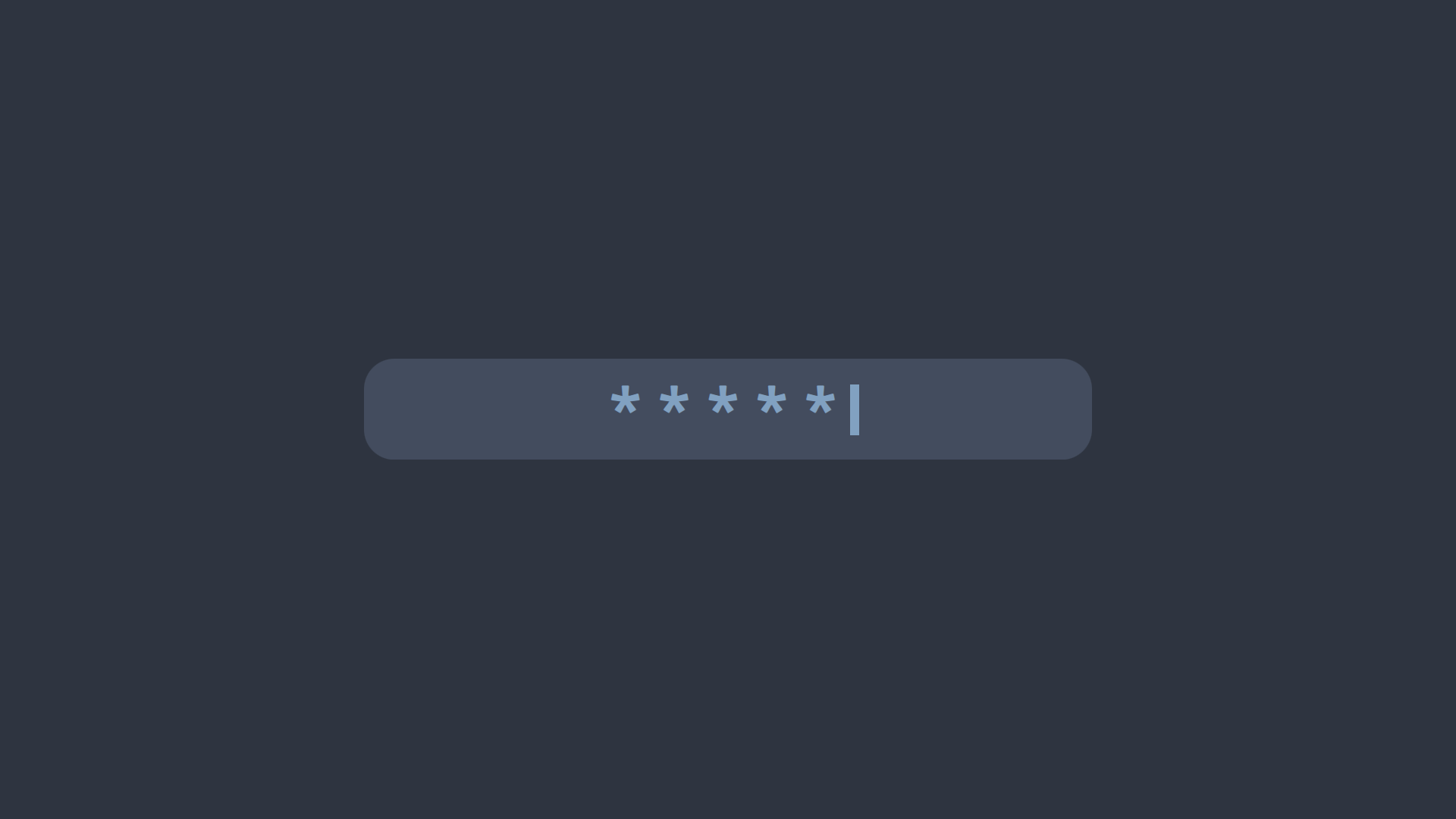 |
If you have created an interesting configuration that might be useful to other people, please share it via Pull Request!
Keymaps
F2 or Alt+u - cycle select next user
Ctrl+F2 or Alt+Ctrl+u - cycle select prev user
F3 or Alt+s - cycle select next session
Ctrl+F3 or Alt+Ctrl+s - cycle select prev session
F10 - Suspend.
F11 - Poweroff.
F12 - Reboot.
F1 - Show help message.
Installation
With script
This script installs latest theme version from main branch.
This script should be run with super user privileges (sudo)!
To install theme for Qt6, run sudo ./install.sh
To install theme for Qt5, run sudo USE_QT5=true ./install.sh
To install theme as current, run sudo ./install.sh current
From KDE store
You can find product page on pling
On KDE
- Open System settings
- Choose Start and finish/Log in (SDDM)
- Click on "...", then "Download SDDM theme..."
- Search "Where is my sddm theme?" theme
- Install
- Activate
On other DEs/WMs
- Open link
- Click on "Install"
- Unzip downloaded archive
- Copy given folder to /usr/share/sddm/themes (
sudo cp -r where_is_my_sddm_theme/ /usr/share/sddm/themes) - Open /etc/sddm.conf
- Change line
Current=...toCurrent=where_is_my_sddm_theme
From source
- Clone repo
- On other DEs/WMs (steps 4-6)
Configuration
In theme.conf file you can find theme configuration.
Awailable settings:
passwordcharacter=* - Password mask character
passwordMask=true - Mask password characters or not ("true" or "false")
passwordInputWidth=0.5 - value "1" is all display width, "0.5" is a half of display width etc.
passwordInputBackground= - Background color of password input
passwordInputRadius= - Radius of password input corners
passwordInputCursorVisible=true - "true" for visible cursor, "false"
passwordFontSize=96 - Font size of password (in points)
passwordCursorColor=random - Color of password input cursor
passwordTextColor= - Color of password input text
passwordAllowEmpty=false - Allow blank password (e.g., if authentication is done by another PAM module)
showSessionsByDefault=false - Show or not sessions choose label
sessionsFontSize=24 - Font size of sessions choose label (in points).
showUsersByDefault=false - Show or not users choose label
showUserRealNameByDefault=true - Show user real name on label by default
usersFontSize=48 - Font size of users choose label (in points)
background= - Path to background image
backgroundFill=#000000 - Background solid color, if you don't use background image
backgroundFillMode=aspect - Qt fill mode for background image. Must be one of: aspect, fill, tile, pad
basicTextColor=#ffffff - Default text color for all labels
blurRadius= - Radius for background blur. A larger radius increases the blur effect.
hideCursor= - Set to true to hide mouse cursor.
cursorBlinkAnimation=true - Enable or disable cursor blink animation ("true" or "false") This option works only in Qt6.
font=monospace - Default font
helpFont=monospace - Font of help message
helpFontSize=18 - Font size of help message (in points)
Disable virtual keyboard
You can disable virtual keyboard by setting line InputMethod=qtvirtualkeyboard
to InputMethod= in sddm config file. SDDM config is located in /etc/sddm.conf
(or /etc/sddm.conf.d/kde_settings.conf)
Contributions
Contributions are welcome! Create Issues and PRs. See CONTRIBUTE.md.