Maple



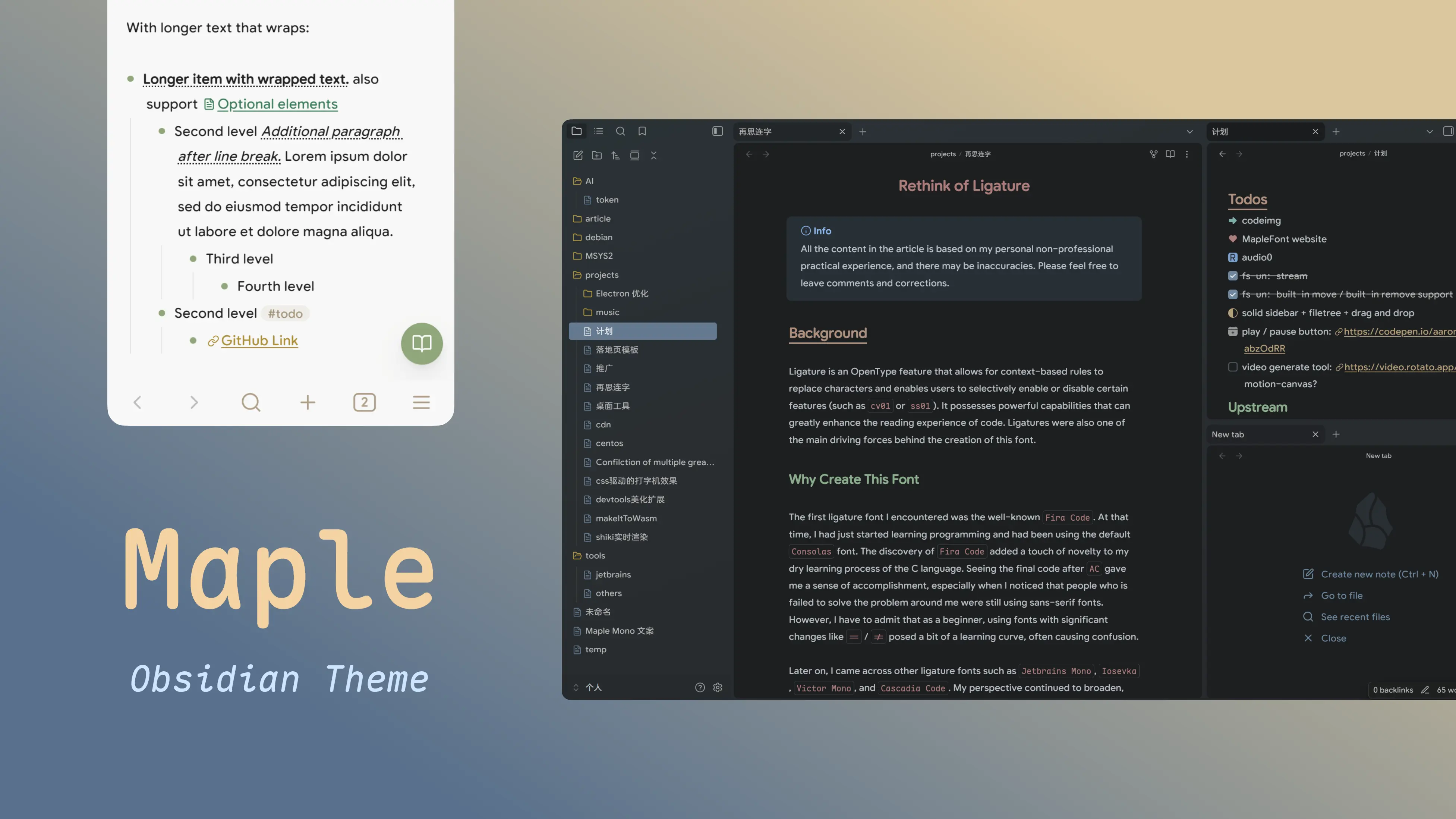
A sleek and modern Obsidian theme for desktop and mobile, featuring awesome components, graceful animation and customizable preferences via the Style Settings plugin. It embeds the self-designed monospace font Maple Mono.
You can checkout the old version (0.x) here.

Or support me through Afdian (PayPal)
Note: Backward compatibility is not guaranteed due to time constraints.
Quick Start
Install
- Open Obsidian and navigate to Settings > Appearance.
- Click Manage to open the Community Themes store.
- Search for "Maple" in the filter box.
- Click Install and Enable.
Manually
- Download the source code zip (Click to download).
- Extract the files to
<your-vault>/.obsidian/themes/maple/(Ensure thetheme.cssandmanifest.jsonare in themaple/folder). - Restart Obsidian.
Customize (Recommended) ✨
Enhance your experience with the Style Settings community plugin:
- Go to Settings > Options > Community plugins
- Ensure community plugins option is turning on, then click Browse button.
- Search for "Style Settings" and install it.
- Enable the plugin.
- In Settings > Community plugins > Style Settings, you'll find Maple's style options.
Features
Maple offers a highly customizable experience with extensive options via Style Settings. Below is a summary of key features, grouped by category.
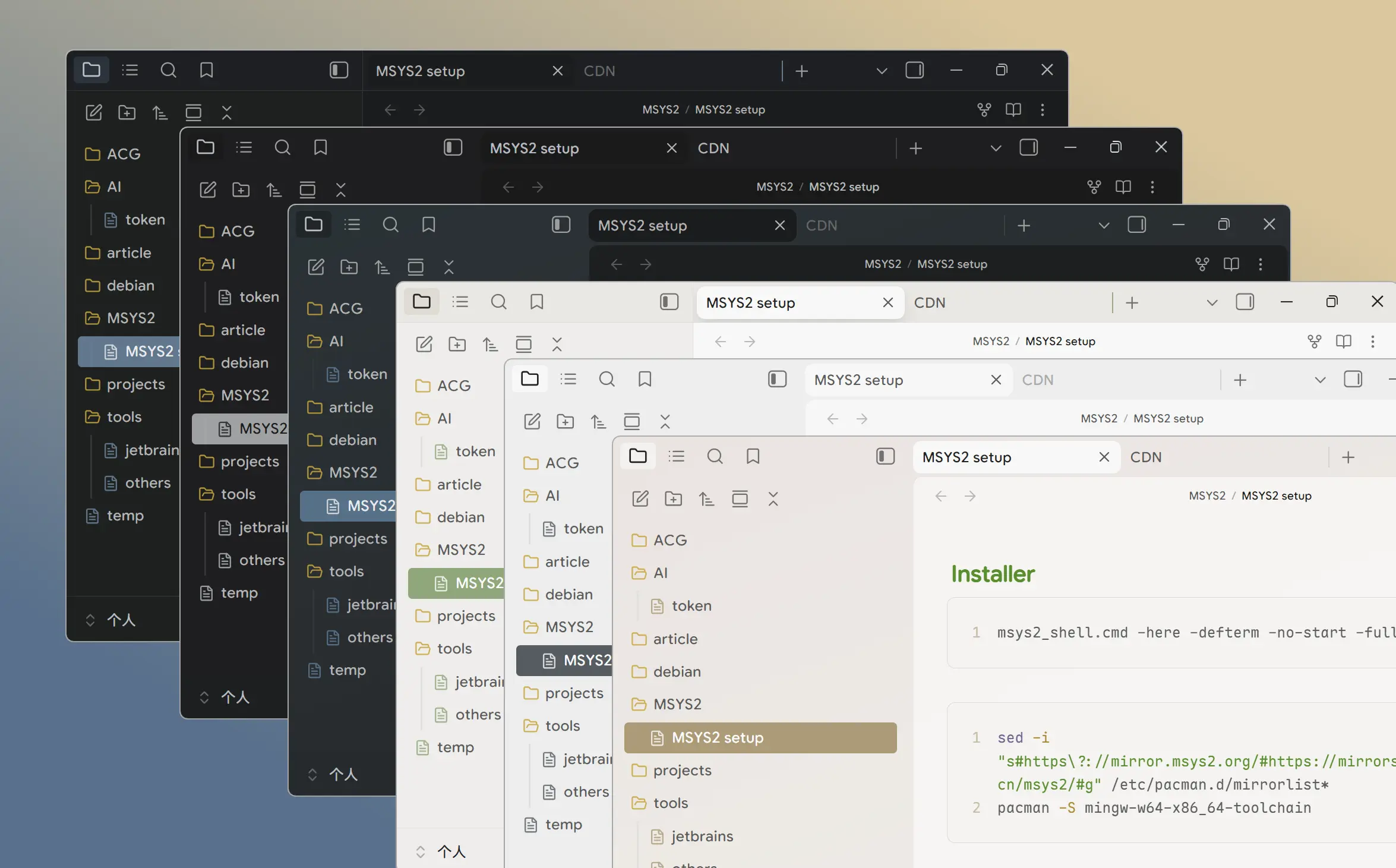
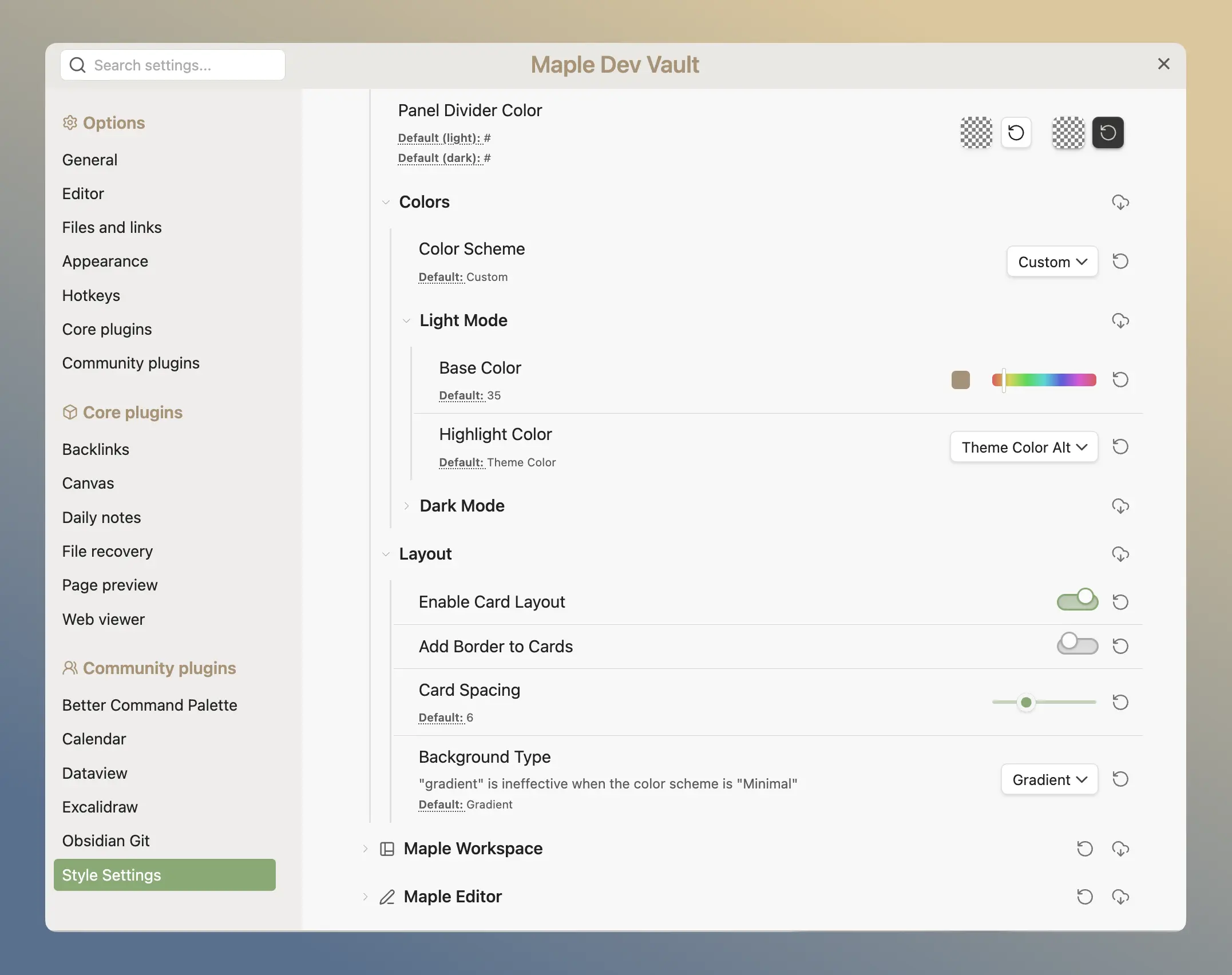
Your Flavor Matters
Maple is designed to be highly customizable, allowing you to tailor the theme to your liking. You can change the color scheme, layout, app background, and more.
Enhance the Experience
Maple includes awesome components and graceful animations throughout—tab switches, hovers, modals, card layout, colorful table and heading, tree list and scrollbars—for a fluid workflow.
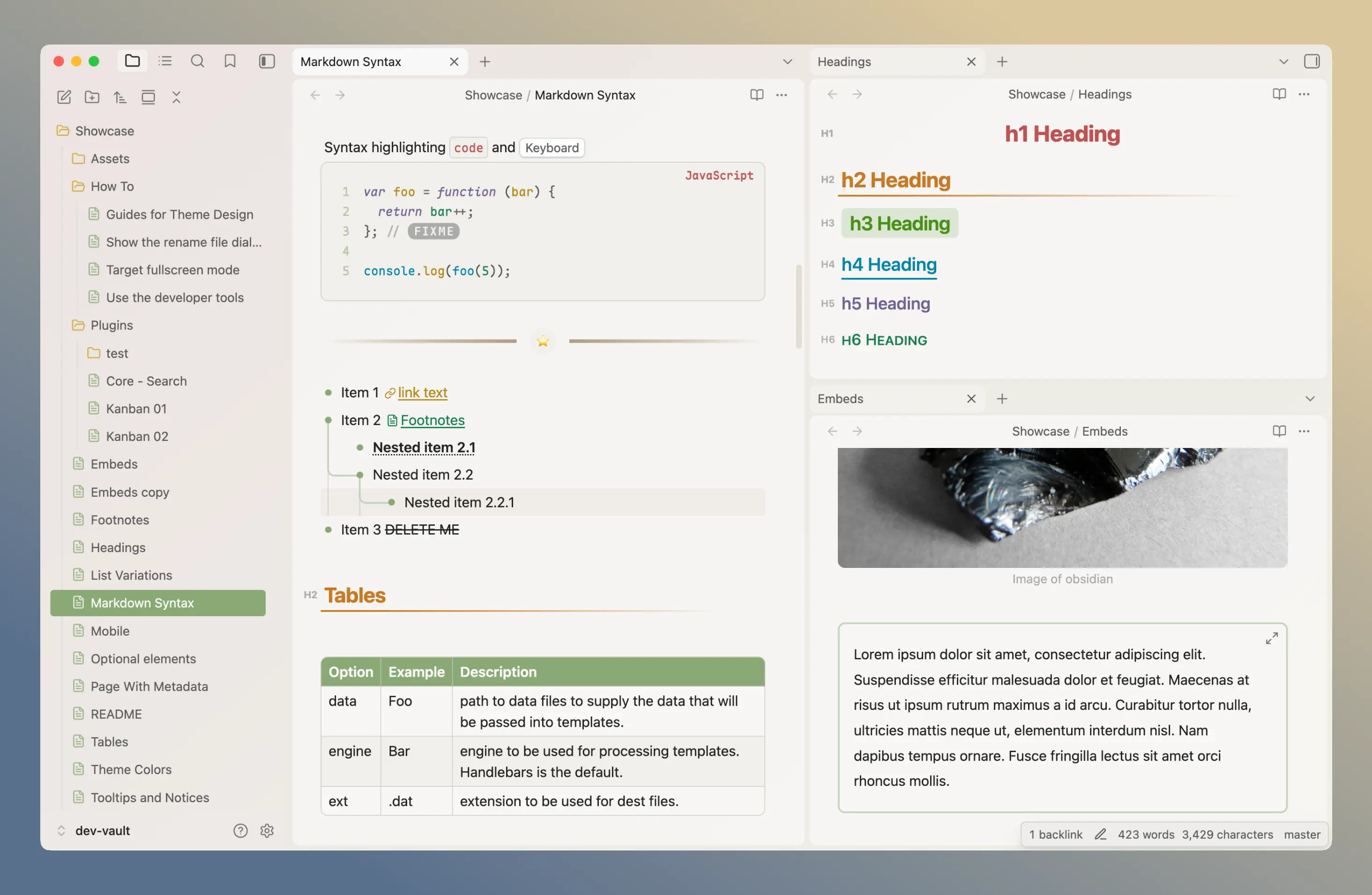
Plenty of new icons are designed to promote the visual experience. Also, Maple has first-class support of Alternate Checkbox.
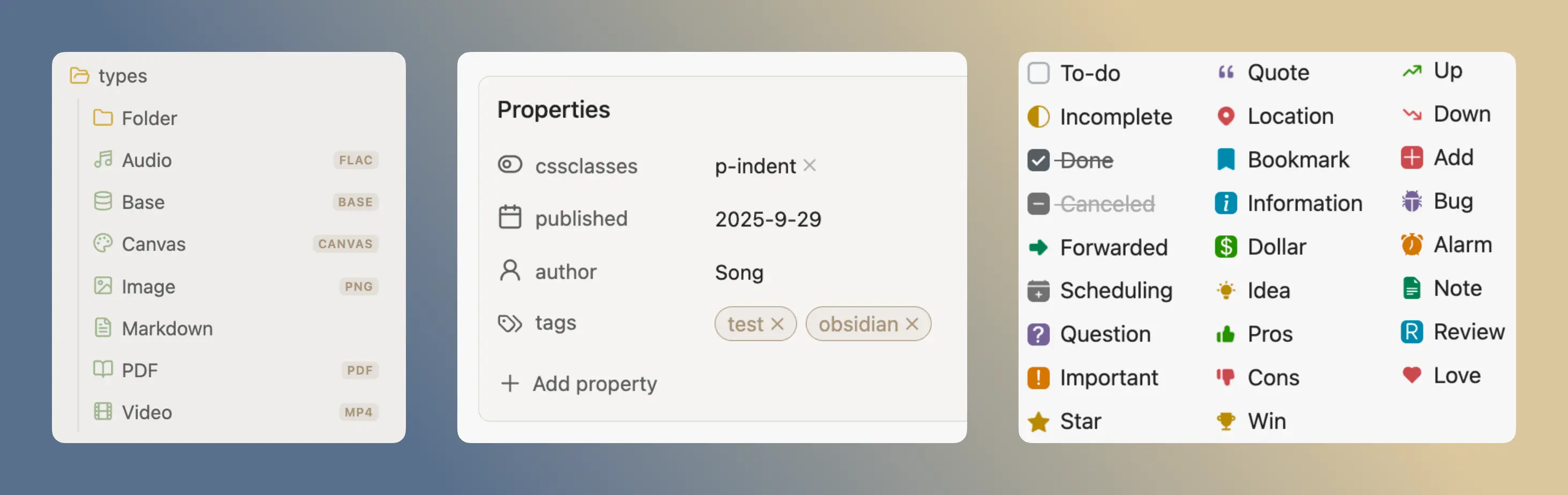
Alternate Checkbox Syntax
| Syntax | Description |
|---|---|
- [ ] | To-do |
- [/] | Incomplete |
- [x] | Done |
- [-] | Canceled |
- [>] | Forwarded |
- [<] | Scheduling |
- [?] | Question |
- [!] | Important |
- [*] | Star |
- ["] | Quote |
- [l] | Location |
- [b] | Bookmark |
- [i] | Information |
- [S] | Dollar |
- [I] | Idea |
- [p] | Pros |
- [c] | Cons |
- [w] | Win |
- [u] | Up |
- [d] | Down |
- [+] | Add |
- [B] | Bug |
- [a] | Alarm |
- [n] | Note |
- [R] | Review |
- [L] | Love |
Optimized for Mobile
Maple is optimized for Obsidian on mobile devices, ensuring a seamless experience across different screen sizes. But everything just getting started, I will keep working on it.
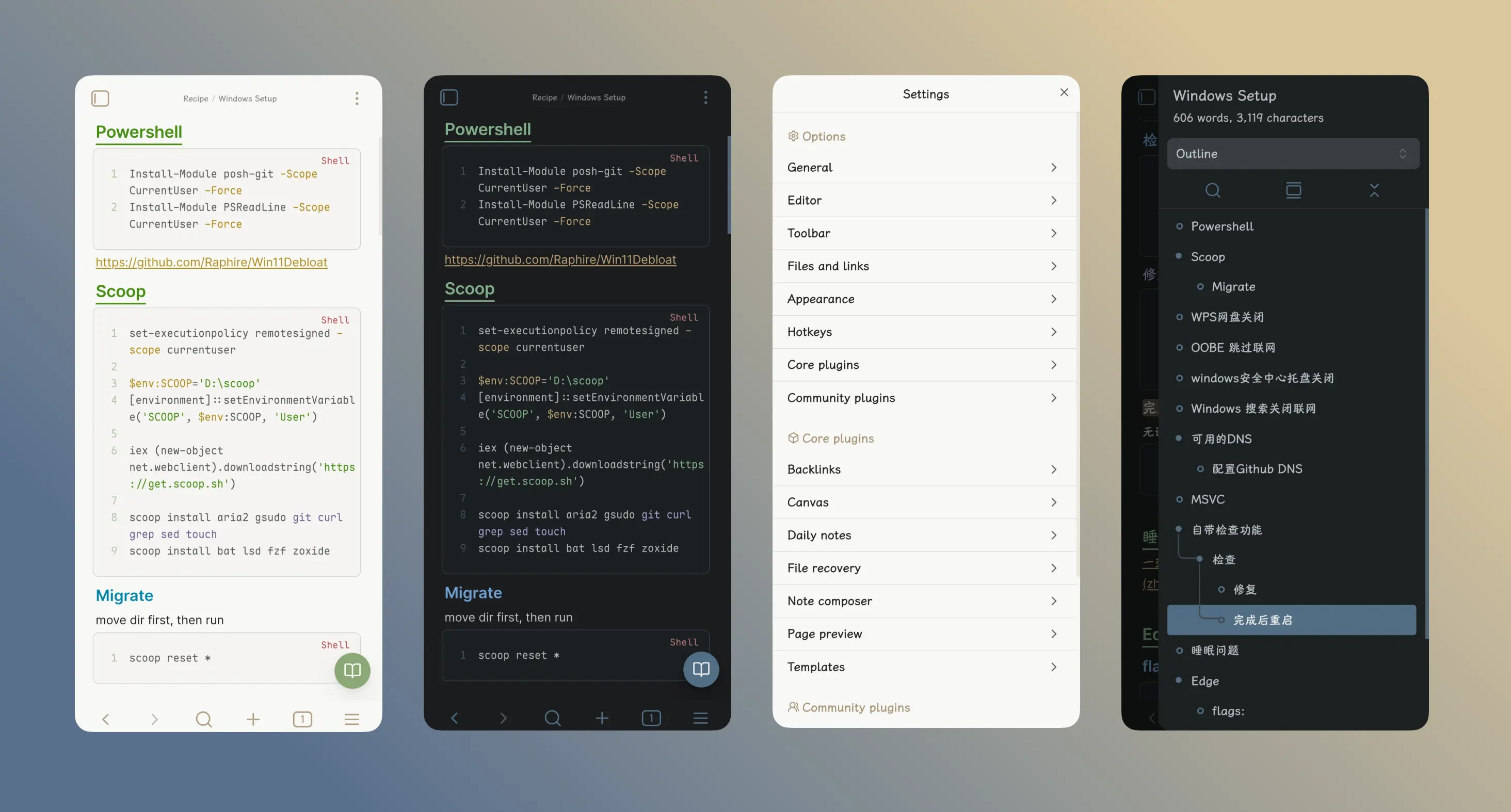
Override Colors
Ensure you have the Style Settings plugin installed and enabled to access these options.
Override Background Colors
- Open Settings > Style Settings.
- Open the Maple Basic > Colors section.
- Ensure Color Scheme is set to Custom.
- Open Light Mode or Dark Mode section
- Turn on Modify Background Colors switch.
- Change the Primary/Secondary/Block/TopBar colors as you like.
Experimental Change Highlight Color Only
Enable Only change highlight color and all background color will restore to default theme.
It is still experimental and not fully tested, feel free to report bug about this option.
Override Highlight Colors
- Open Settings > Style Settings.
- Open the Maple Basic > Colors section.
- Ensure Color Scheme is set to Custom.
- Open Light Mode or Dark Mode section
- Set Highlight Colors to Custom.
- Change the Active/Inactive colors as you like.
Development
Please ensure Bun is installed.
# Install deps
bun i

# Dev and hot reload
bun run dev

# Build product
bun run build

# Release
bun run release
Fonts, svgs are located at resource/ and icons come from iconify-json packages. They will auto load at compile time. See usage in src/custom-functions.ts
Style settings config is auto generated by the script, see compile.ts and src/style-settings/
Credits
Inspired by:
Enhance your DX with my plugin: Obsidian DevTools Font and Scrollbar