
A mind map for your Claude and ChatGPT chats, in the Mac menu bar.
See what's running, what's done and what needs you.







Website · Features · Install · Privacy · FAQ · Support ❤️

Features
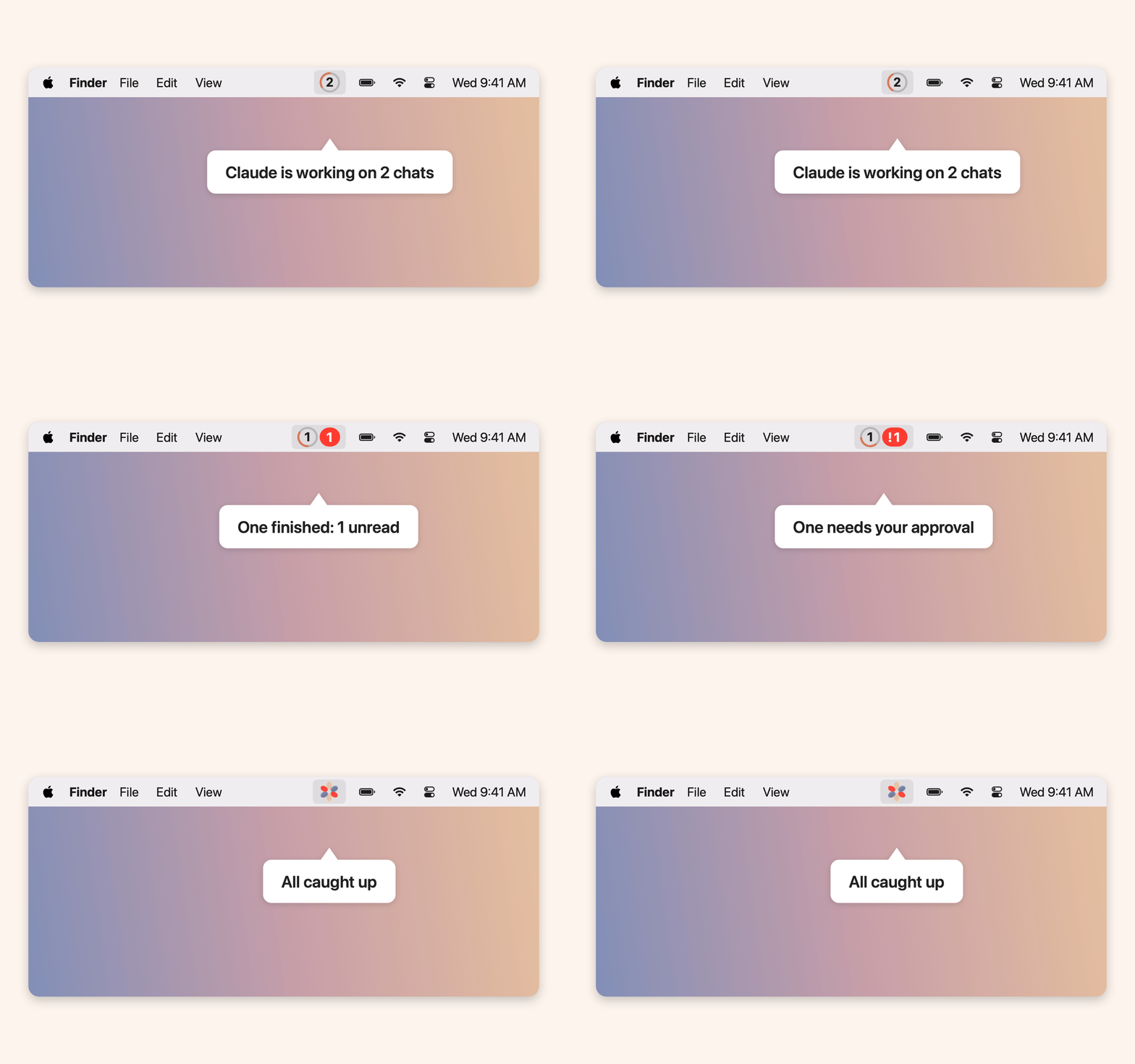 |
1. Status in the menu barA ring counts running chats. A red badge counts finished, unread ones, with ! when one is waiting for you (to approve or answer, or it stopped on an error). An optional sound or voice says which chat is done. |
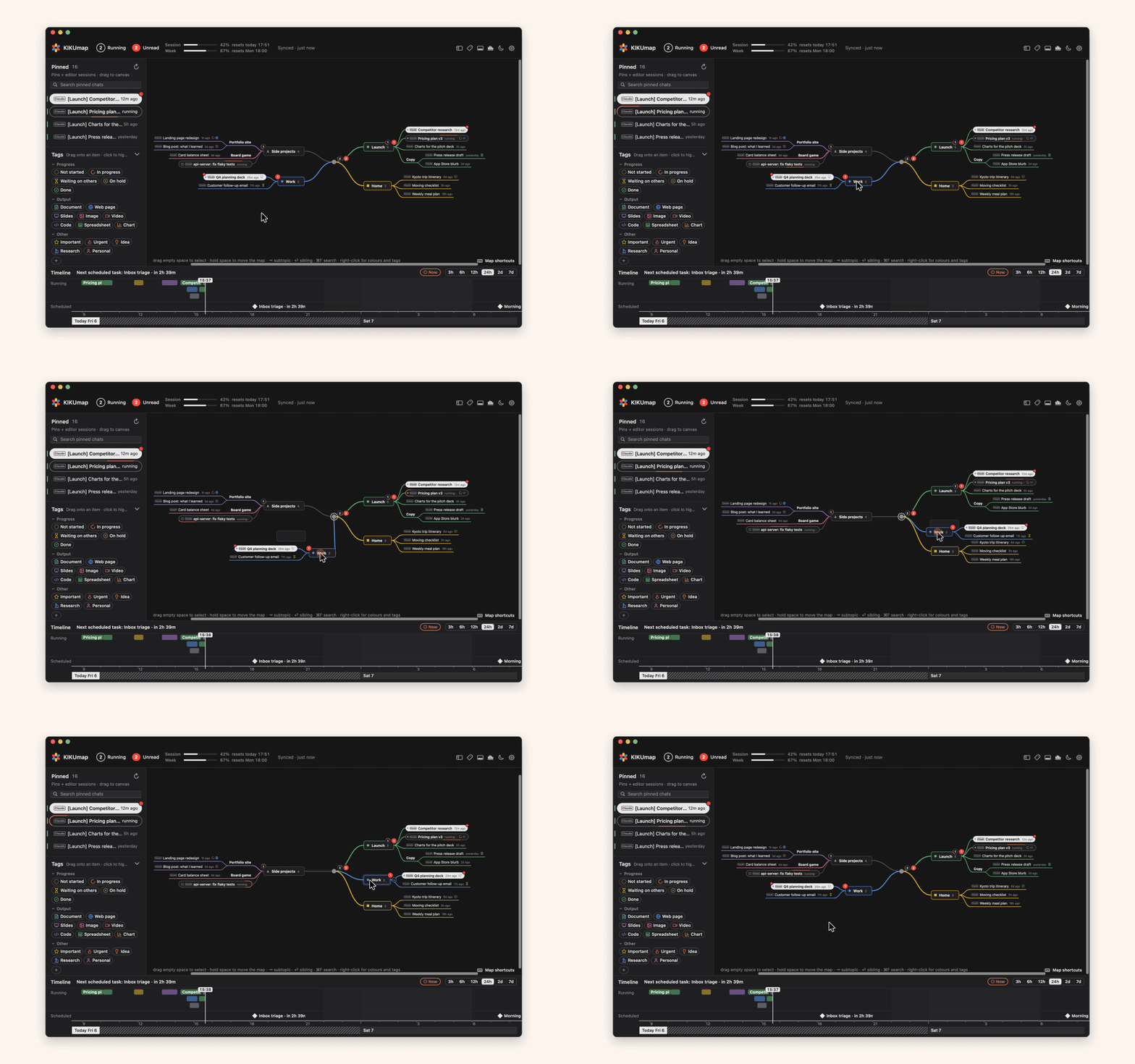
2. Chats as a mapChats pinned in Claude and in the ChatGPT app, plus Claude Code sessions, line up in the left column. Drag them onto your own topics. Each chat is tagged Claude or GPT. | 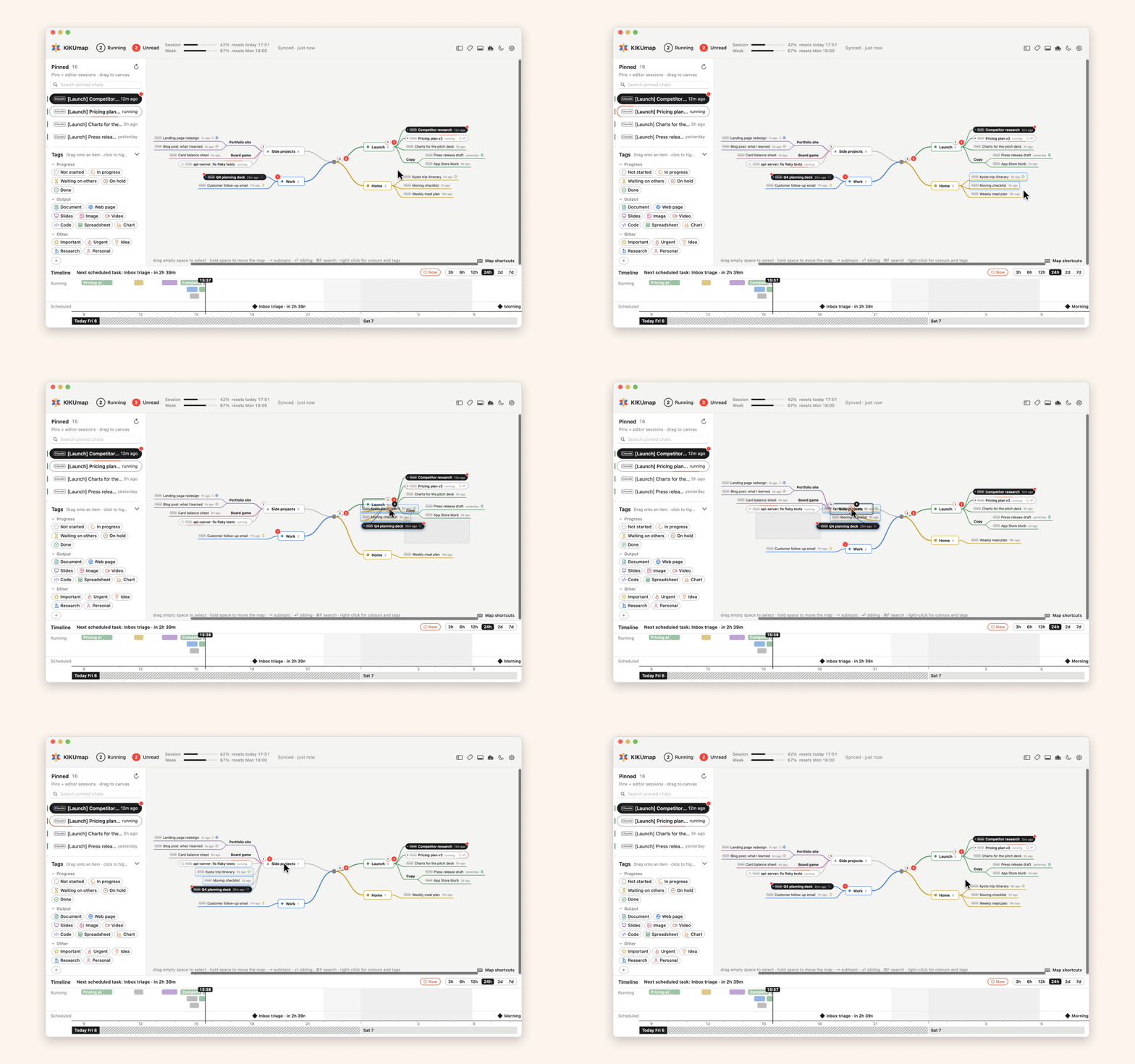 |
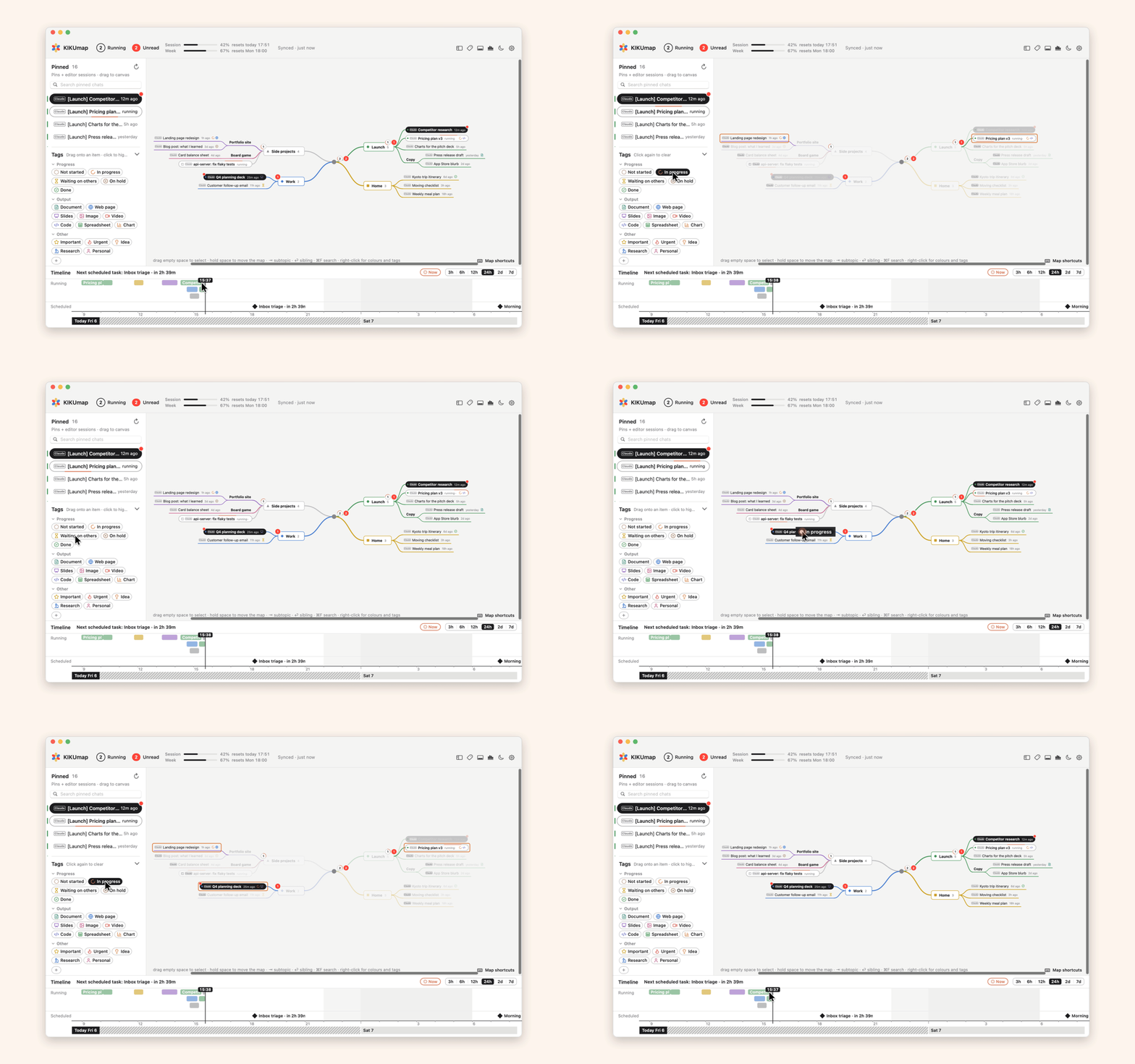 |
3. Colors, shapes and tagsGive a topic a color and a shape. Tag chats, and click a tag to highlight every chat that has it. Drag the top edge of the tags to make them taller or shorter, or tuck them away (⌃⌘G). In a short window zoomed in, they step aside until there's room: make the window taller or press ⌘-. Settings → Colors has eight color sets for the whole window (Classic, KIKU flower, Bauhaus black, Retro, Deep sea, Neon, Sunset, Candy), or pick each color yourself. |
4. Keyboard-first⇥ subtopic · ⏎ sibling · ⌥↑↓ move · ⌘Z undo · ⌘F search · space opens a chat. | 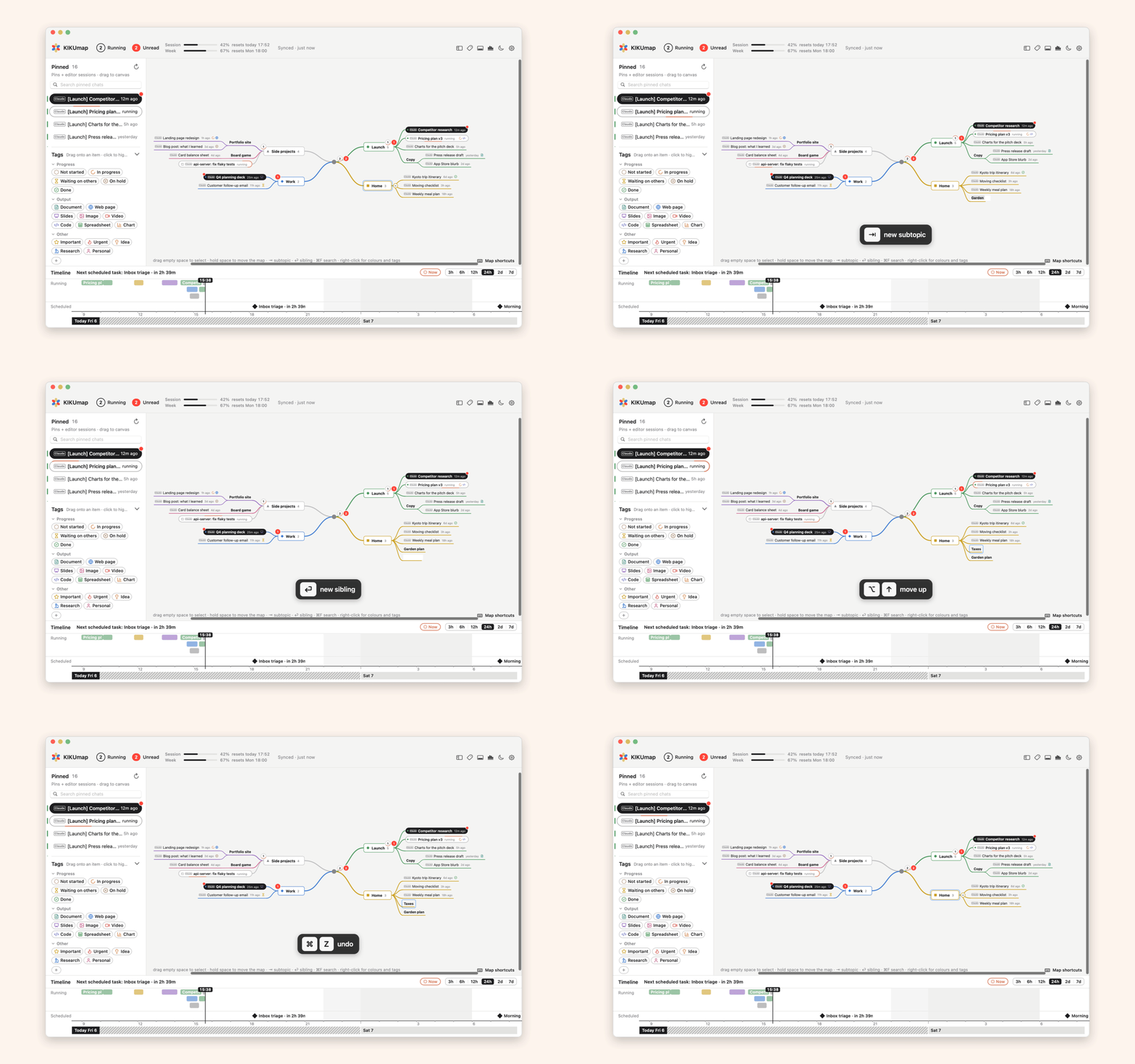 |
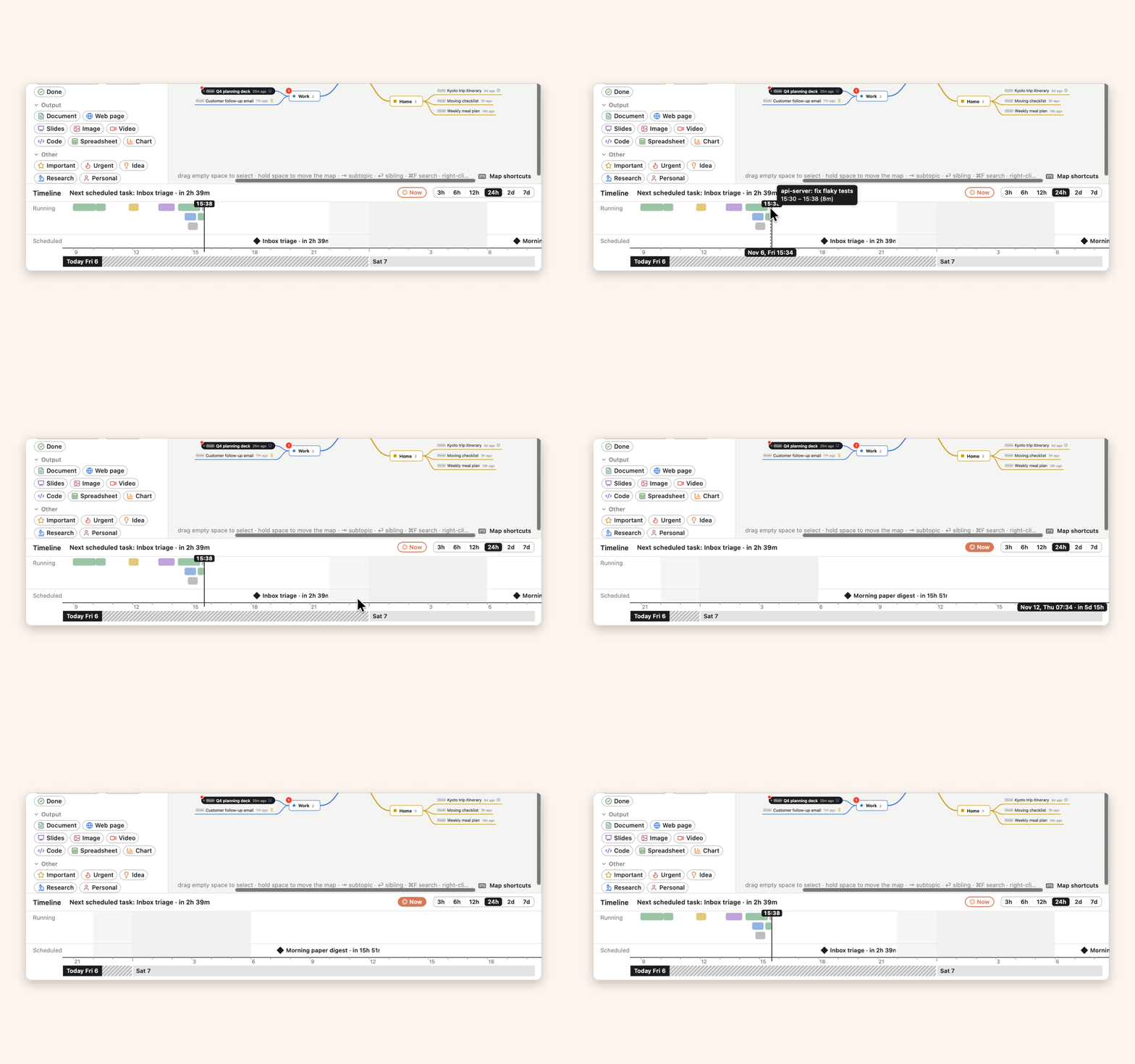 |
5. TimelineWhen each chat ran, and the scheduled tasks coming up, with countdowns. |
6. Export and importEach Claude chat as files: a summary, prompts, the conversation and artifacts. Import them into another Claude account. | 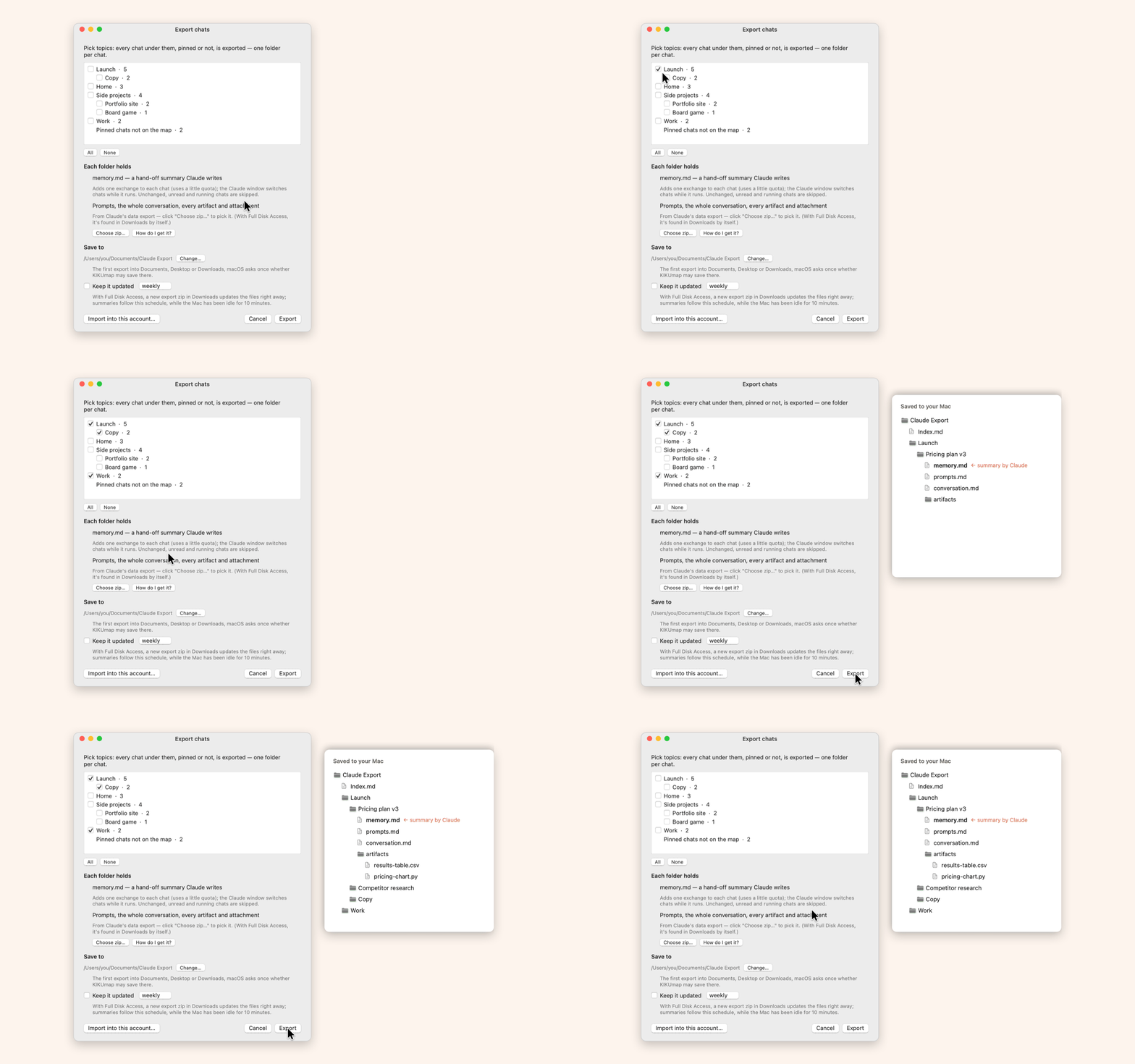 |
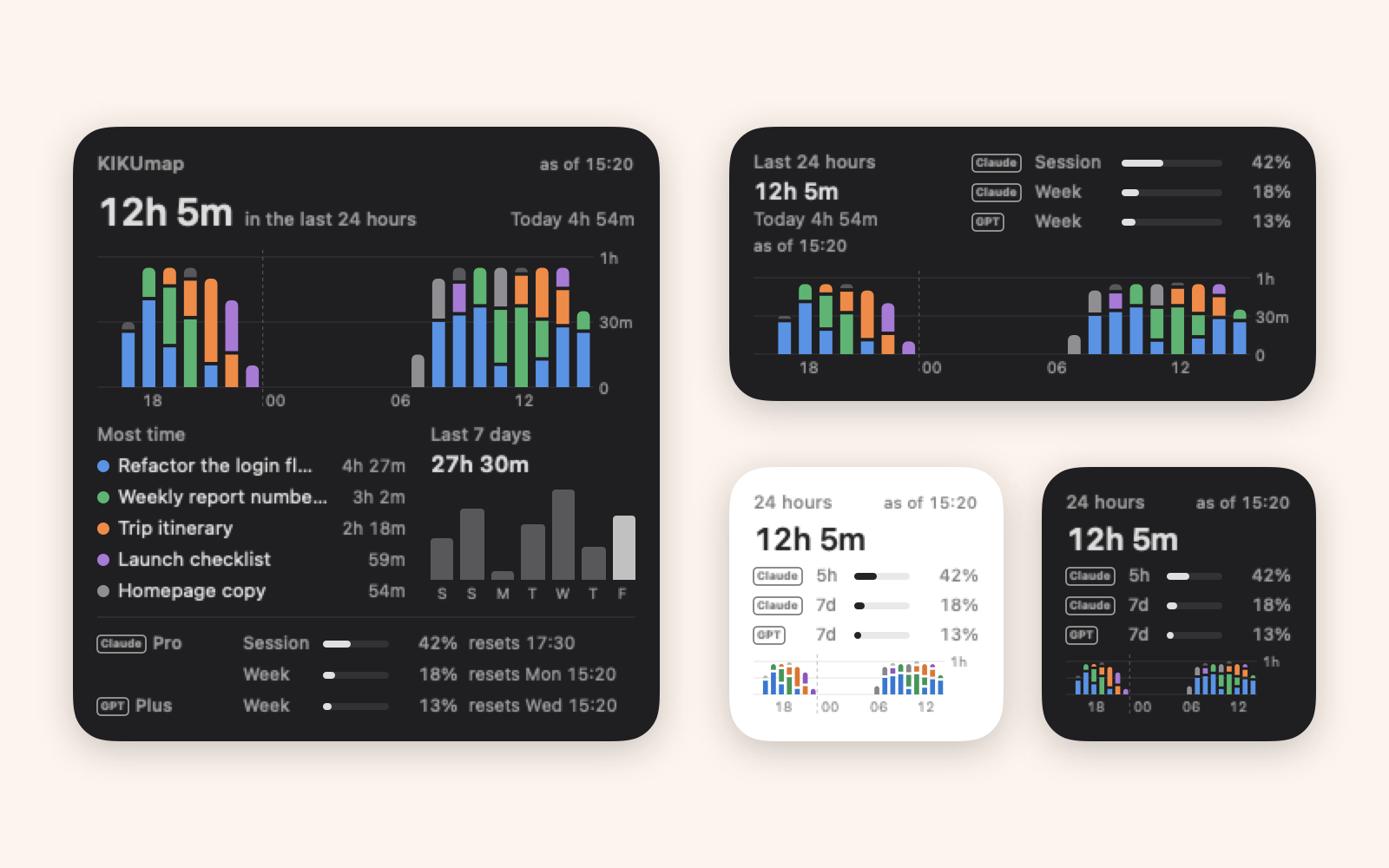 |
7. Desktop widgetTime worked in the last 24 hours and the last 7 days, plus Claude and ChatGPT usage with plan names. Three sizes, macOS 14 or later. |
8. StatisticsTime per chat and session over 7, 14, 30 or 90 days. ⌘Y. | 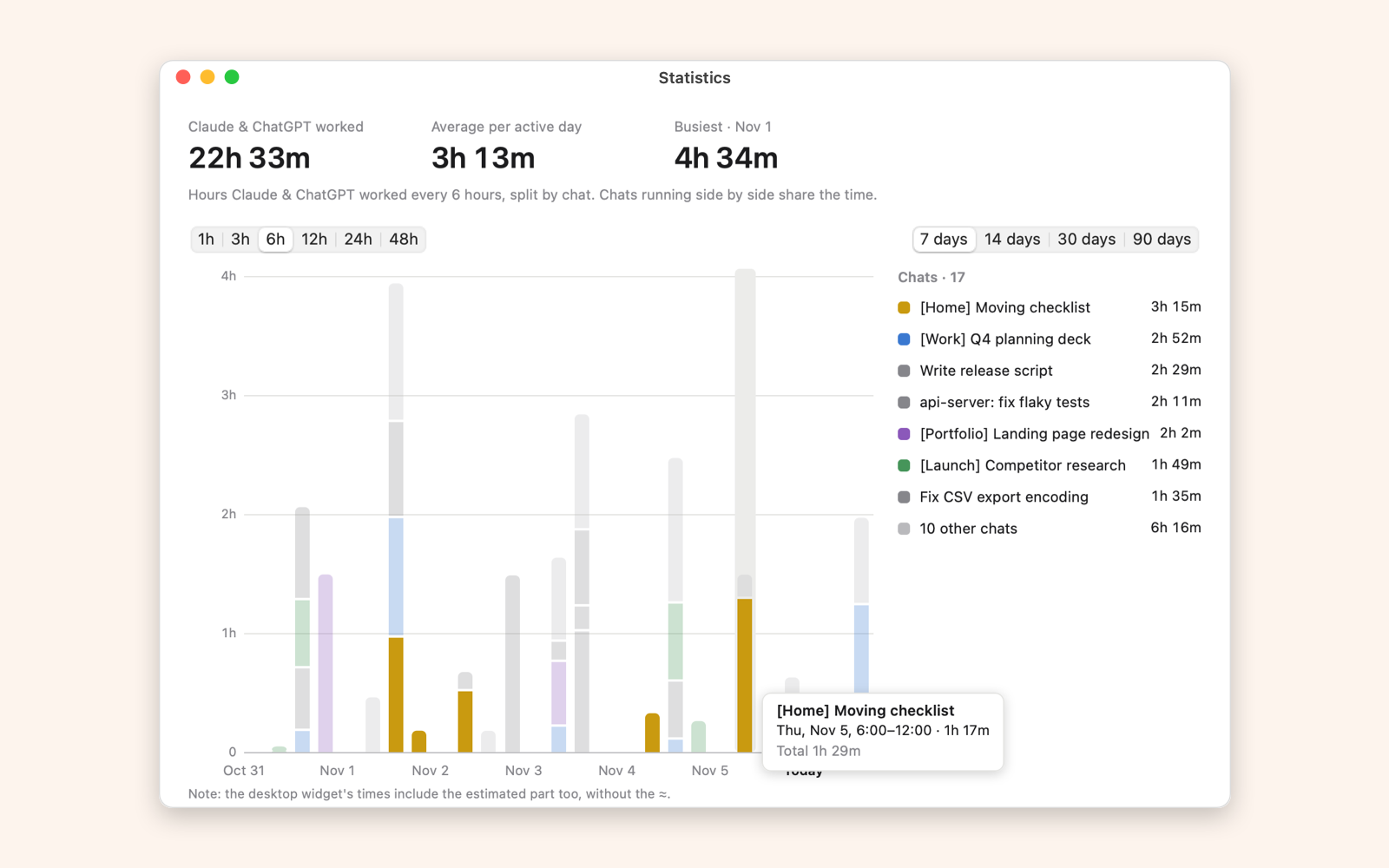 |
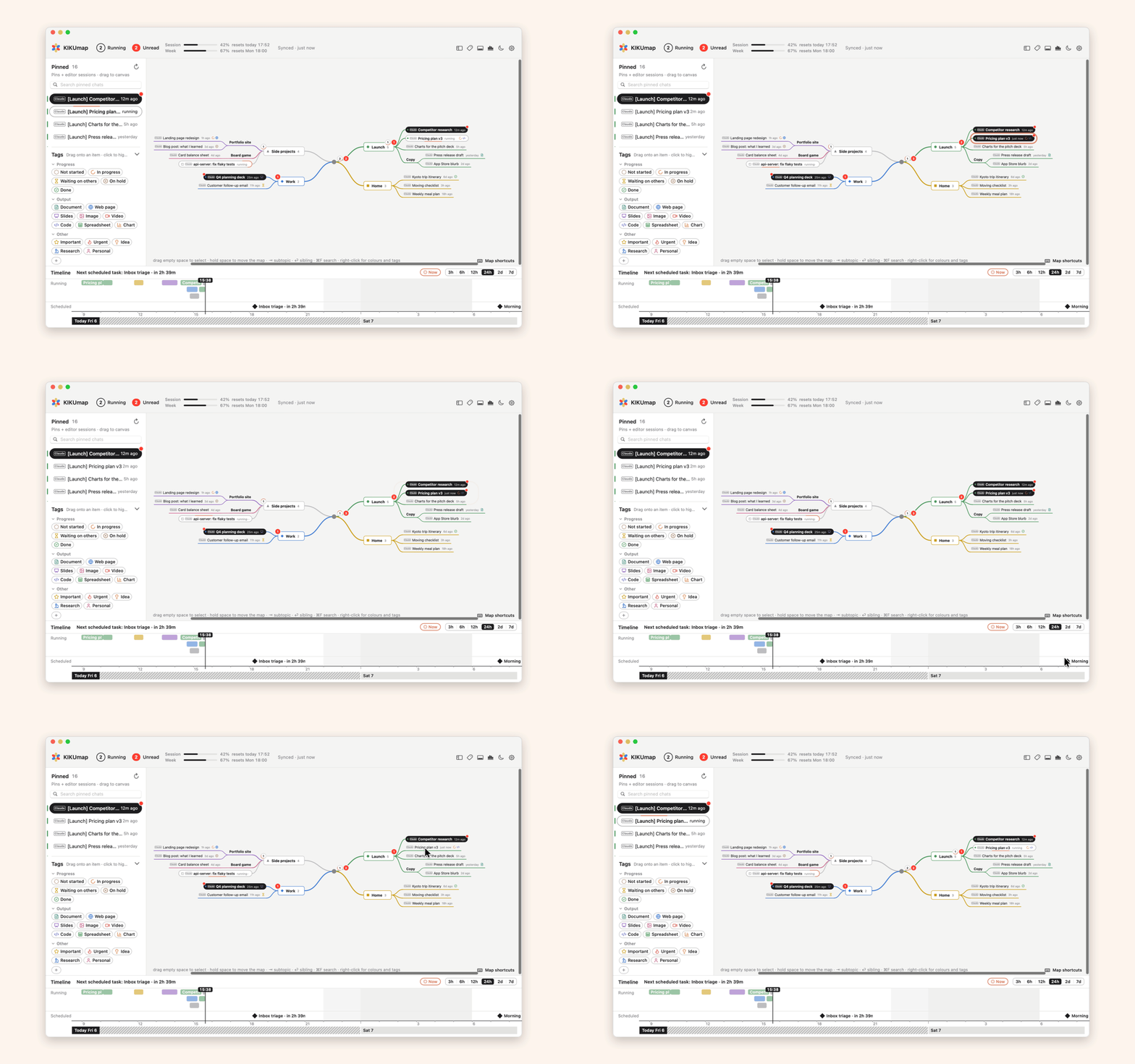 Finished chats light up on the map. | 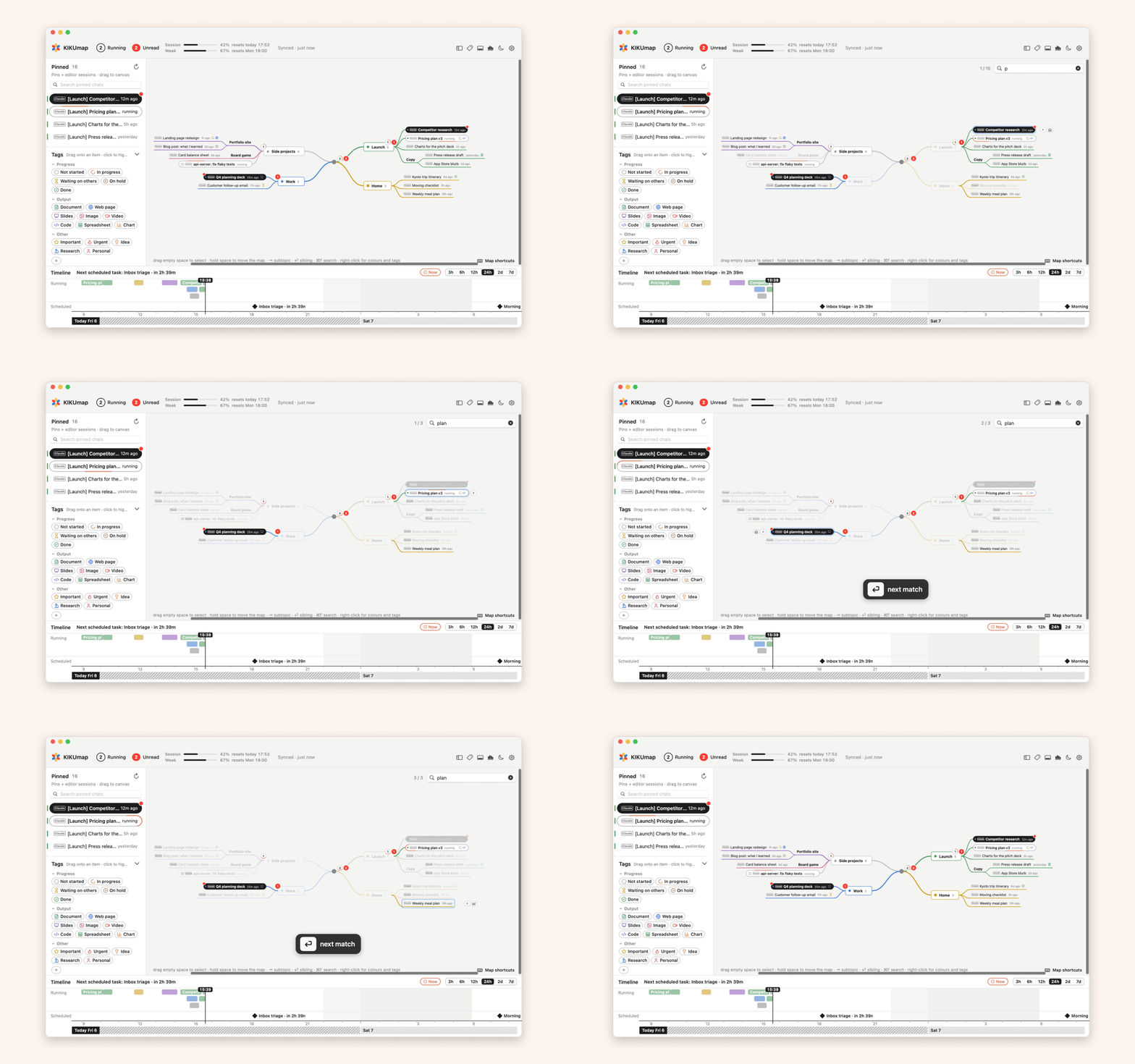 Search topics, chats and tags. |
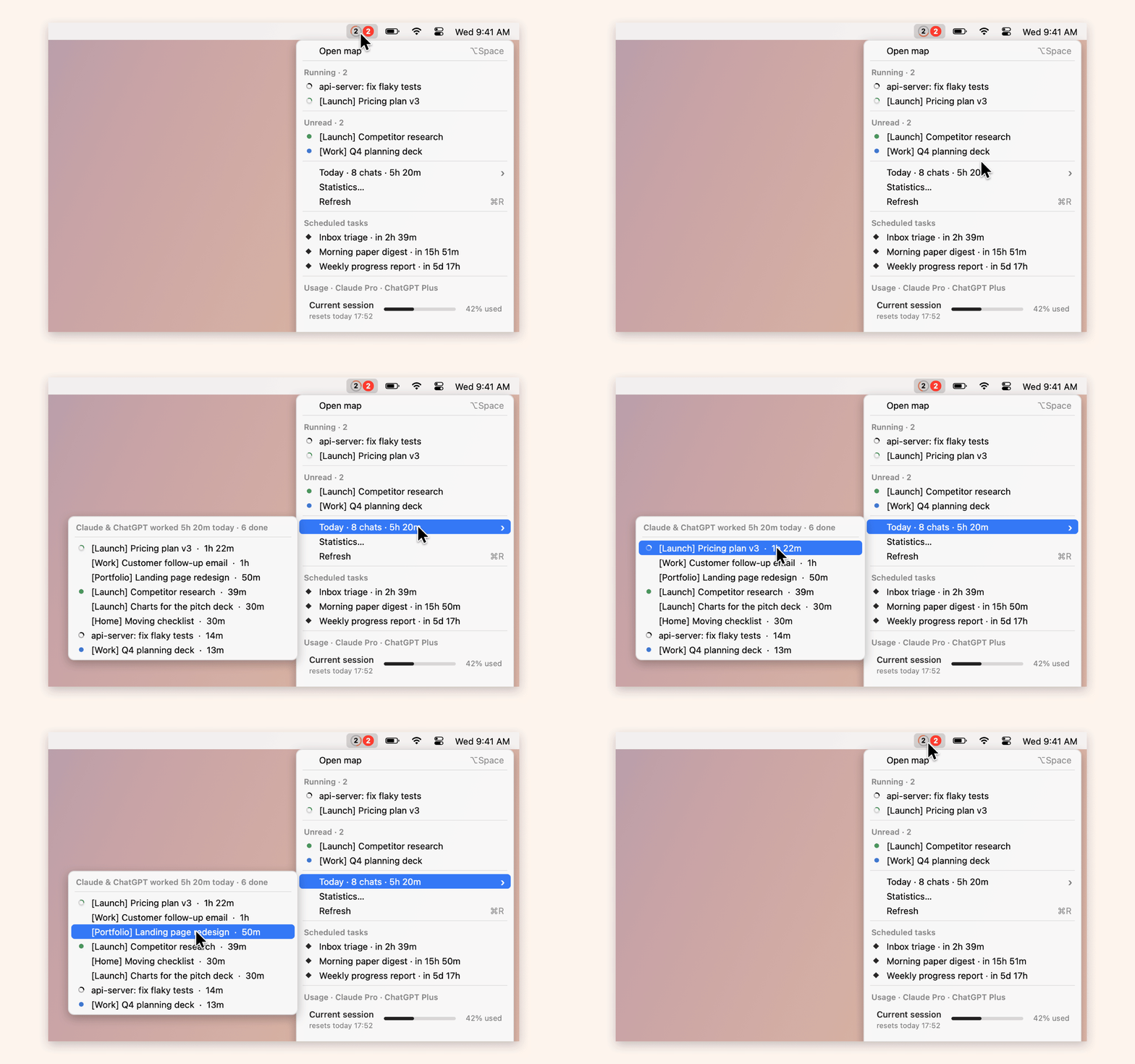 Today: which chats and sessions worked, and how long. | 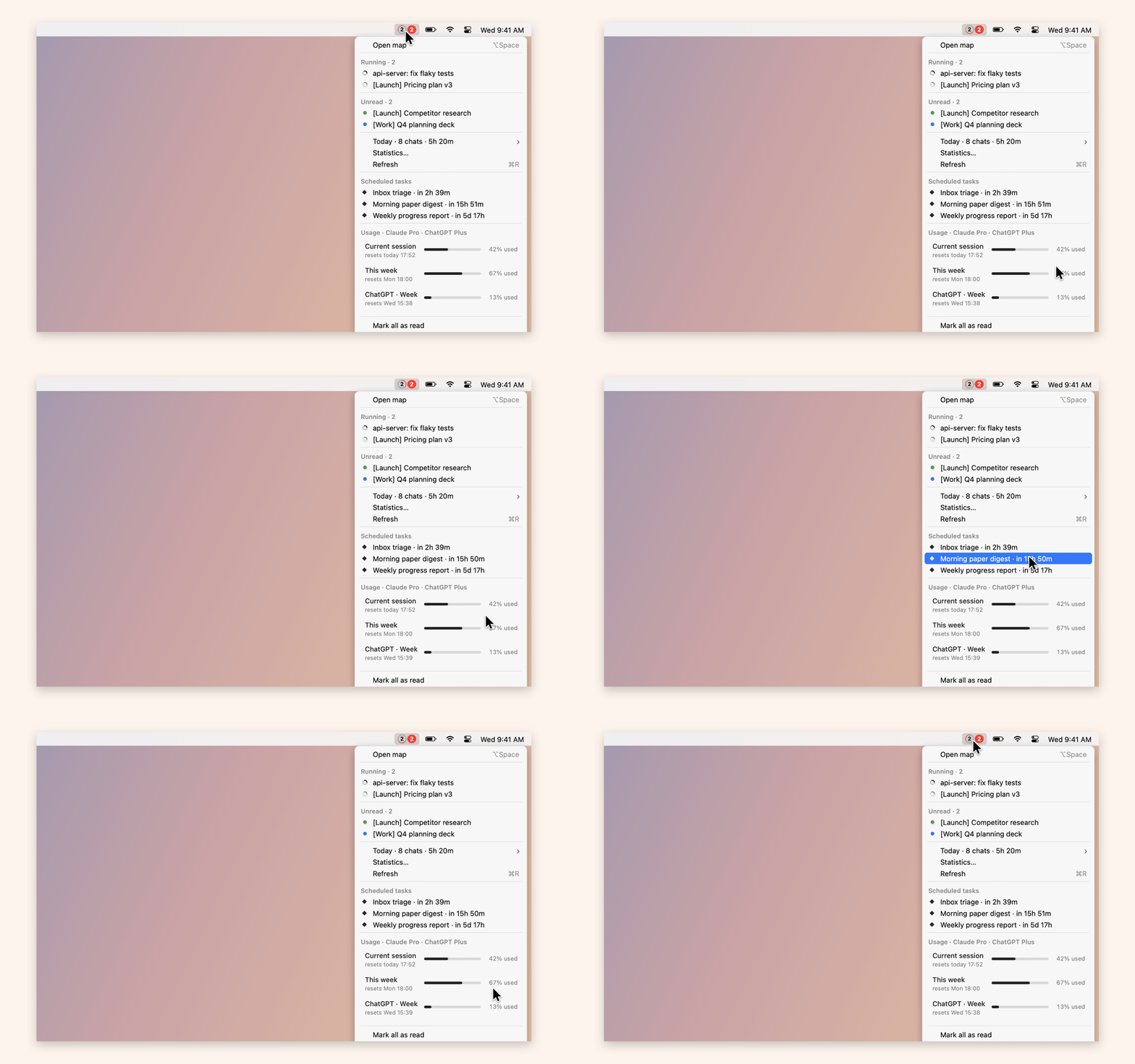 Usage for the session and the week. |
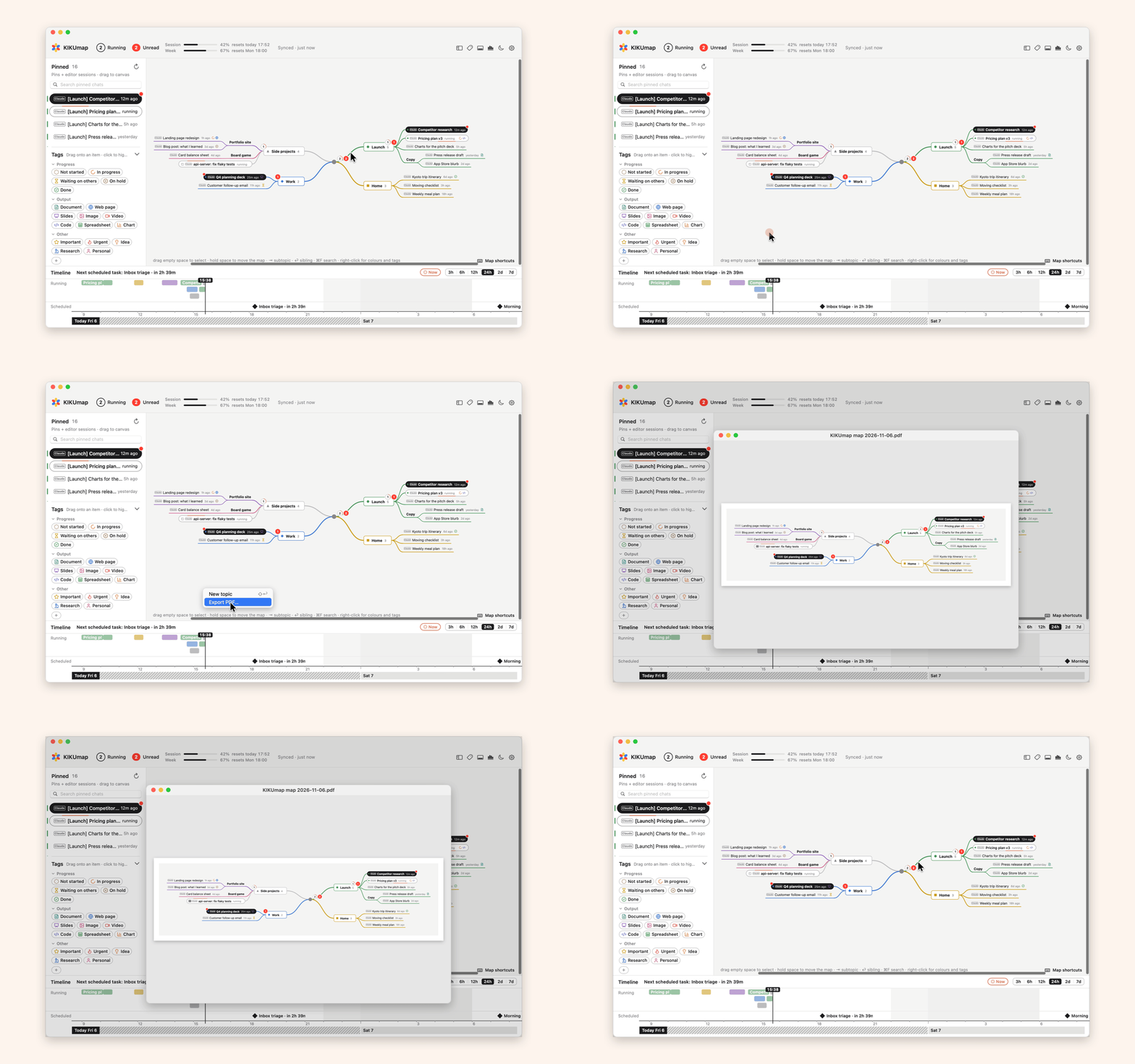 PDF of the whole map. | 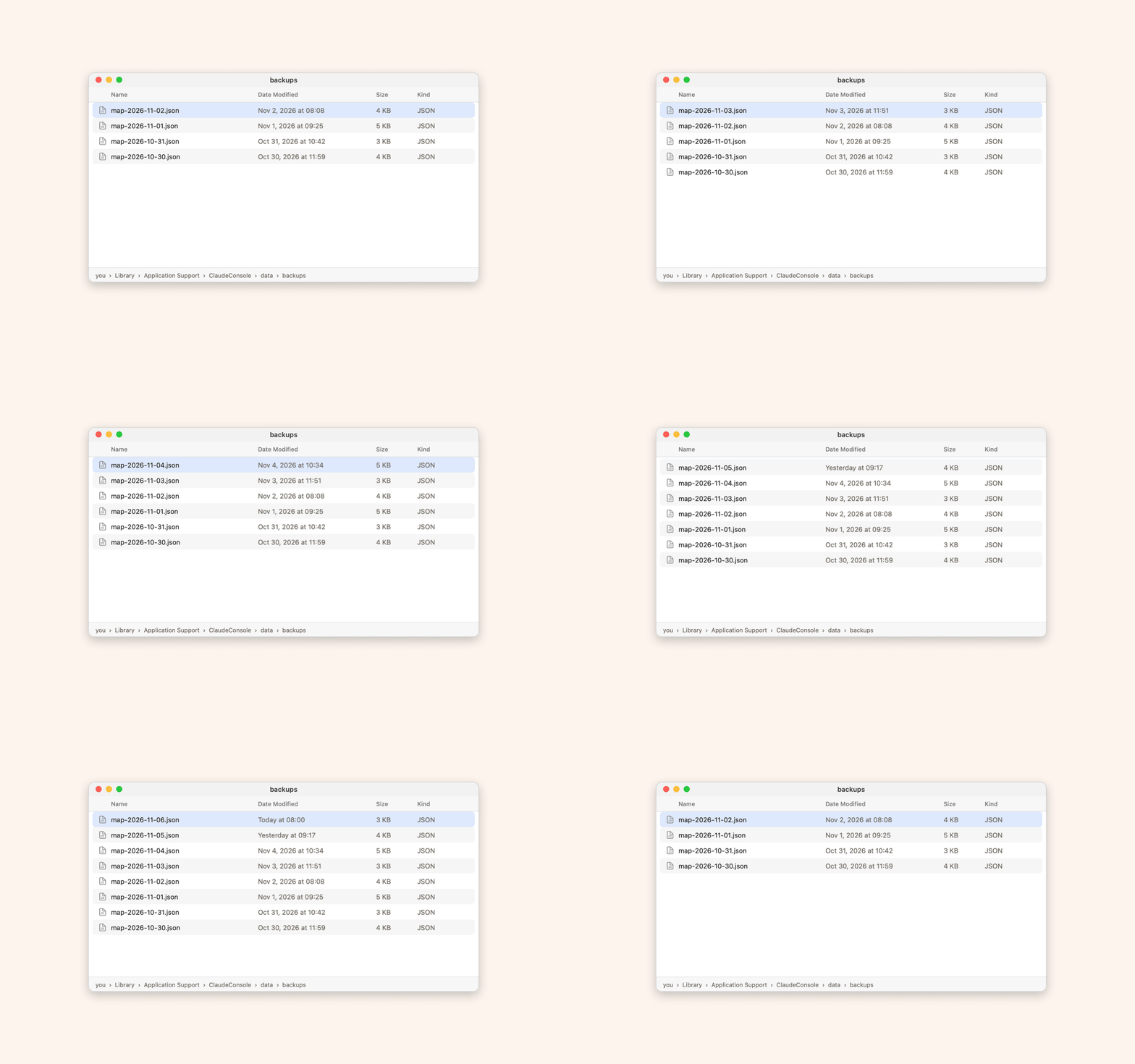 Daily backups of the map. |
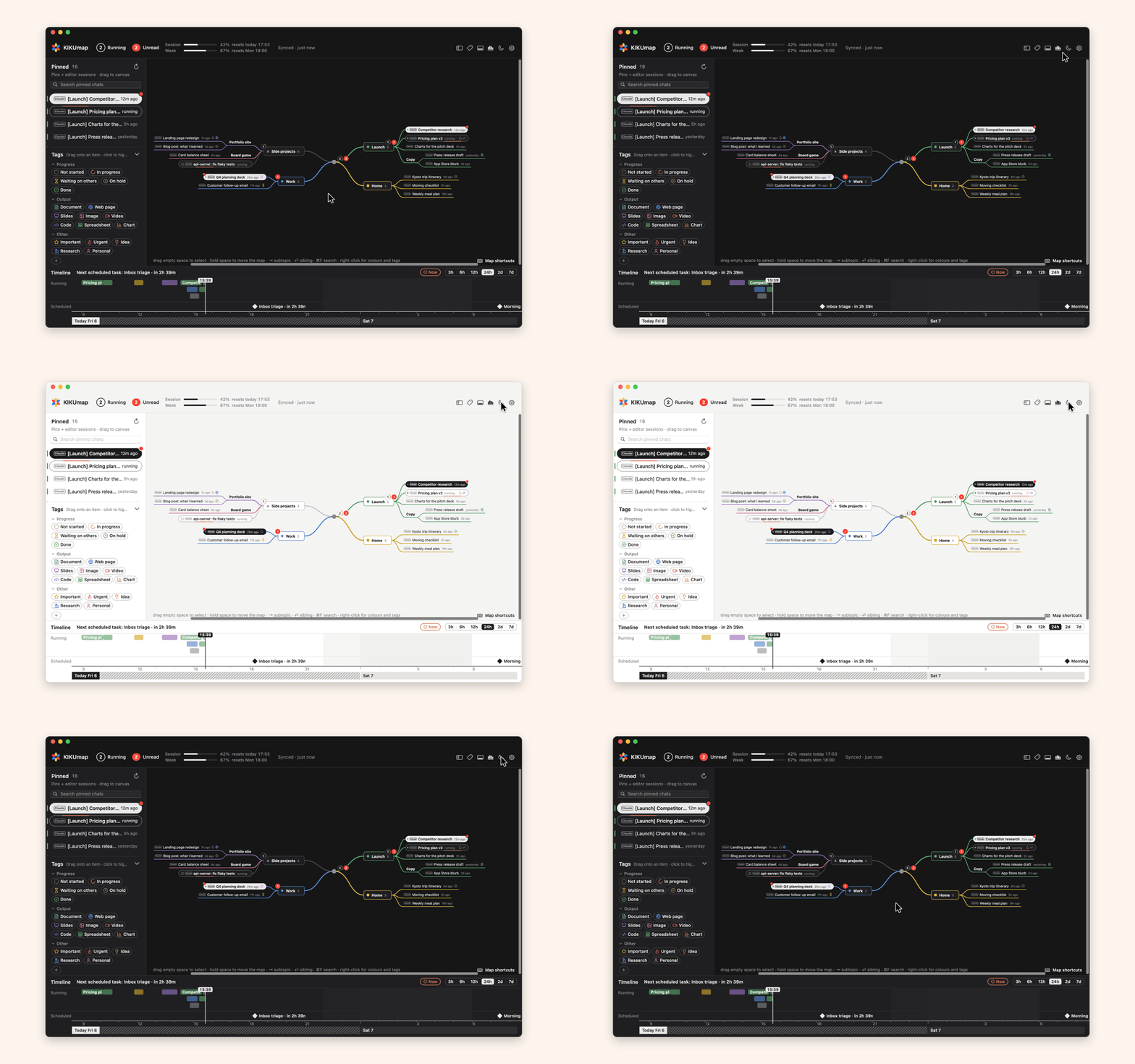 Light or dark. | 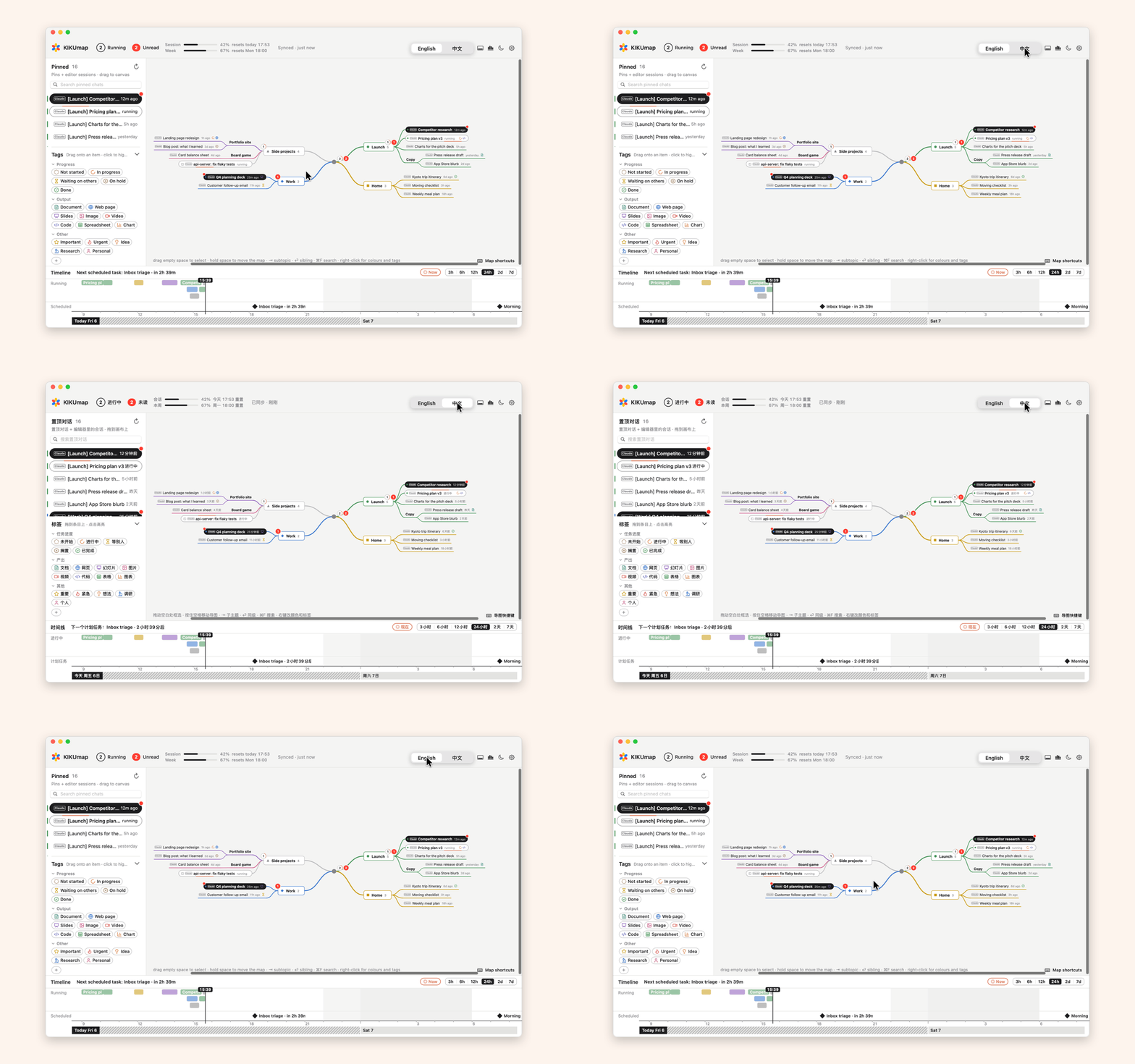 English · 中文. |
Works with: the Claude desktop app · Claude Code (Terminal, VS Code, Cursor, the app's Code mode) · the ChatGPT desktop app · Codex in VS Code or the terminal.
Native and light: Swift and AppKit only. No Electron, no web view, no third-party code (line icons from Lucide, ISC).
Install
- Download Kikumap.dmg (macOS 13 or later, Apple silicon and Intel) and drag KIKUmap to Applications.
- On first launch, macOS can't check the app (it isn't notarized). Click Done, then System Settings → Privacy & Security → Open Anyway.
- Allow Accessibility when the intro asks. Everything else is optional.
- Pin chats in Claude or ChatGPT to follow them.
Build from source
Needs the Xcode Command Line Tools.
git clone https://github.com/tang1693/KIKUmap.git
cd KIKUmap
open Install.command
Install.command builds with swiftc, installs to ~/Applications and signs with a local certificate, so permissions survive rebuilds. scripts/build-release.sh builds the disk image.
Privacy
- Everything stays on the Mac, in
~/Library/Application Support/ClaudeConsole/. - One permission is required: Accessibility, to read the chat lists in the Claude and ChatGPT windows. Every permission is explained before macOS asks.
- No network requests, except the optional usage lookups (off by default) to Anthropic and OpenAI. Those read the sign-ins Claude Code and Codex already keep on the Mac, and never save them. Neither company has said apps may do this, so these lookups could be blocked.
- Export (with summaries) and Import paste through the clipboard. What KIKUmap pastes is marked for clipboard history apps to skip and kept off your other devices. Each summary comes through Claude's own Copy button, which a clipboard history app may keep. Your clipboard is put back after each step.
What each source and permission is for
| Shows | Comes from | Permission |
|---|---|---|
| Running, unread, pinned Claude chats | The Claude app's sidebar | Accessibility |
| Claude waiting for you (to approve or answer) and finished Cowork tasks, also with Claude's window closed (optional) | Claude's notifications in Notification Center | Full Disk Access |
| Claude Code sessions | Claude Code hooks in ~/.claude/settings.json (backed up first) | none |
| ChatGPT chats | The ChatGPT app's files in ~/.codex (read-only) | none |
| Running, done and unread for ordinary ChatGPT chats (not Codex) | The sidebar in ChatGPT's window, while part of the window can be seen | Accessibility |
| A finished session you're looking at counts as read | The window titles of its editor or terminal, while that app is in front | Accessibility |
| Desktop widget | One file KIKUmap writes for it (widget.json) | none |
| Claude usage and scheduled tasks (optional) | Anthropic's usage API, with Claude Code's sign-in | Keychain |
| ChatGPT usage (optional, experimental) | OpenAI's usage interface, with Codex's sign-in | none |
ChatGPT: Codex chats are supported best (read from the app's files, right even with its window closed). Ordinary chats are supported less well: they're read off ChatGPT's window, only while part of it shows.
Not shown: unpinned chats, and anything running on another computer, a server or in the cloud.
All keyboard shortcuts
| ⇥ / ⌥⇥ | new child / new parent topic |
| ⏎ / ⌥⏎ / ⇧⏎ | new sibling below / above / new main topic |
| ⌘⏎, double-click | rename |
| ⌫ / ⌥⌫ | delete (pinned chats stay in the left column) / delete just the topic, keeping its items (also with several selected) |
| ⌥. | fold / unfold |
| ↑ ↓ ← → | select the nearest item that way |
| ⌥↑ ⌥↓ / ⌥← ⌥→ | move up or down / move a level |
| ⌘↓, tap space | open the chat in its app |
| ⌘↑ | up to the topic it's in |
| drag on empty space, ⇧/⌘-click | select several |
| hold space, two-finger swipe | move around the map |
| ⌃⌘S / ⌃⌘G / ⌃⌘T | left column / tags / timeline |
| ↑ ↓ in the left column | pick the row above or below (the map selects its chat too) |
| ⏎, space in the left column | open the chat in its app |
| ⌘Y | statistics |
| ⌘R | refresh |
| ⌘Z / ⇧⌘Z | undo / redo |
| ⌘F | search |
| ⌘E / ⇧⌘E | map as PDF / export chats |
| ⇧⌘U | mark unread / read |
| ⌘+ / ⌘- / pinch / ⌘0 | bigger / smaller / zoom / fit |
| ⌃⌥C (changeable, but not to KIKUmap's own ⌃⌘S / ⌃⌘G / ⌃⌘T / ⌥⌘H) | show or hide the map from anywhere |
FAQ
Is this made by Anthropic or OpenAI?
No. KIKUmap is an independent, open-source project. The Claude app has no public API, so KIKUmap reads its window through Accessibility; an update to Claude or ChatGPT can break parts of it until KIKUmap catches up.
Why "Open Anyway"?
Notarizing needs a paid Apple developer account, and KIKUmap is free. Building from source works too: plain Swift, no dependencies.
Claude's window is closed. What happens?
⌘W only hides it. KIKUmap reads Claude's chats from the window, so it can't see them until the window is back on the current desktop; meanwhile running chats show "running?". Once it's back, one found done says "done after 14:00" (when it was last seen running), since when it finished isn't known. Claude Code and Codex chats aren't affected. ChatGPT's ordinary chats are read from ChatGPT's window the same way, while part of it can be seen.
A session finished while I watched it. Why is it still unread?
KIKUmap marks a finished session read by itself only when the window in front can only be that session's: for Claude Code, its folder's window in VS Code or Cursor, or a terminal window whose title shows both its folder and claude; for Codex, its folder's window in VS Code. If another window or tab could be showing it too, such as another editor window on its folder or a folder above it, it stays unread. Codex sessions in a terminal stay unread too (KIKUmap can't tell which terminal runs them). Open it from KIKUmap, or select it and press ⇧⌘U, to mark it read.
Something isn't showing
- ▸ To-do in the top bar lists what's missing, with a button for each.
- Claude chats: pin them, and keep Claude's sidebar open on Chat with Pinned unfolded.
- Claude Code: Settings → Access → Claude Code → Connect, then start a new session.
- Widget: macOS 14 or later, with KIKUmap in Applications. Right-click the desktop → Edit Widgets.
- Still stuck: Settings → Access → Diagnostic report (no chat titles or messages in it) and open an issue.
Why the name?
Kiku (菊) is Japanese for chrysanthemum: the little flower in the menu bar.
Contributing
Issues and pull requests are welcome, especially when a Claude or ChatGPT update breaks something. See the contributing guide and the code of conduct; security problems go through the security policy.
Support
KIKUmap is free. If it helps, a coffee keeps it going ❤️

License
MIT. Claude is a trademark of Anthropic and ChatGPT a trademark of OpenAI; this project is independent and not endorsed by either.