Media Hoarder
Media Hoarder is THE frontend for your Movie and TV Series collection if you love metadata, filter abilities and easy management.
Media Hoarder:
- automatically scans your movies and tv series (local or NAS, you define the source paths)
- gathers metadata using mediainfo and imdb.com
- provides a frontend to browse your collection and play your media (running the media player of your choice, e.g. VLC)
Screenshots
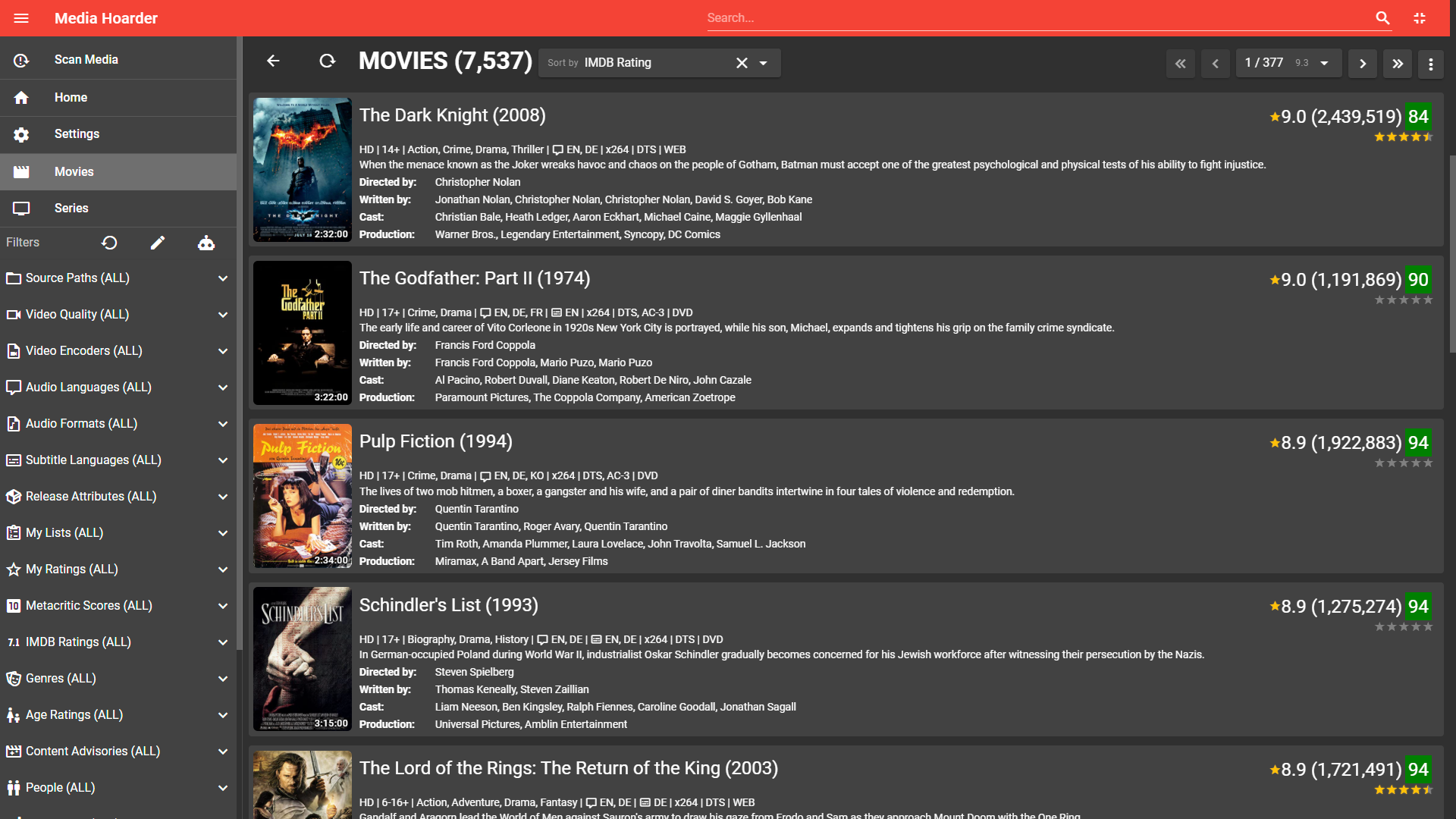
Media Hoarder's movie list
Click Here For More Screenshots
Details about an actor including the movies they are involved in as well as their role

Access individual movies in any list
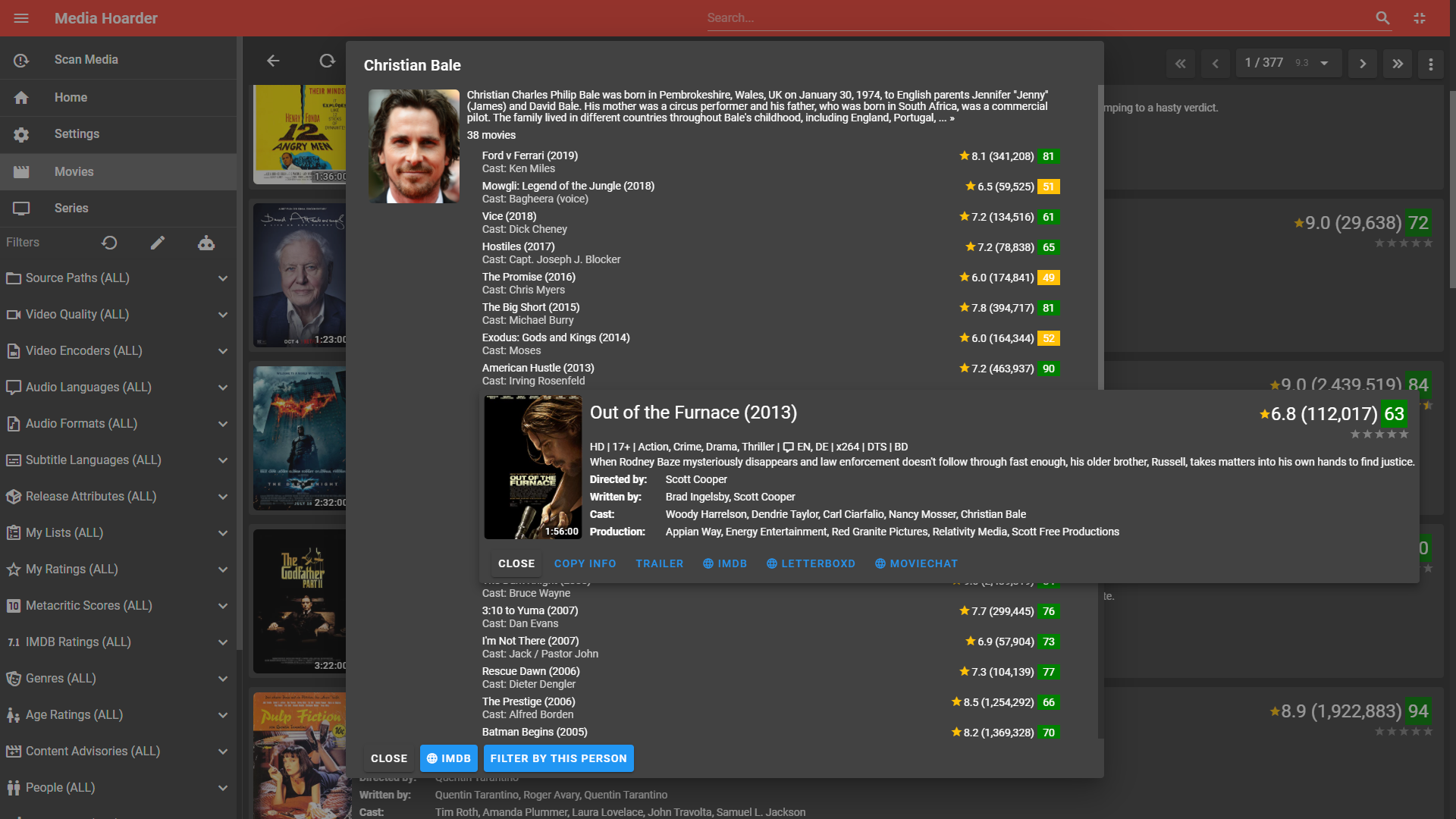
Let ChatGPT generate movie lists
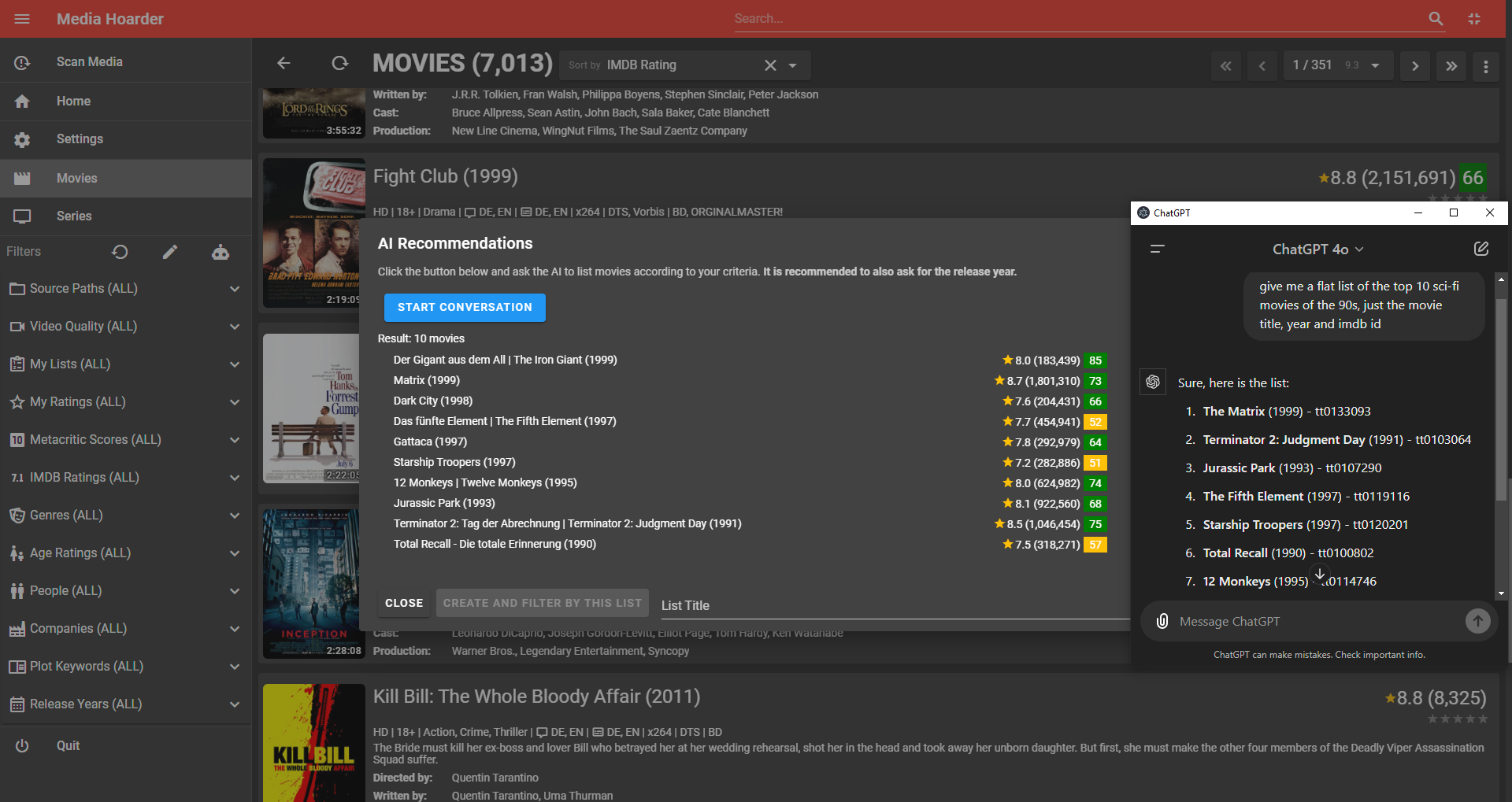
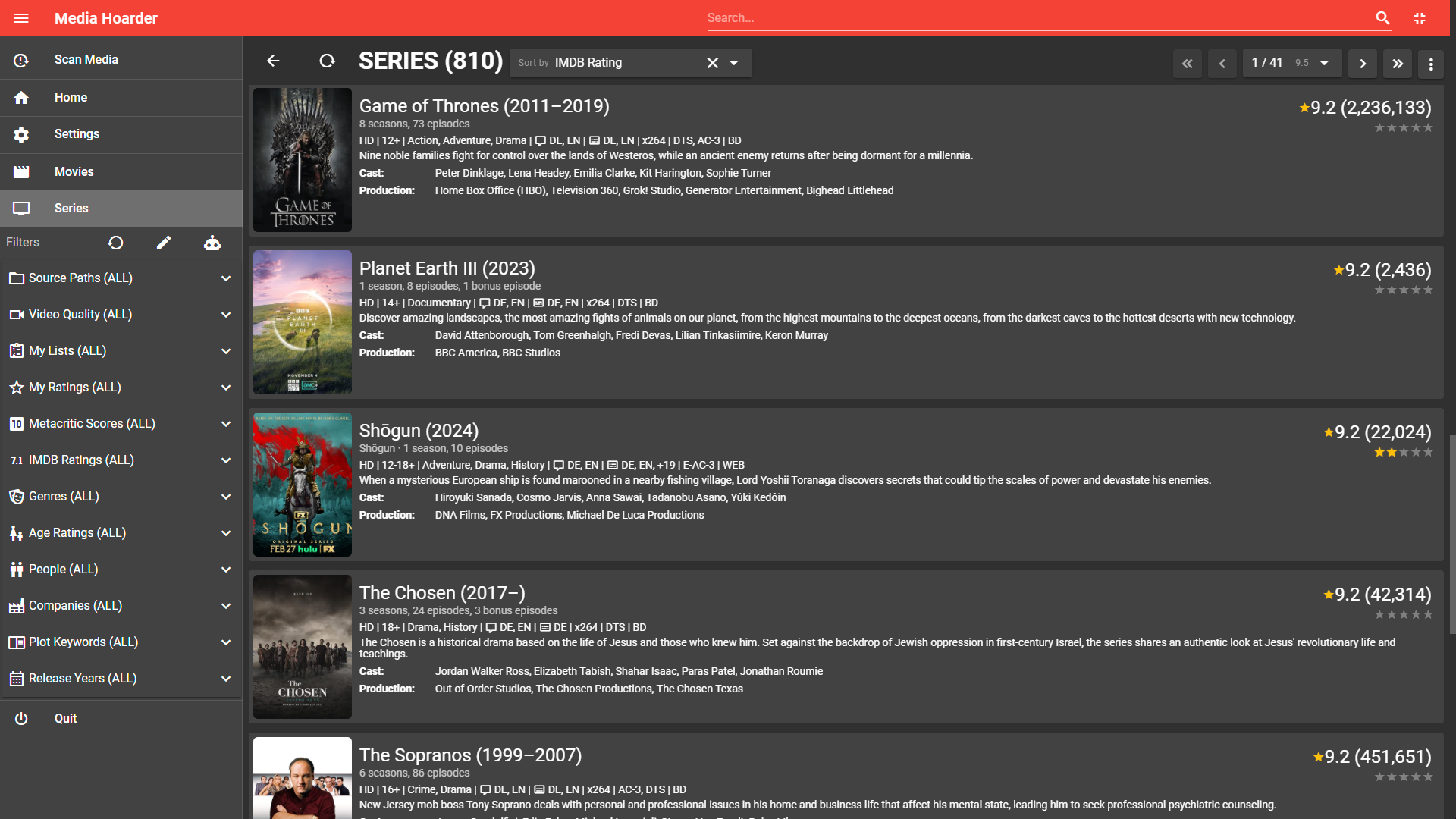
Media Hoarder's series list
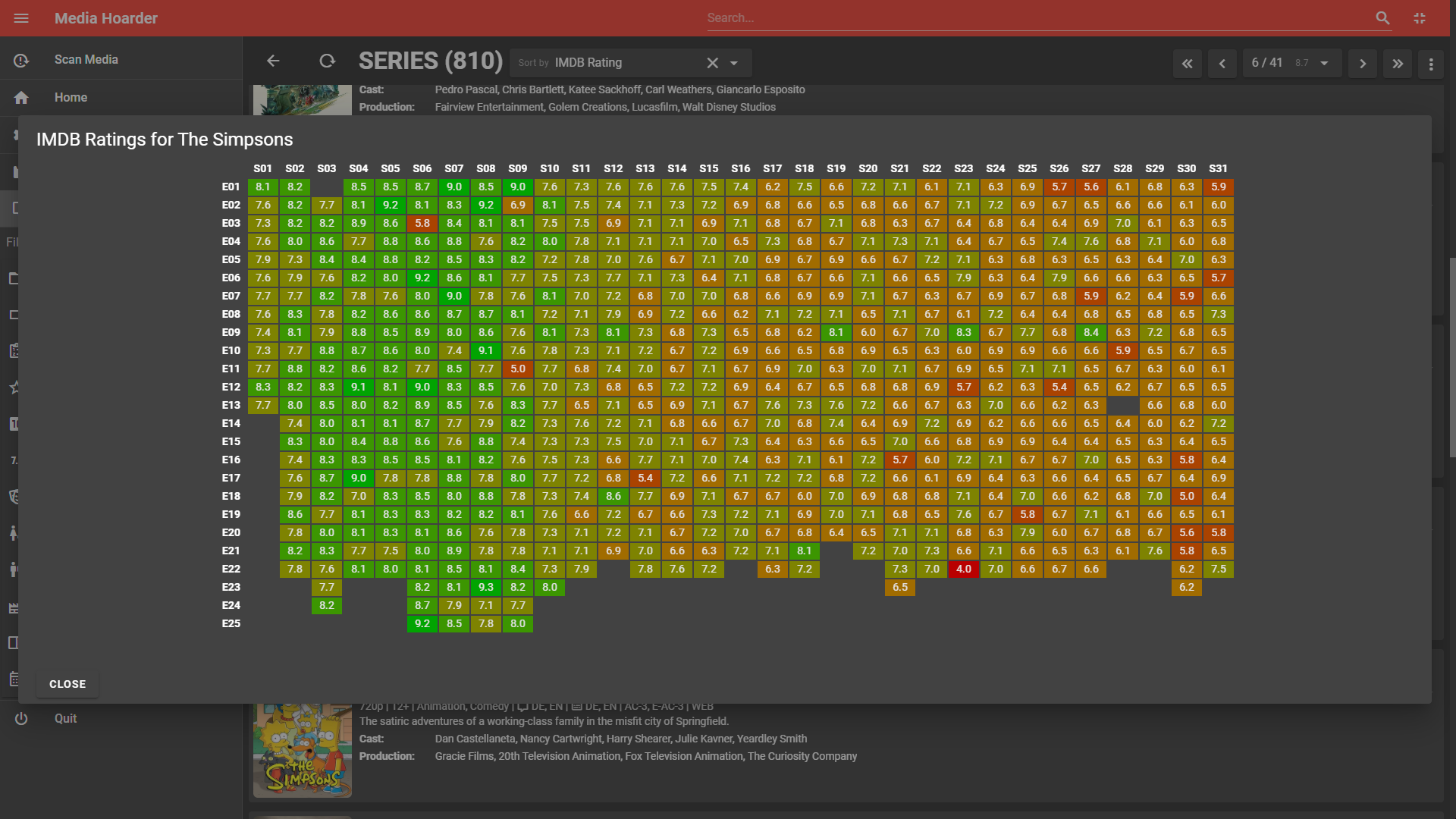
Episode rating heatmap for a series
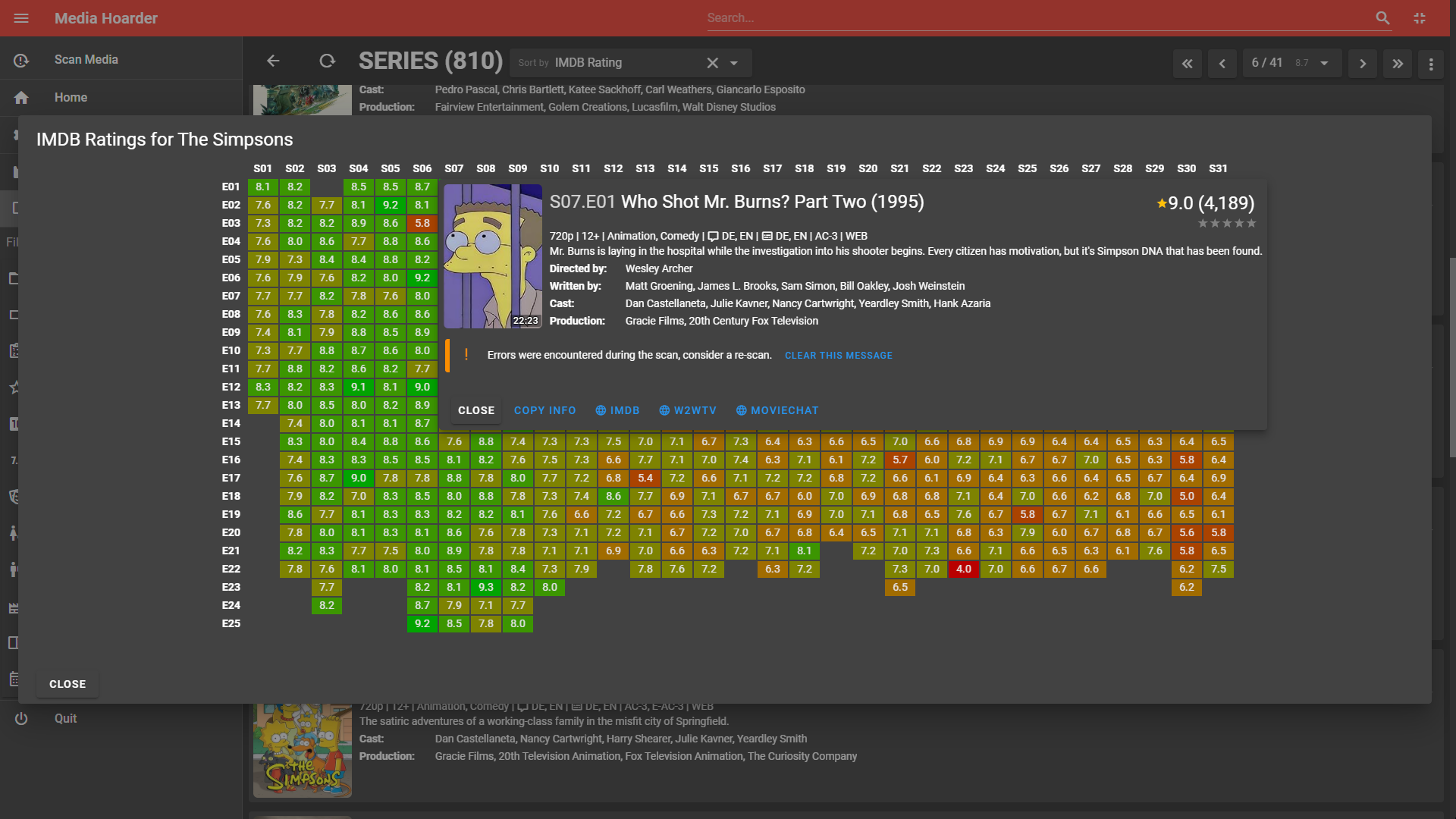
Access individual episodes from the rating heatmap
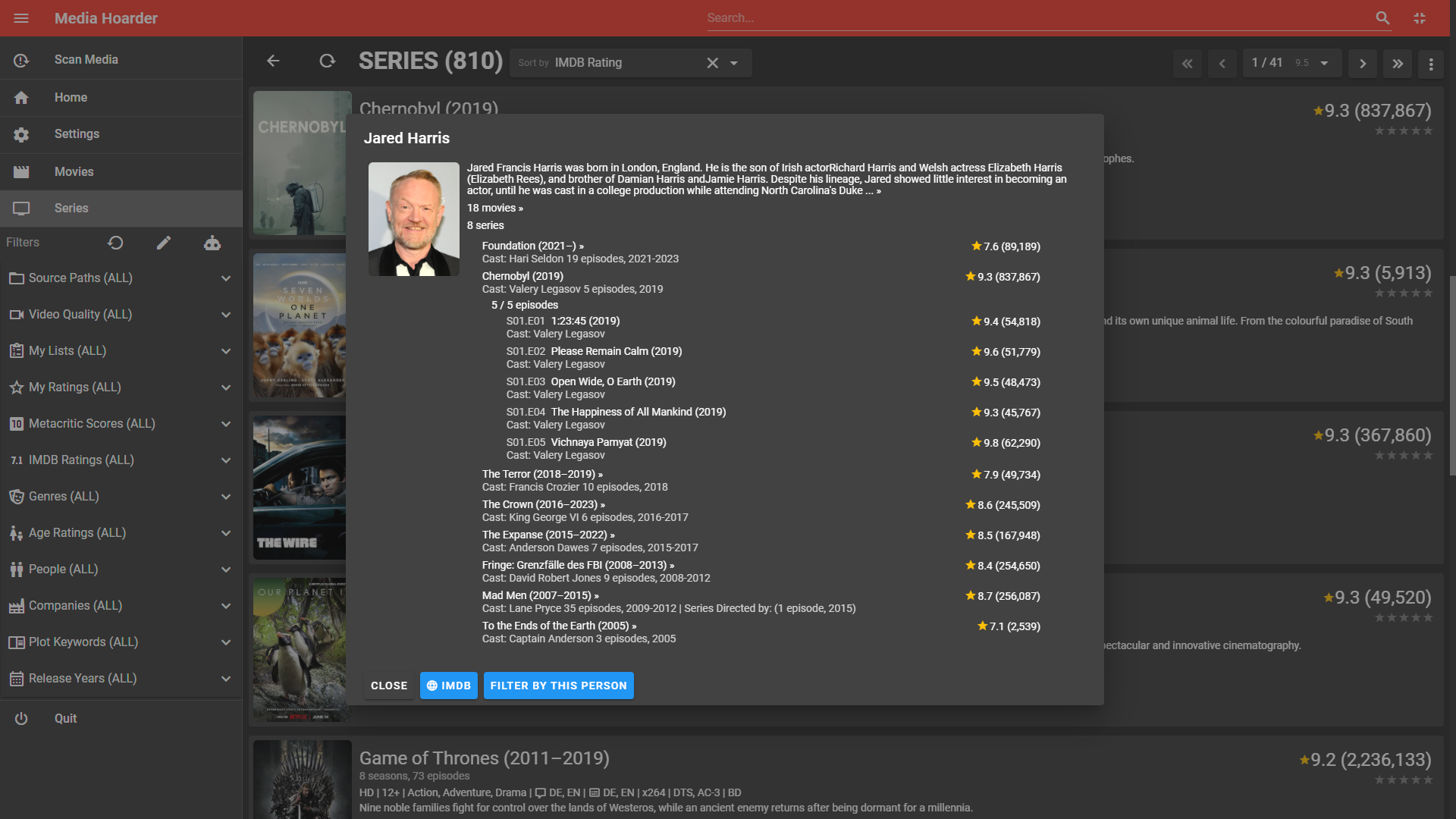
Details of an actor and their involvement in series / episodes
Features
-
Start a conversation with ChatGPT and apply the results to your media https://www.youtube.com/watch?v=EqiChgd2iuo
-
Tons of metadata from imdb.com including poster images
-
Metadata from mediainfo analysis
-
Filter by multiple criteria
- Source Paths (e.g. distinguish between files on your NAS and locally available ones)
- Video Quality (e.g. 720p, HD, 4k etc.)
- Audio Languages
- Subtitle Languages
- Your Lists
- Your Rating (5-star)
- Metacritic Score
- IMDB Rating (10-star)
- Genres
- Ages
- Content Advisory
- Sex & Nudity
- Violence & Gore
- Profanity
- Alcohol, Drugs & Smoking
- Frightening & Intense Scenes
- People (e.g. Directors, Actors etc.)
- Companies (e.g. Production, Visual Effects etc.)
- Year of Release
-
Sort by
- Name
- IMDB Rating
- Metascore
- Your Rating (5-star)
- Year
- Date/Time of import
-
Embedded Trailer Player
-
List Management (create lists and add/remove movies/series)
-
Copy Info (for easy sharing with social media, includes your 5-star rating)
Example:
★★★★☆ Beats (2019) https://www.imdb.com/title/tt7524414 -
(re-)assign IMDB entry including embedded IMDB search dialog
Supported File Formats
Media Hoarder currently supports the following file formats:
| File Extension | Format Name |
|---|---|
| avi | Audio Video Interleave |
| mp4 | MPEG-4 |
| mkv | Matroska |
| m2ts | Blu-ray Disc Audio-Video MPEG-2 Transport Stream |
| rar | Roshal Archive (preferably uncompressed) |
Documentation
The following linked documents provide some detailed information about some inner workings.
| Document | Description |
|---|---|
| 01-Media-Storage.md | how Media Hoarder expects media files to be stored |
| 02-IMDB-ID-Detection.md | in-depth talk about how Media Hoarder tries to find the correct IMDB entry for a movie |
| 03-Parental-Guidance-Rating.md | how Media Hoarder handles parental guidance / rating |
Star History
Download and Install
Downloads are available at releases.
Currently Media Hoarder comes as:
- Windows 10/11 x64 Setup and Portable (.zip)
- Linux x64 Setup (.deb, .appimage, .snap, .rpm) and Portable (.tar.gz)
- MacOS X .dmg (Intel and Apple Silicon)
For Developers: Getting started from source
Please read Dev-Setup.md.
Install Node.js
Visit https://nodejs.org and download/install it for your OS. Media Hoarder is developed with Node.js v14.
Install vue-cli
[sudo] npm install -g @vue/cli(only on armhf architecture / Raspberry Pi): Install phantomjs globally
sudo apt -y install phantomjsClone the repository
git clone https://github.com/theMK2k/Media-Hoarder.gitProject setup
npm installGenerate Application Icons
npm run electron:generate-iconsInvoke Builder
npm run invokebuilderCompiles and hot-reloads for development
npm startCompiles and minifies for production
./build-linux.sh
./build-mac.sh
./build-win-stable.sh
Compiles and creates packages for Linux and FreeBSD
Note: for flatpak and pacman packages you need to have the following tools installed:
- flatpak
- flatpak-builder
- fakeroot (for pacman)
- libarchive-tools (for bsdtar, pacman)
./build-linux.shCompiles and creates .deb package for Raspberry Pi (armhf architecture)
npm run electron:build-rpiCompiles and creates .dmg packages for MacOS
./build-mac.shKnown Issues
- if sqlite3 has issues on installing/building perform:
npm uninstall sqlite3
npm install --save sqlite3- on armhf (Raspberry Pi) PhantomJS must be manually installed before running
npm install
sudo apt -y install phantomjselse you get the following error:
PhantomJS not found on PATH
Unexpected platform or architecture: linux/arm
It seems there is no binary available for your platform/architecture
Try to install PhantomJS globally
White screen on Raspberry Pi:
sudo npm install -g electron@7.3.3 --unsafe-perm=true --allow-root