Unitree RL GYM
🌎English | 🇨🇳中文
This is a repository for reinforcement learning implementation based on Unitree robots, supporting Unitree Go2, H1, H1_2, and G1.
Isaac Gym | Mujoco | Physical |
|---|---|---|
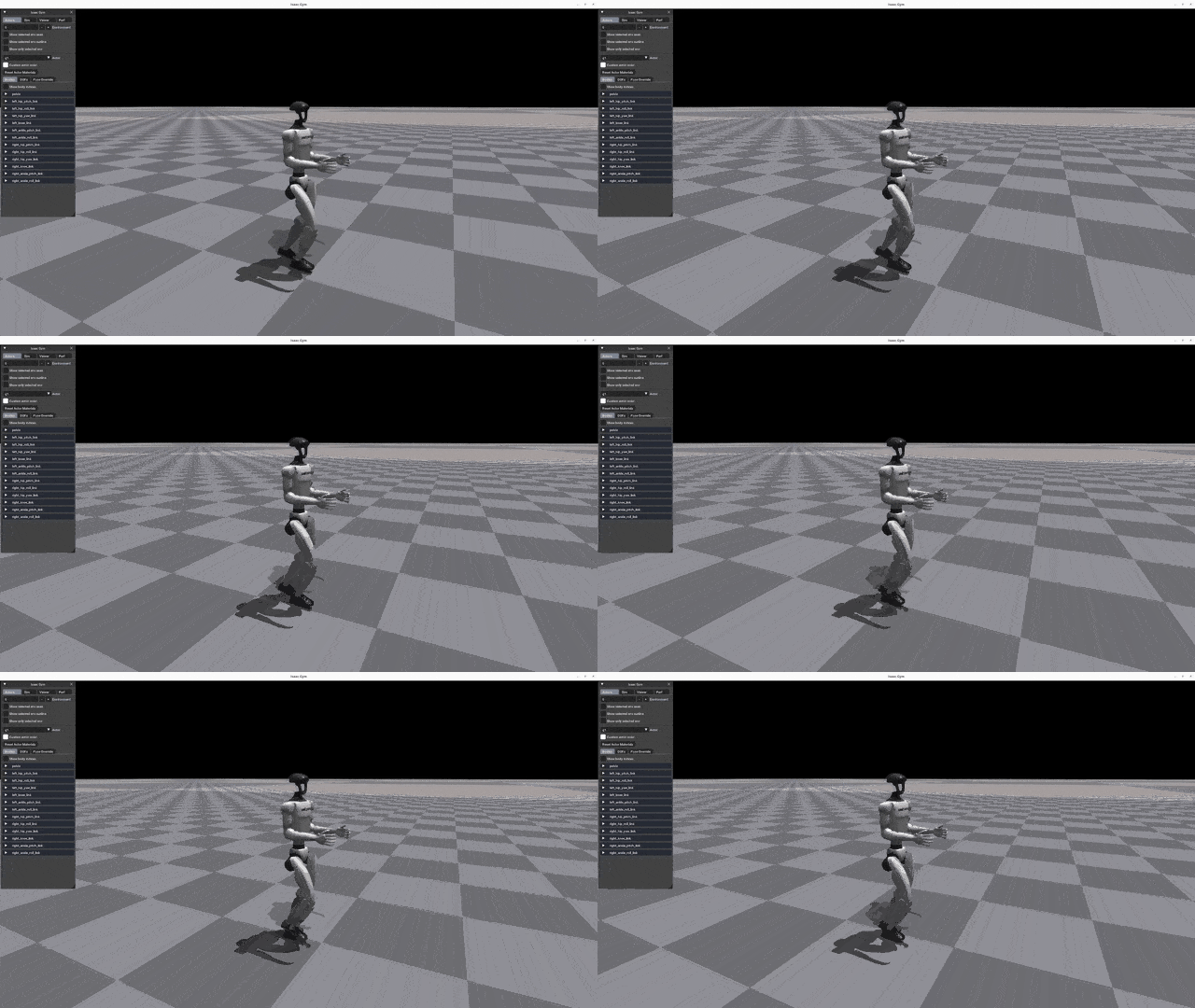 | 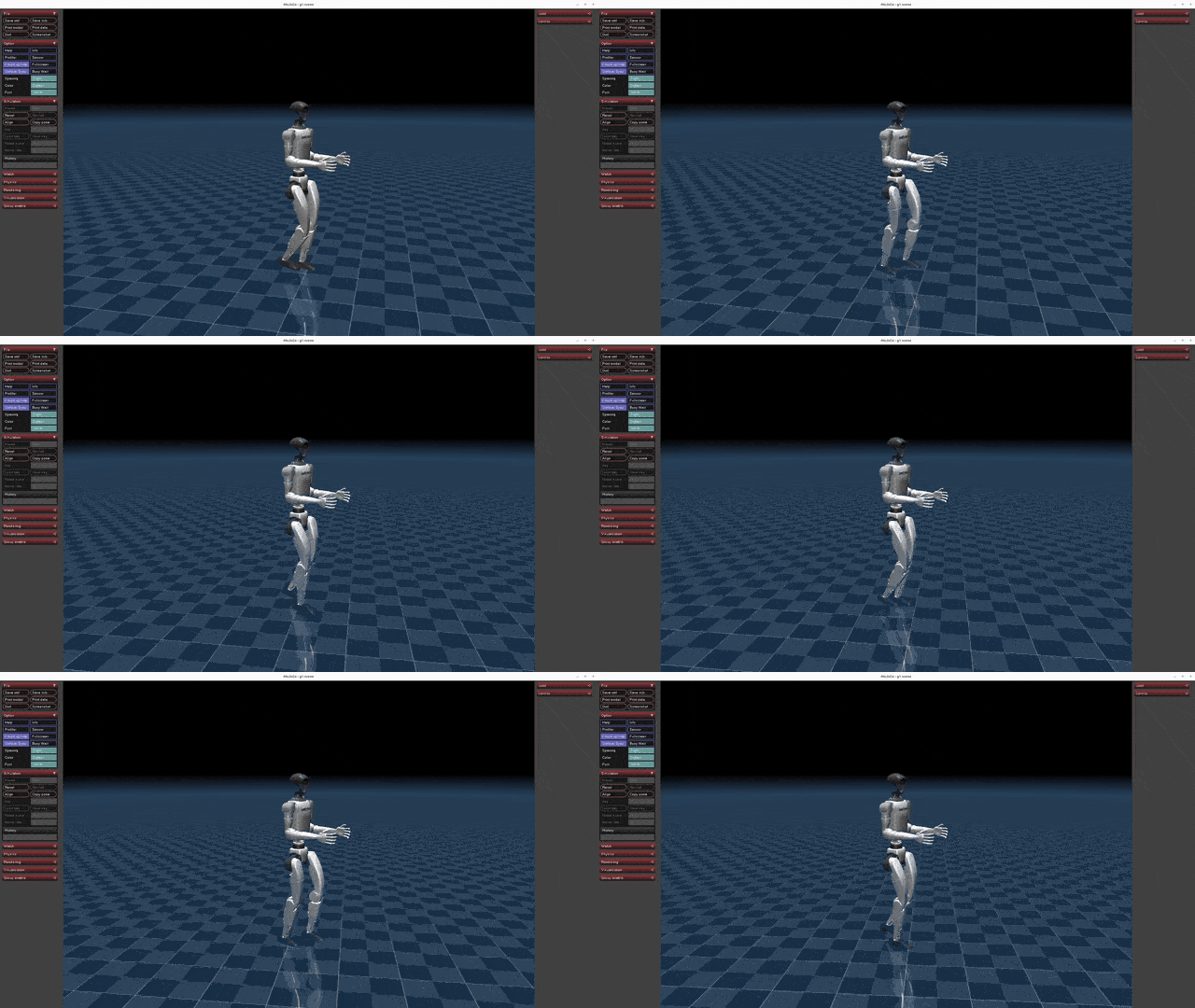 | 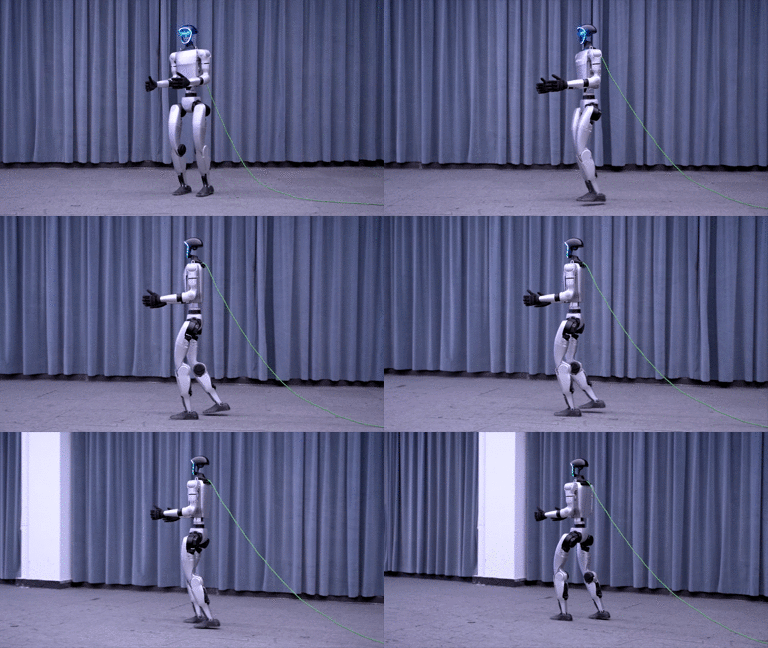 |
📦 Installation and Configuration
Please refer to setup.md for installation and configuration steps.
🔁 Process Overview
The basic workflow for using reinforcement learning to achieve motion control is:
Train → Play → Sim2Sim → Sim2Real
- Train: Use the Gym simulation environment to let the robot interact with the environment and find a policy that maximizes the designed rewards. Real-time visualization during training is not recommended to avoid reduced efficiency.
- Play: Use the Play command to verify the trained policy and ensure it meets expectations.
- Sim2Sim: Deploy the Gym-trained policy to other simulators to ensure it’s not overly specific to Gym characteristics.
- Sim2Real: Deploy the policy to a physical robot to achieve motion control.
🛠️ User Guide
1. Training
Run the following command to start training:
python legged_gym/scripts/train.py --task=xxx⚙️ Parameter Description
--task: Required parameter; values can be (go2, g1, h1, h1_2).--headless: Defaults to starting with a graphical interface; set to true for headless mode (higher efficiency).--resume: Resume training from a checkpoint in the logs.--experiment_name: Name of the experiment to run/load.--run_name: Name of the run to execute/load.--load_run: Name of the run to load; defaults to the latest run.--checkpoint: Checkpoint number to load; defaults to the latest file.--num_envs: Number of environments for parallel training.--seed: Random seed.--max_iterations: Maximum number of training iterations.--sim_device: Simulation computation device; specify CPU as--sim_device=cpu.--rl_device: Reinforcement learning computation device; specify CPU as--rl_device=cpu.
Default Training Result Directory: logs/<experiment_name>/<date_time>_<run_name>/model_<iteration>.pt
2. Play
To visualize the training results in Gym, run the following command:
python legged_gym/scripts/play.py --task=xxxDescription:
- Play’s parameters are the same as Train’s.
- By default, it loads the latest model from the experiment folder’s last run.
- You can specify other models using
load_runandcheckpoint.
💾 Export Network
Play exports the Actor network, saving it in logs/{experiment_name}/exported/policies:
- Standard networks (MLP) are exported as
policy_1.pt. - RNN networks are exported as
policy_lstm_1.pt.
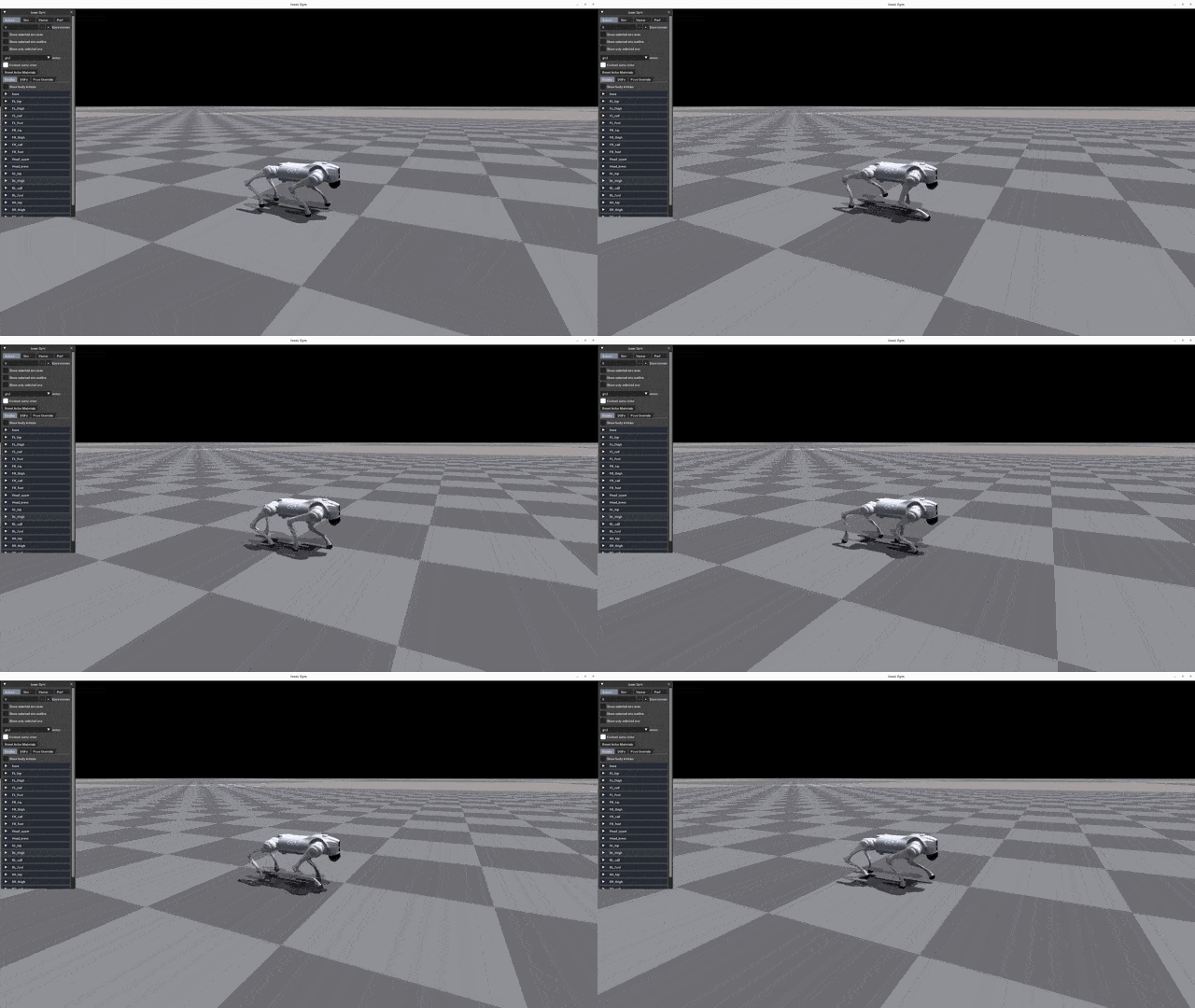
Play Results
| Go2 | G1 | H1 | H1_2 |
|---|---|---|---|
 | | 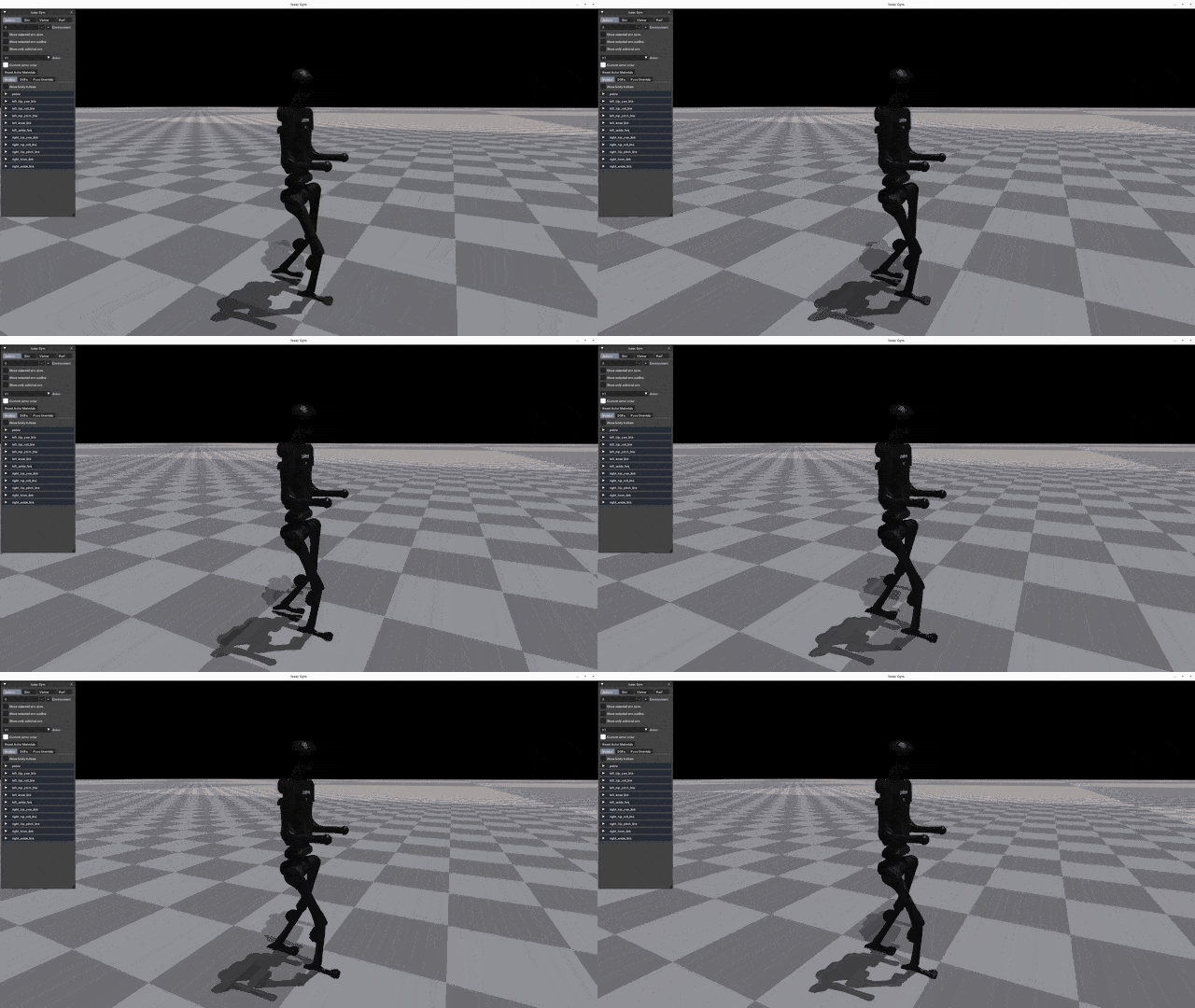 | 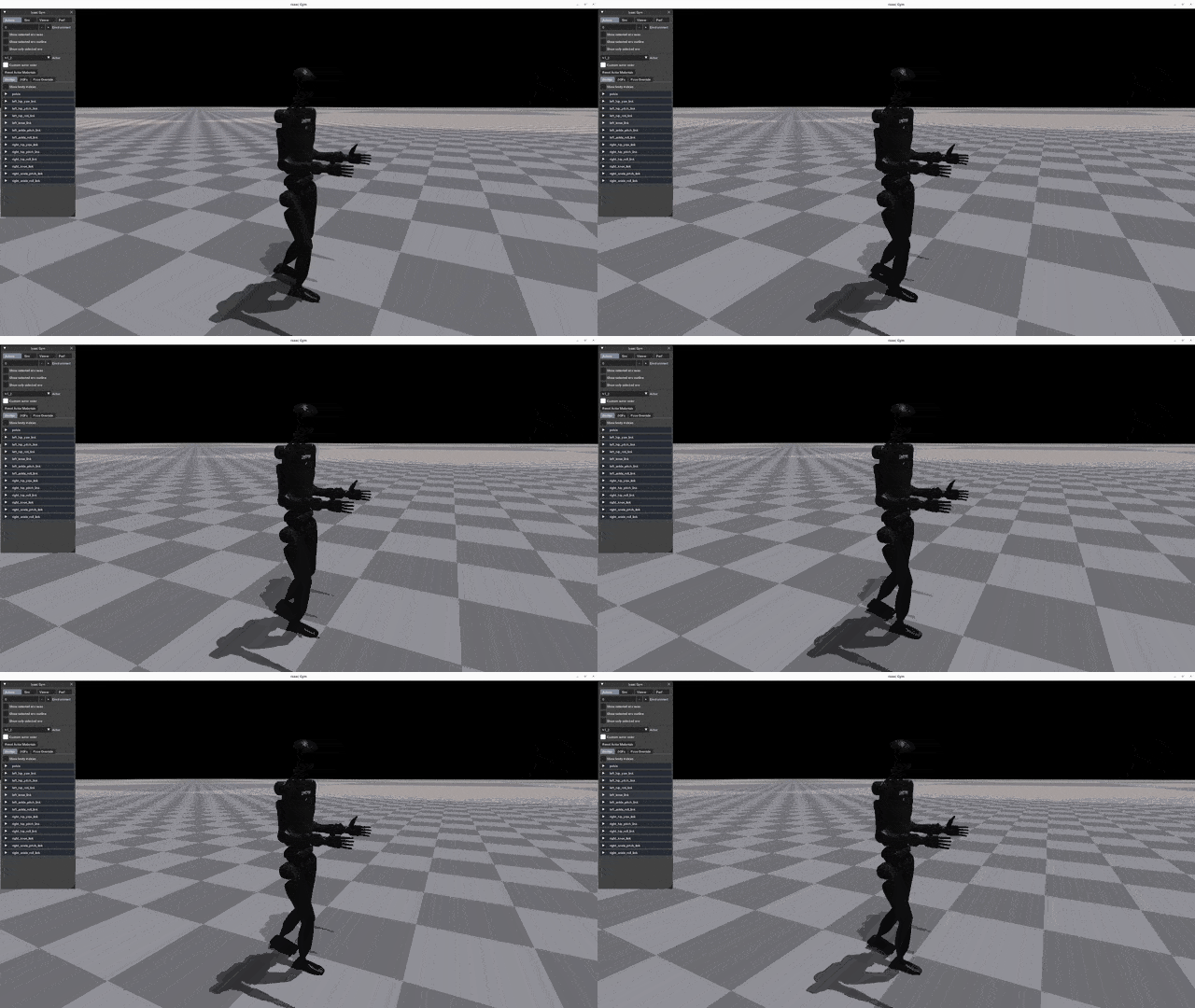 |
3. Sim2Sim (Mujoco)
Run Sim2Sim in the Mujoco simulator:
python deploy/deploy_mujoco/deploy_mujoco.py {config_name}Parameter Description
config_name: Configuration file; default search path isdeploy/deploy_mujoco/configs/.
Example: Running G1
python deploy/deploy_mujoco/deploy_mujoco.py g1.yaml➡️ Replace Network Model
The default model is located at deploy/pre_train/{robot}/motion.pt; custom-trained models are saved in logs/g1/exported/policies/policy_lstm_1.pt. Update the policy_path in the YAML configuration file accordingly.
Simulation Results
| G1 | H1 | H1_2 |
|---|---|---|
| 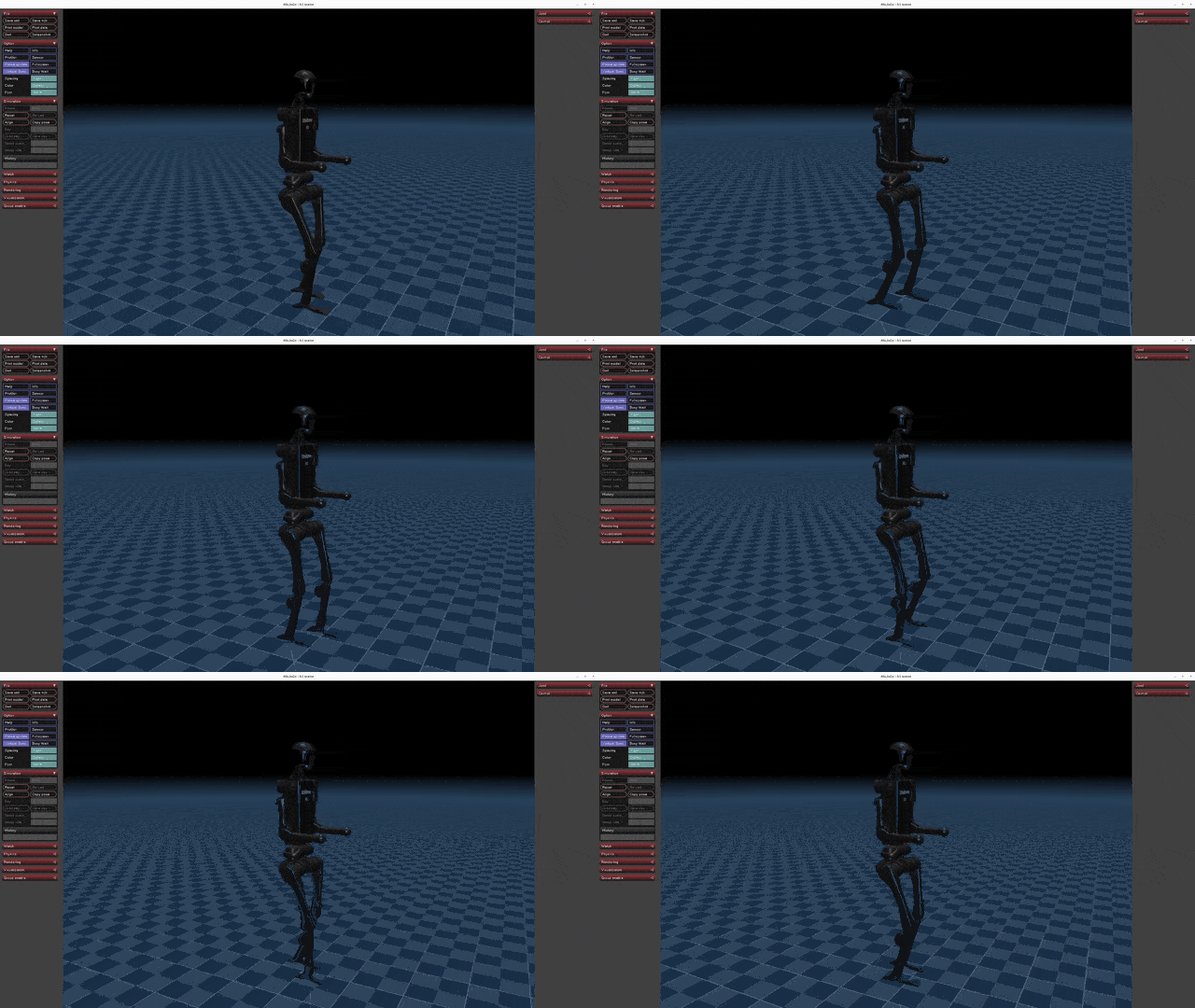 | 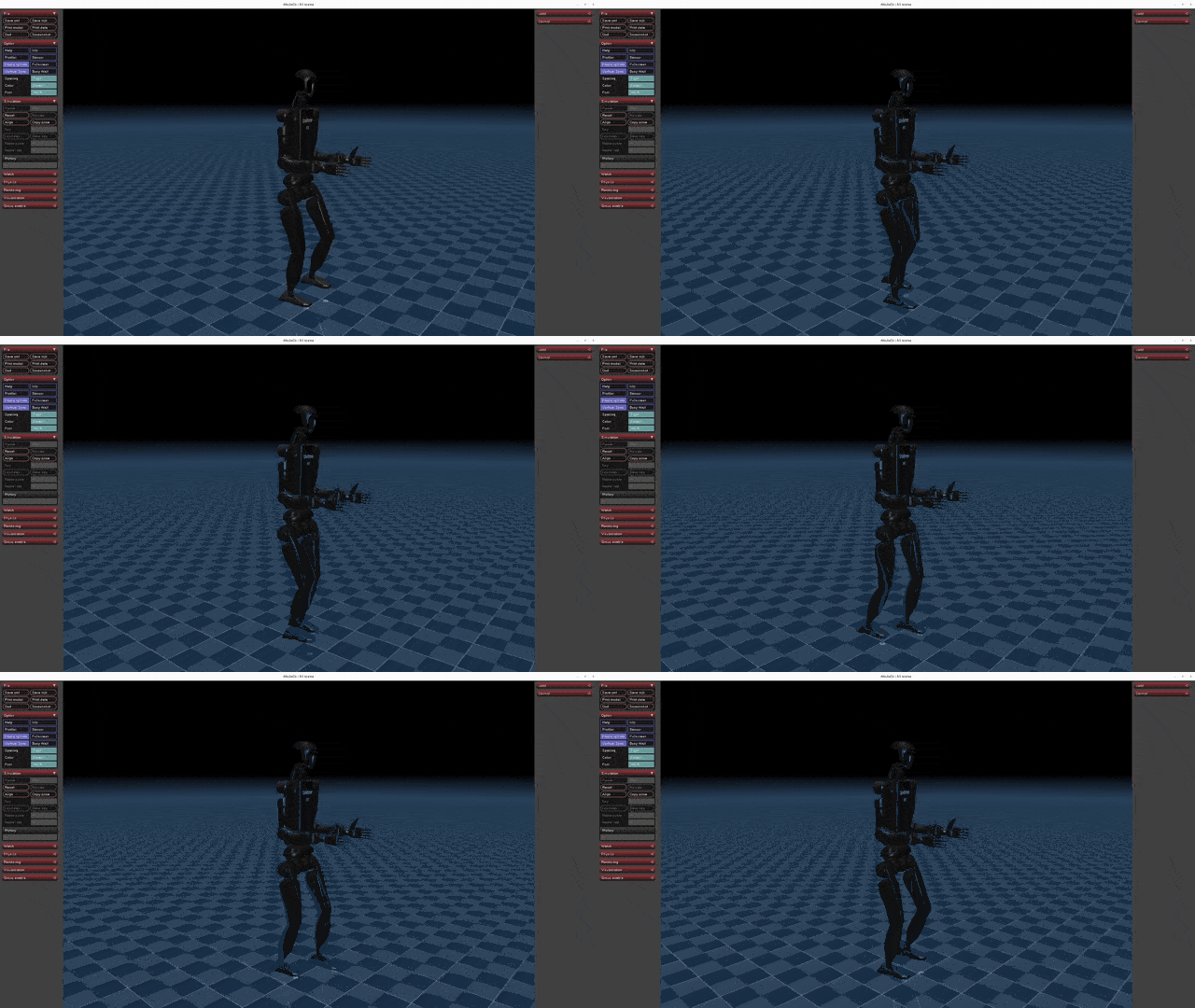 |
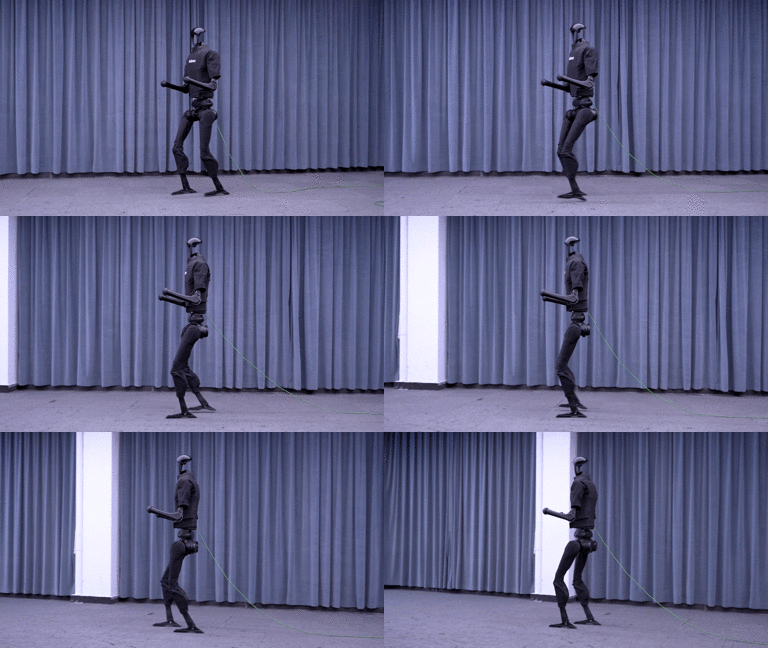
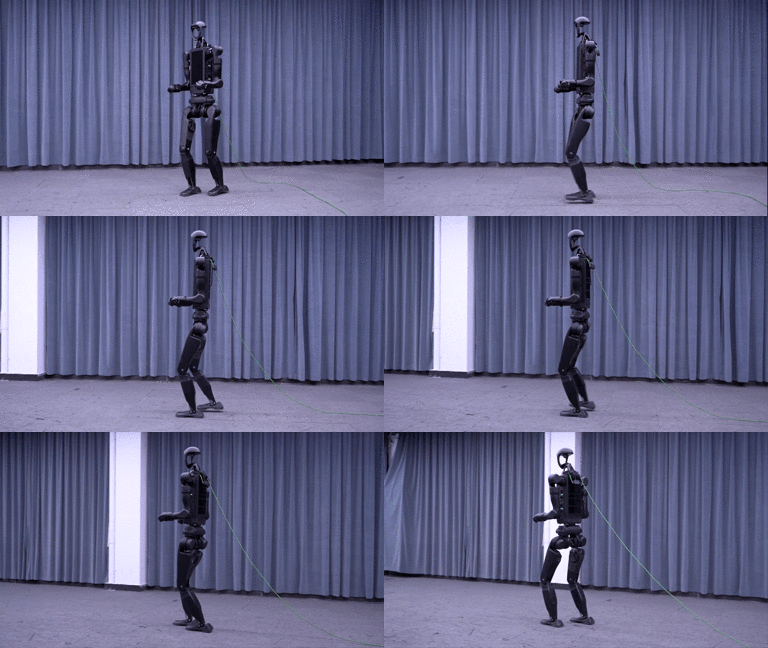
4. Sim2Real (Physical Deployment)
Before deploying to the physical robot, ensure it’s in debug mode. Detailed steps can be found in the Physical Deployment Guide:
python deploy/deploy_real/deploy_real.py {net_interface} {config_name}Parameter Description
net_interface: Network card name connected to the robot, e.g.,enp3s0.config_name: Configuration file located indeploy/deploy_real/configs/, e.g.,g1.yaml,h1.yaml,h1_2.yaml.
Deployment Results
| G1 | H1 | H1_2 |
|---|---|---|
|  |  |
Deploy with C++
There is also an example of deploying the G1 pre-trained model in C++. the C++ code is located in the following directory.
deploy/deploy_real/cpp_g1
First, navigate to the directory above.
cd deploy/deploy_real/cpp_g1The C++ implementation depends on the LibTorch library, download the LibTorch
wget https://download.pytorch.org/libtorch/cpu/libtorch-cxx11-abi-shared-with-deps-2.7.1%2Bcpu.zip
unzip libtorch-cxx11-abi-shared-with-deps-2.7.1+cpu.zip
To build the project, executable the following steps
mkdir build
cd build
cmake ..
make -j4
After successful compilation, executate the program with:
./g1_deploy_run {net_interface}Replace {net_interface} with your actual network interface name (e.g., eth0, wlan0).
🎉 Acknowledgments
This repository is built upon the support and contributions of the following open-source projects. Special thanks to:
- legged_gym: The foundation for training and running codes.
- rsl_rl: Reinforcement learning algorithm implementation.
- mujoco: Providing powerful simulation functionalities.
- unitree_sdk2_python: Hardware communication interface for physical deployment.
🔖 License
This project is licensed under the BSD 3-Clause License:
- The original copyright notice must be retained.
- The project name or organization name may not be used for promotion.
- Any modifications must be disclosed.
For details, please read the full LICENSE file.