Unitree RL Mjlab
✳️ Overview
Unitree RL Mjlab is a reinforcement learning project built upon the mjlab, using MuJoCo as its physics simulation backend, currently supporting Unitree Go2, A2, As2, G1, R1, H1_2 and H2.
Mjlab combines Isaac Lab's proven API with best-in-class MuJoCo physics to provide lightweight, modular abstractions for RL robotics research and sim-to-real deployment.
MuJoCo | Physical |
|---|---|
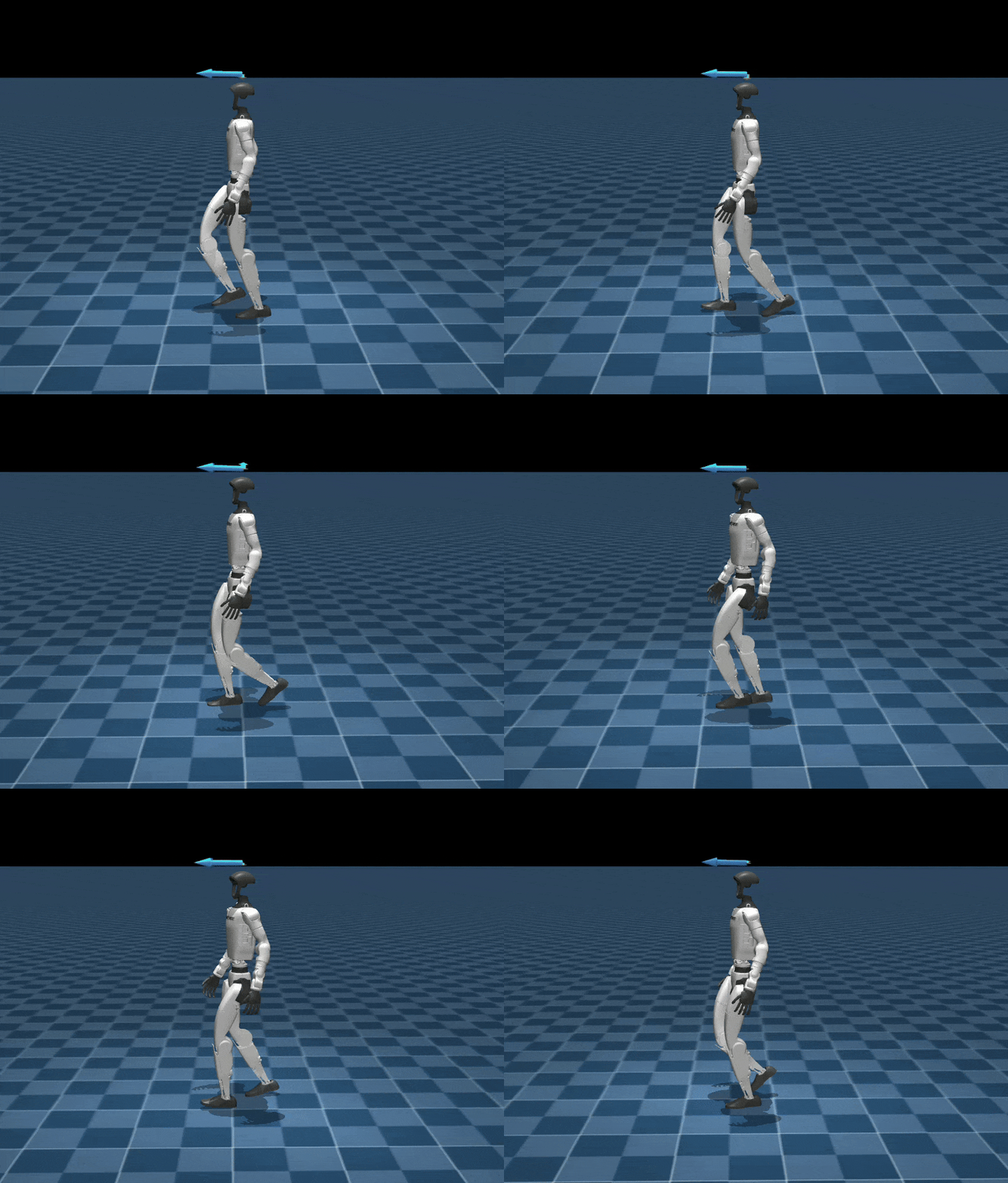 | 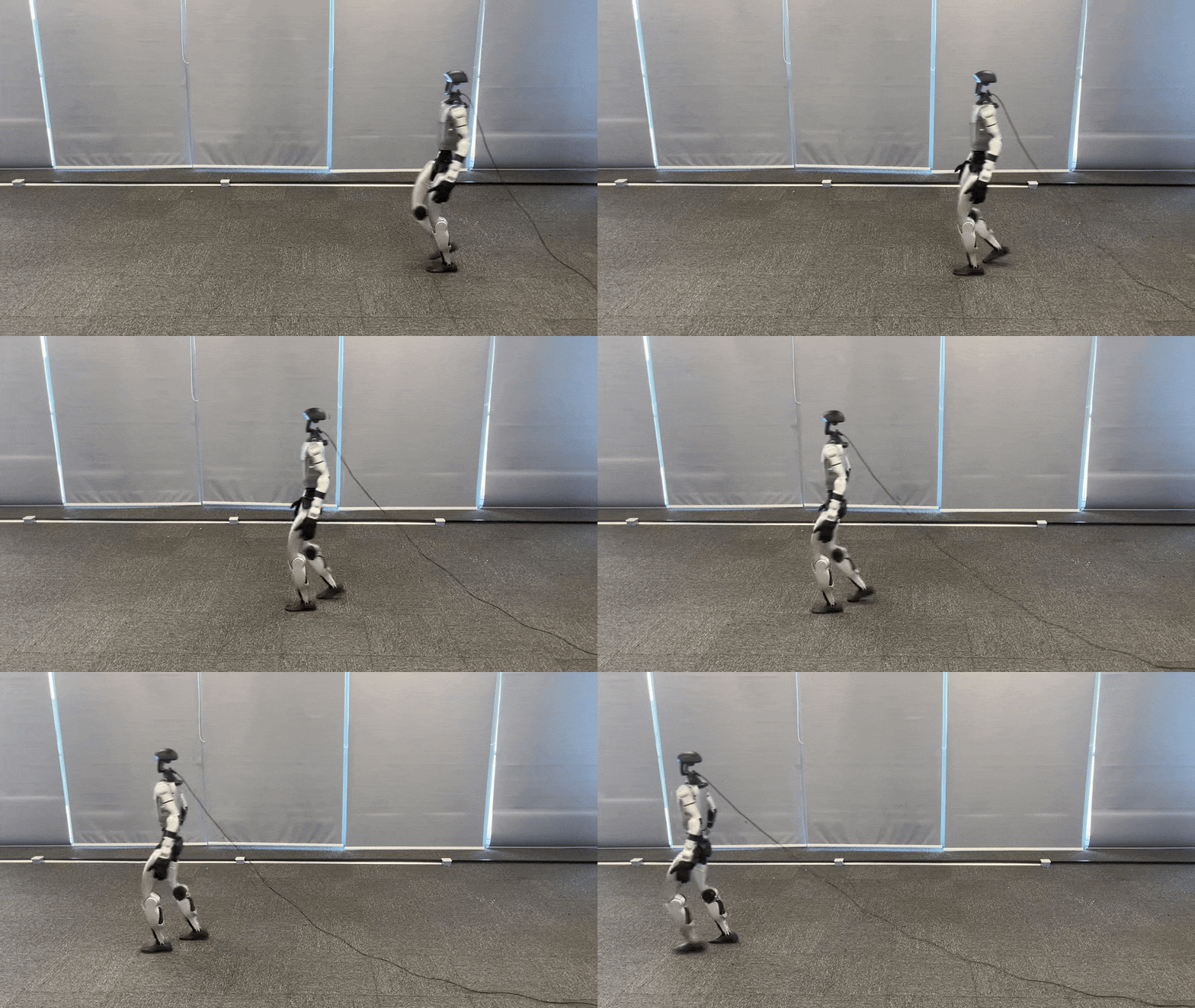 |
📦 Installation and Configuration
Please refer to setup.md for installation and configuration steps.
🔁 Process Overview
The basic workflow for using reinforcement learning to achieve motion control is:
Train → Play → Sim2Real
- Train: The agent interacts with the MuJoCo simulation and optimizes policies through reward maximization.
- Play: Replay trained policies to verify expected behavior.
- Sim2Real: Deploy trained policies to physical Unitree robots for real-world execution.
🛠️ Usage Guide
1. Velocity Tracking Training
Run the following command to train a velocity tracking policy:
python scripts/train.py Unitree-G1-Flat --env.scene.num-envs=4096Multi-GPU Training: Scale to multiple GPUs using --gpu-ids:
python scripts/train.py Unitree-G1-Flat \
  --gpu-ids 0 1 \
--env.scene.num-envs=4096- The first argument (e.g., Mjlab-Velocity-Flat-Unitree-G1) specifies the training task.
Available velocity tracking tasks:
- Unitree-Go2-Flat
- Unitree-G1-Flat
- Unitree-G1-23Dof-Flat
- Unitree-H1_2-Flat
- Unitree-A2-Flat
- Unitree-R1-Flat
[!NOTE] For more details, refer to the mjlab documentation: mjlab documentation.
2. Motion Imitation Training
Train a Unitree G1 to mimic reference motion sequences.
2.1 Prepare Motion Files
Prepare csv motion files in mjlab/motions/g1/ and convert them to npz format:
python scripts/csv_to_npz.py \
--input-file src/assets/motions/g1/dance1_subject2.csv \
--output-name dance1_subject2.npz \
--input-fps 30 \
--output-fps 50 \
--robot g1 # g1 or g1_23dof
npz files will be stored at::src/motions/g1/...
2.2 Training
After generating the NPZ file, launch imitation training:
python scripts/train.py Unitree-G1-Tracking-No-State-Estimation --motion_file=src/assets/motions/g1/dance1_subject2.npz --env.scene.num-envs=4096Available tasks:
- Unitree-G1-Tracking-No-State-Estimation
- Unitree-G1-23Dof-Tracking-No-State-Estimation
[!NOTE] For detailed motion imitation instructions, refer to the BeyondMimic documentation: BeyondMimic documentation.
⚙️ Parameter Description
--env.scene: simulation scene configuration (e.g., num_envs, dt, ground type, gravity, disturbances)--env.observations: observation space configuration (e.g., joint state, IMU, commands, etc.)--env.rewards: reward terms used for policy optimization--env.commands: task commands (e.g., velocity, pose, or motion targets)--env.terminations: termination conditions for each episode--agent.seed: random seed for reproducibility--agent.resume: resume from the last saved checkpoint when enabled--agent.policy: policy network architecture configuration--agent.algorithm: reinforcement learning algorithm configuration (PPO, hyperparameters, etc.)
Training results are stored at:logs/rsl_rl/<robot>_(velocity | tracking)/<date_time>/model_<iteration>.pt
3. Simulation Validation
To visualize policy behavior in MuJoCo:
Velocity tracking:
python scripts/play.py Unitree-G1-Flat --checkpoint_file=logs/rsl_rl/g1_velocity/2026-xx-xx_xx-xx-xx/model_xx.ptMotion imitation:
python scripts/play.py Unitree-G1-Tracking-No-State-Estimation --motion_file=src/assets/motions/g1/dance1_subject2.npz --checkpoint_file=logs/rsl_rl/g1_tracking/2026-xx-xx_xx-xx-xx/model_xx.ptNote:
- During training, policy.onnx and policy.onnx.data are also exported for deployment onto physical robots.
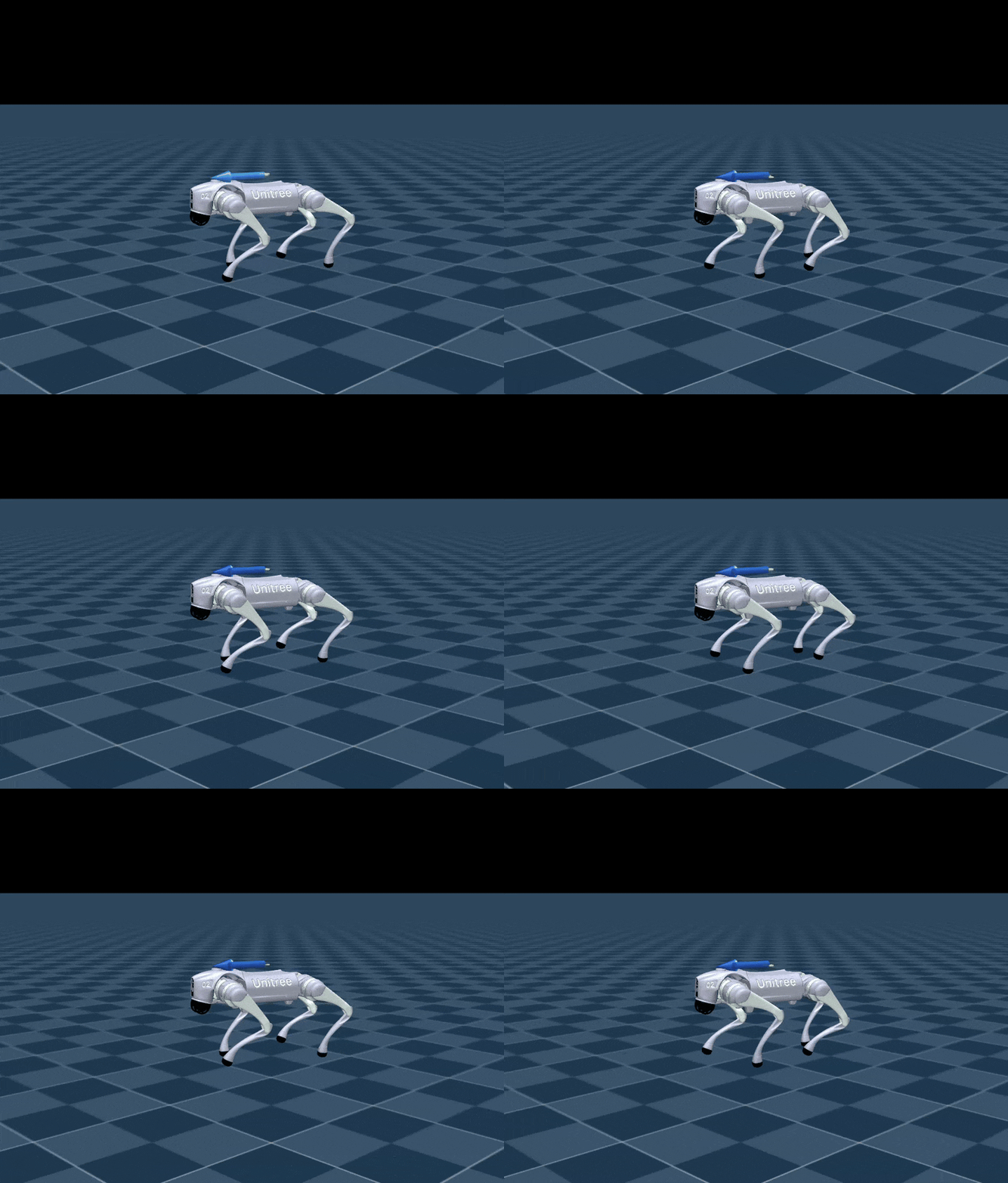
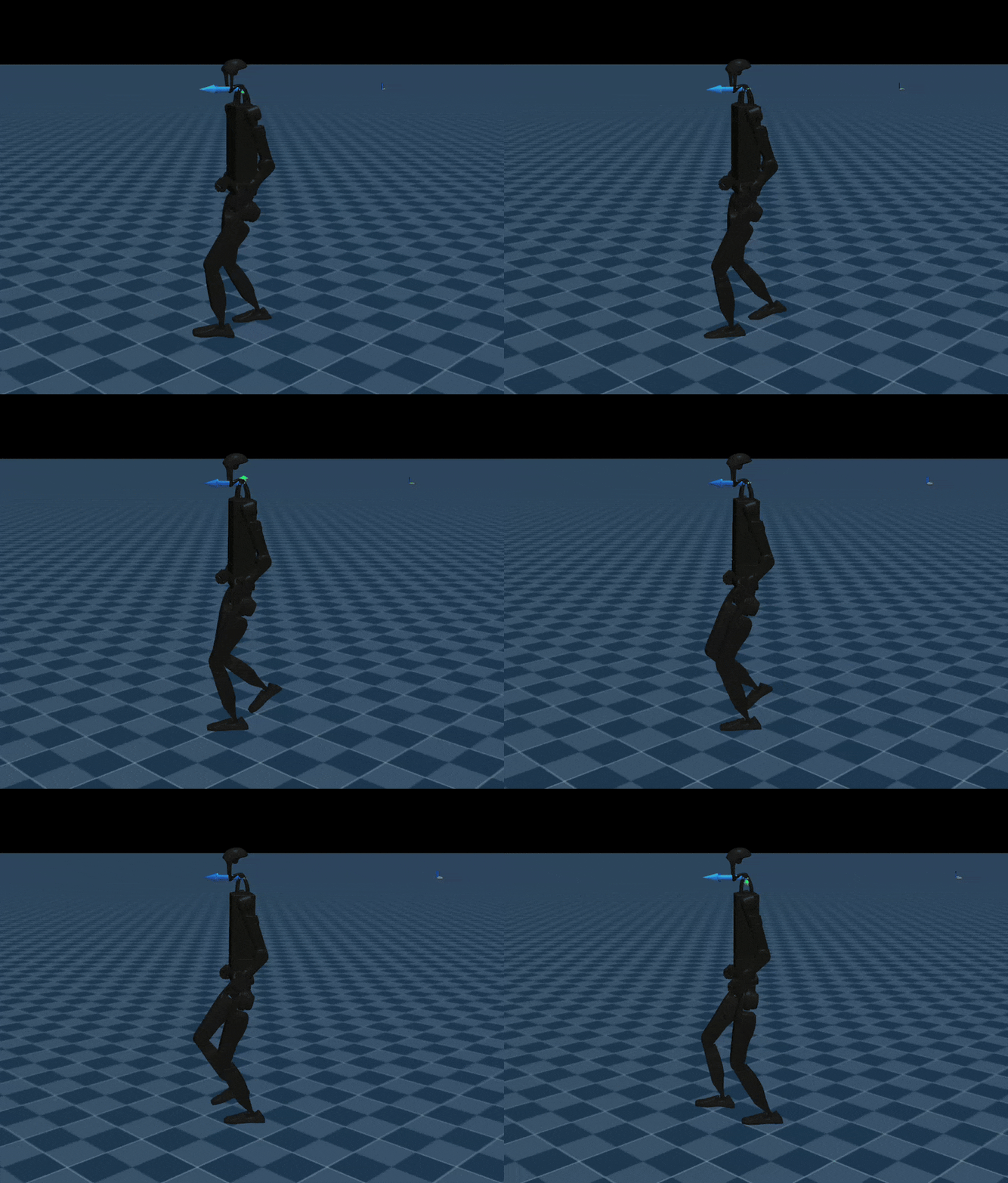
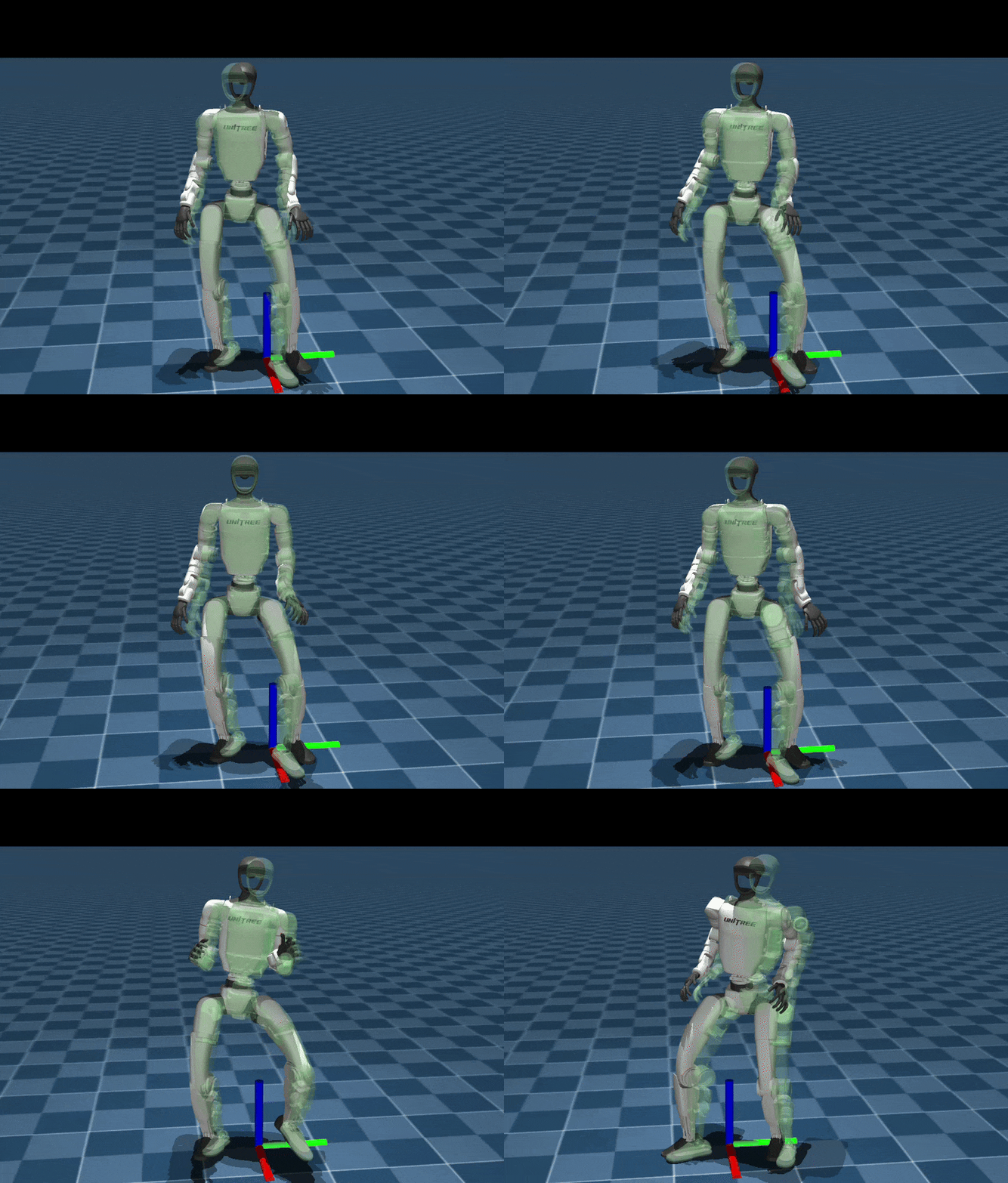
Visualization:
| Go2 | G1 | H1_2 | G1_mimic |
|---|---|---|---|
 | |  |  |
4. Real Deployment
Before deployment, install the required communication tools:
4.1 Power On the Robot
Start the robot in suspended state and wait until it enters zero-torque mode.
4.2 Enable Debug Mode
While in zero-torque mode, press L2 + R2 on the controller. The robot will enter debug mode with joint damping enabled.
4.3 Connect to the Robot
Connect your PC to the robot via Ethernet. Configure the network as:
- Address:
192.168.123.222 - Netmask:
255.255.255.0
Use ifconfig to determine the Ethernet device name for deployment.
4.4 Compilation
Example: Unitree G1 velocity control.
Place policy.onnx and policy.onnx.data into: deploy/robots/g1/config/policy/velocity/v0/exported.
Then compile:
cd deploy/robots/g1
mkdir build && cd build
cmake .. && make
4.5 Deployment
4.5.1 Simulation Deployment
Before deploying on the real robot, it is recommended to perform simulation deployment using unitree_mujoco to prevent abnormal behaviors on the physical robot. This framework has already integrated it.
Build unitree_mujoco:
cd simulate
mkdir build && cd build
cmake .. && make -j8
Launch the simulator (note that a gamepad must be connected):
./simulate/build/unitree_mujocoYou can select the corresponding robot in simulate/config
Launch the simulation control program:
cd deploy/robots/g1/build
./g1_ctrl --network=lo
4.5.2 Real-Robot Deployment
Launch the control program on the real robot:
cd deploy/robots/g1/build
./g1_ctrl --network=enp5s0Arguments:
network: The network interface used to connect to the robot. Uselofor simulation deployment, andenp5s0for the real robot(You can check it using theifconfigcommand)
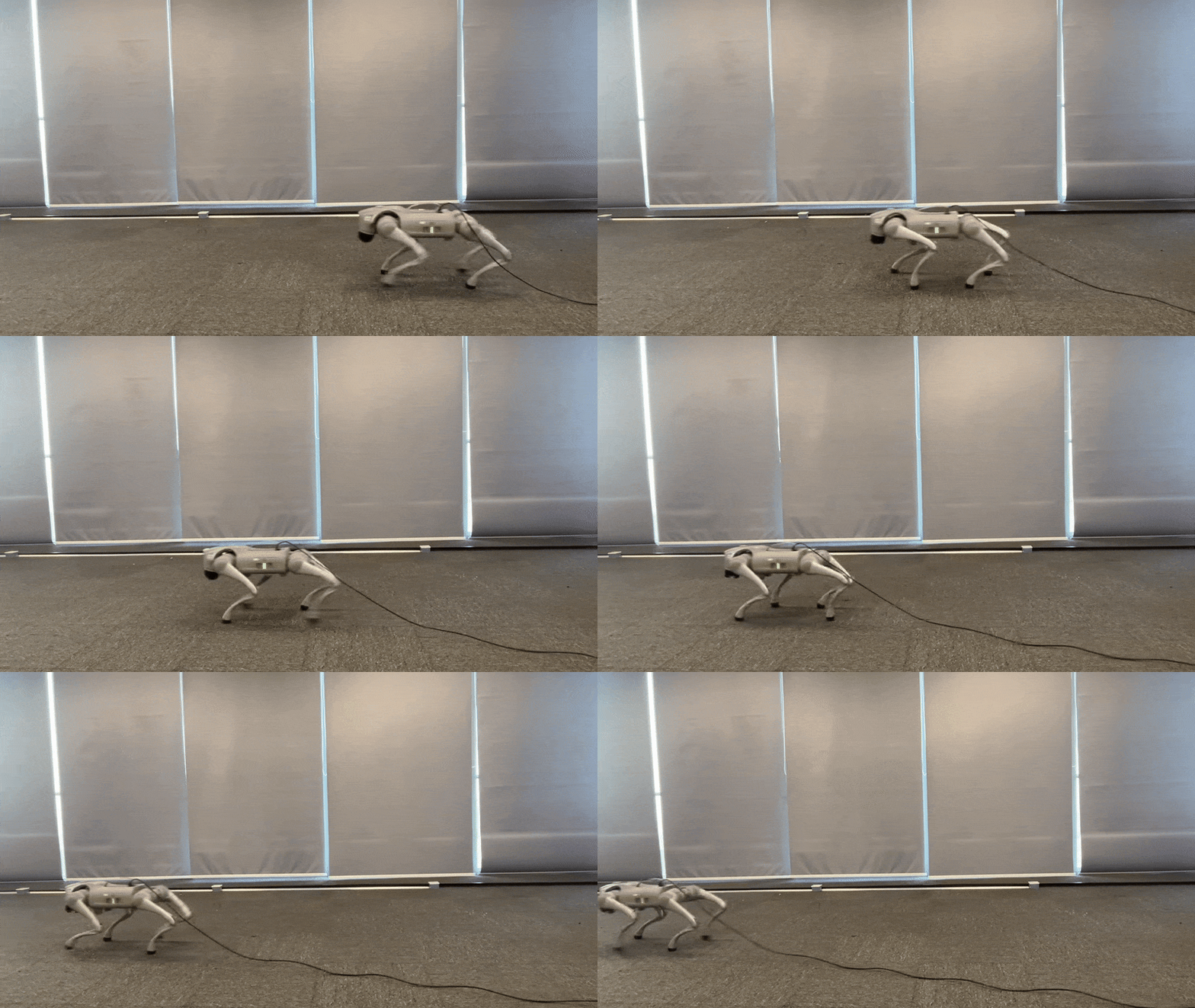
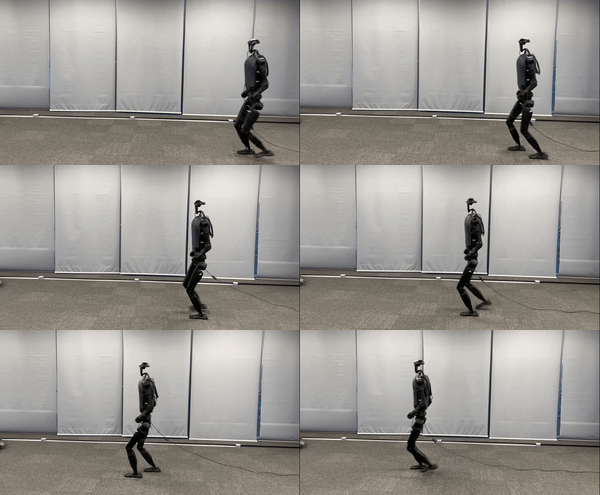
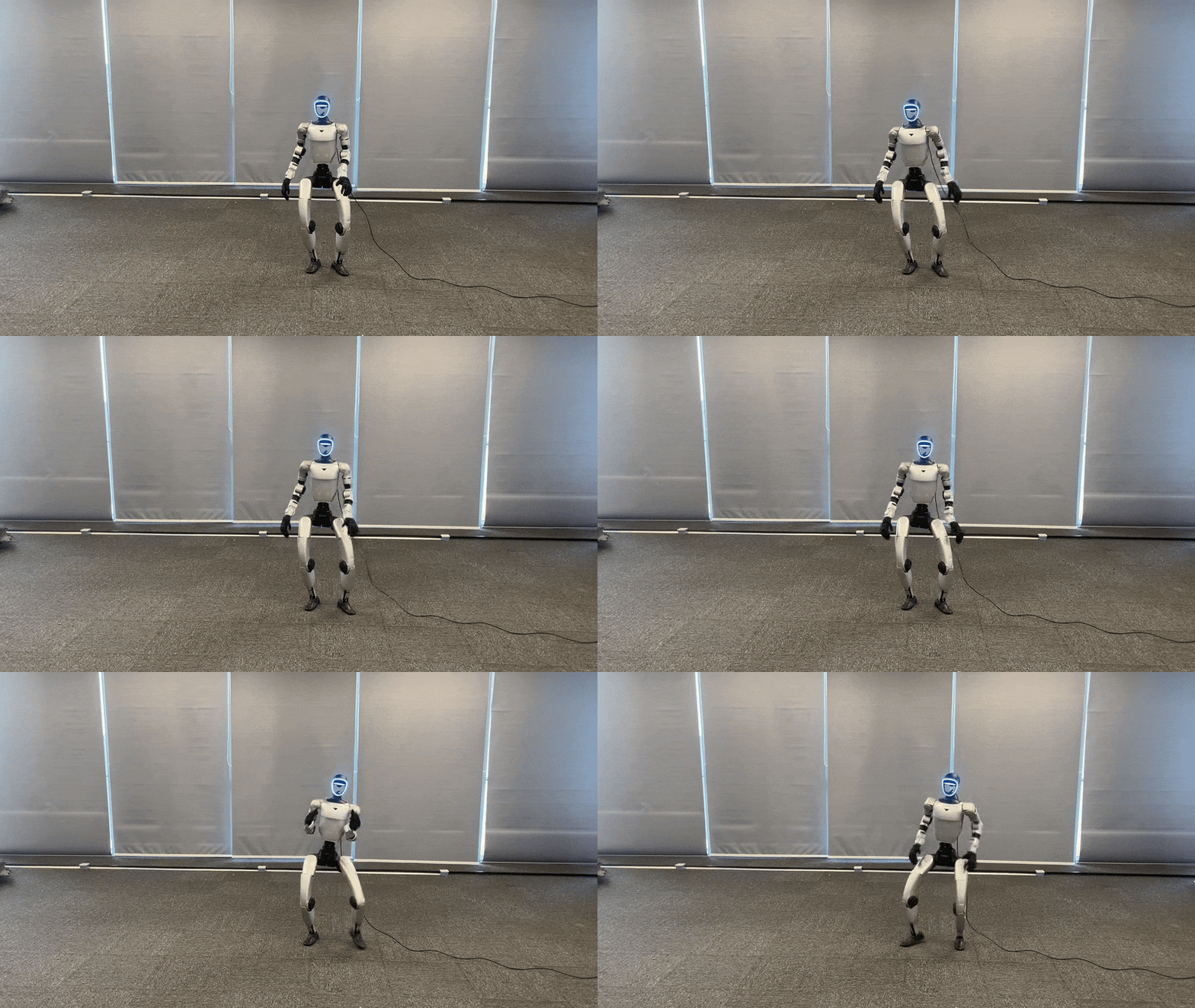
Deployment Results:
| Go2 | G1 | H1_2 | G1_mimic |
|---|---|---|---|
 | |  |  |
🎉 Acknowledgements
This project would not be possible without the contributions of the following repositories:
- mjlab: training and execution framework
- whole_body_tracking: versatile humanoid motion tracking framework
- rsl_rl: reinforcement learning algorithm implementation
- mujoco_warp: GPU-accelerated rendering and simulation interface
- mujoco: high-fidelity rigid-body physics engine