toofan
A minimal, lightning-fast typing TUI
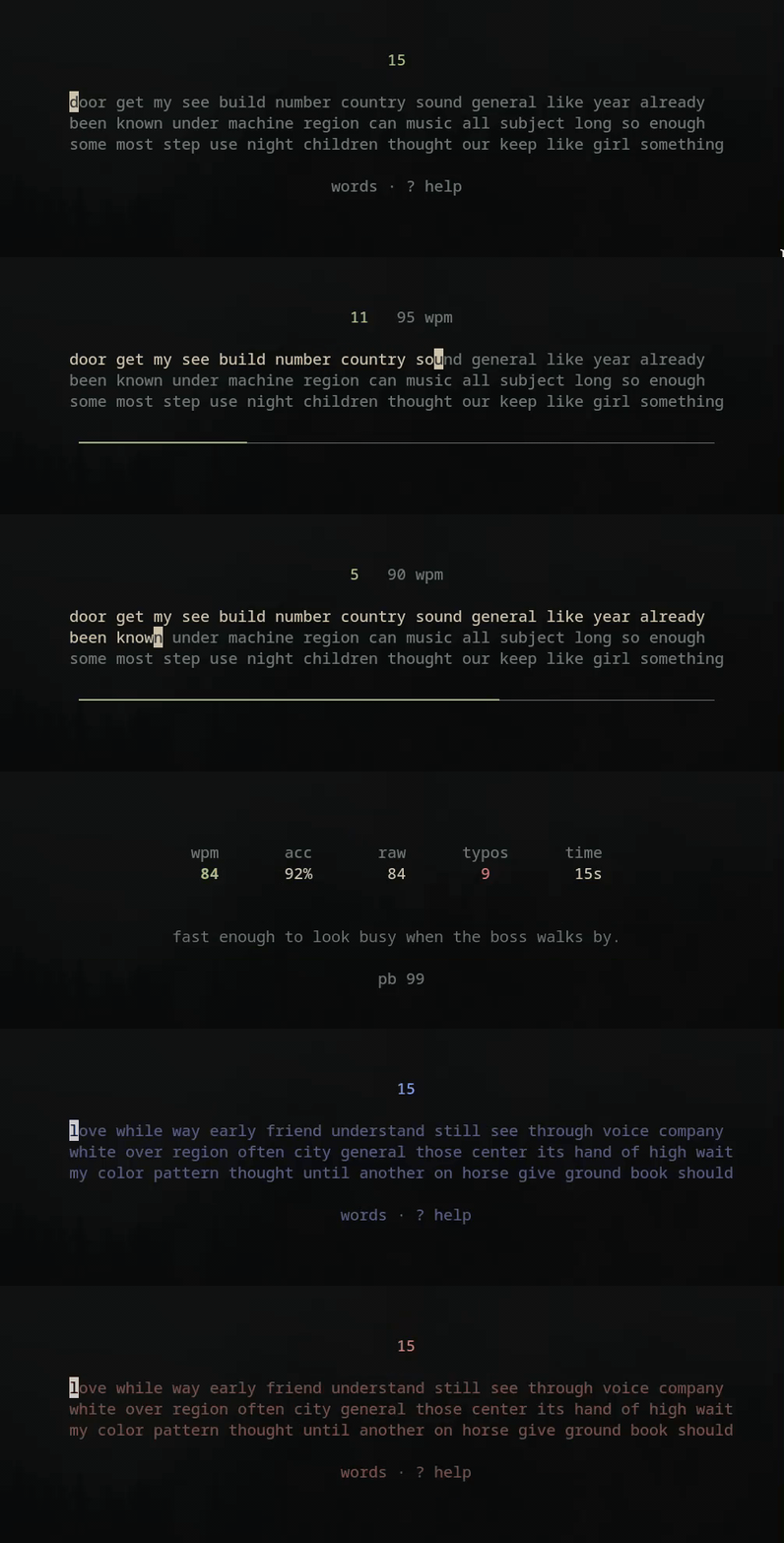
Practice with english words or real code snippets. No browser, no account, everything stays local.
Featured on
Features
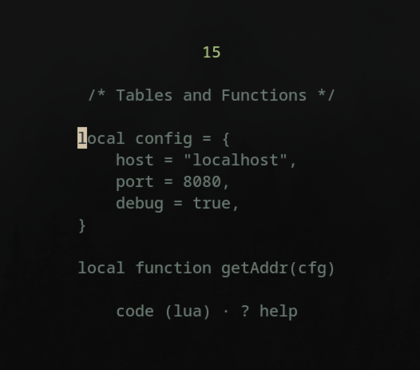
- Two Modes: Practice standard English words or real-world code snippets.
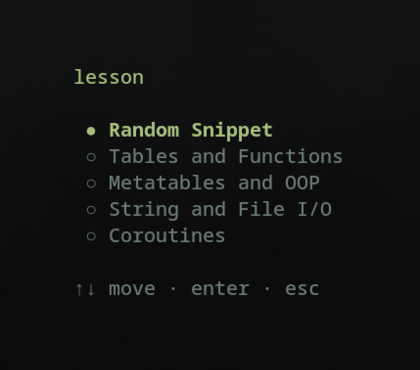
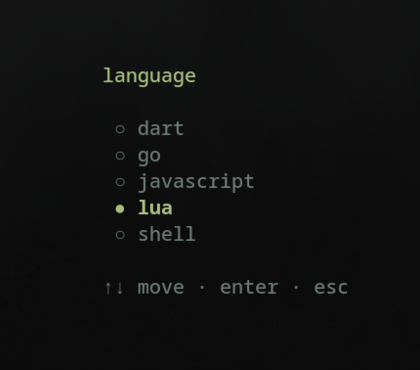
- Curated Lessons: Hand-written, topic-based code exercises across multiple languages.
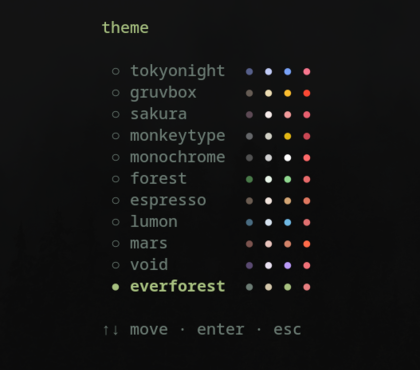
- Dynamic Themes: Cycle between multiple aesthetic terminal themes (
ctrl+t). - Live Metrics: Real-time WPM speed and accuracy tracking.
- Error Review: See exactly which words you mistyped after every test.
- Ranks: Automated progression system based on your typing speed.
- Offline & Local: No browser, no account, zero telemetry.
- Racing: Race against your own last 10 tests.
- Multiplayer & Bots: Race against AI bots or compete with others online. See the
toofan-onlinebranch.
Profile Dashboard
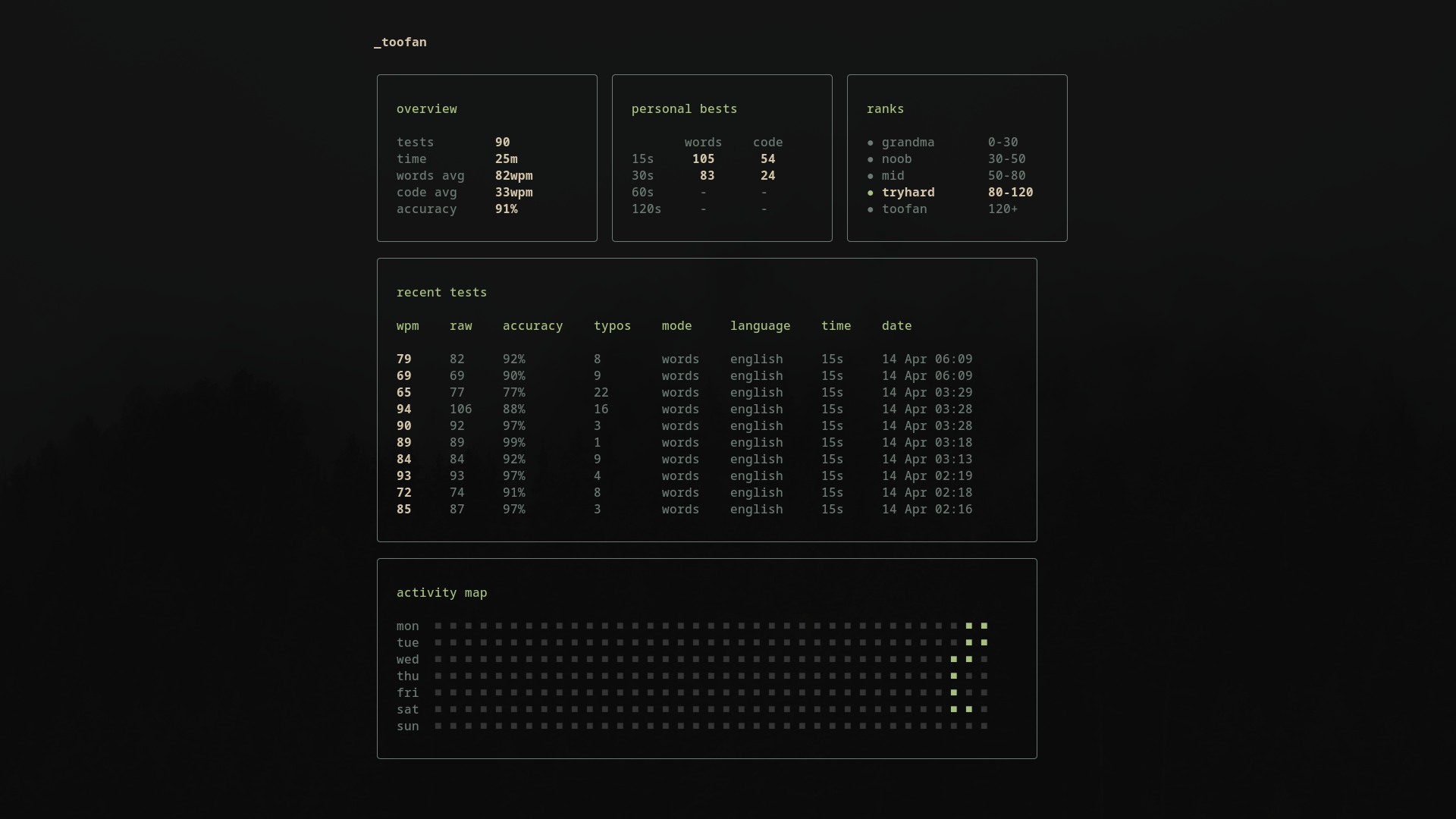
A personal overview of your typing speed history, personal bests across durations, and a daily activity map to keep you consistent. Press ctrl+p to open.
Installation
⚠️ Note: Always take a backup (ctrl+s) before updating toofan.
curl (macOS & Linux)
curl -fsSL https://raw.githubusercontent.com/vyrx-dev/toofan/master/install.sh | shAUR
paru -S toofan-binGo
go install github.com/vyrx-dev/toofan@latestNixOS / Nix
Try without installing using flake
nix run github:vyrx-dev/toofanInstall using flake
- Add flake input:
toofan = {
  url = "github:vyrx-dev/toofan";
  inputs.nixpkgs.follows = "nixpkgs";
};
- Add package to
environment.systemPackages(for global install) or homeManagerhome.packages(for user install):
environment.systemPackages = [ inputs.toofan.packages.${pkgs.stdenv.hostPlatform.system}.default ];
or
home.packages = [ inputs.toofan.packages.${pkgs.stdenv.hostPlatform.system}.default ];Homebrew / Ubuntu / Fedora
Coming soon.
Build from Source
If you prefer building manually (requires Go):
git clone https://github.com/vyrx-dev/toofan.git
cd toofan
go build -o toofan .
mv toofan ~/.local/bin/
FAQ
How are stats calculated?
raw      = total_chars / 5 / elapsed_minutes
wpm      = (total_chars - uncorrected_errors) / 5 / elapsed_minutes
accuracy = (total_chars - all_mistakes) / total_chars × 100- wpm - your net speed. Every 5 characters count as one "word". Uncorrected mistakes are subtracted.
- accuracy - counts every wrong keystroke, even if you corrected it with backspace.
- raw - your gross speed before any penalty.
- errors - press
eon the results page to see exactly which words you mistyped.
Where are my files stored?
Everything lives in ~/.config/toofan/:
config.json: Your selected duration, mode, language, theme, and personal bestsresults.jsonl: Every test result (one JSON object per line)races.jsonl: Your recent race-against-yourself results (capped at 10)
Can I backup my data?
Yes. Press ctrl+s to save a backup and ctrl+r to restore from one. Backups are saved to ~/.config/toofan/backups/ and can be moved between machines.
How do I update toofan?
The update process depends on how you installed it:
curl (Quick Install): Just run the install command again. It will automatically download and replace the old binary.
curl -fsSL https://raw.githubusercontent.com/vyrx-dev/toofan/master/install.sh | shGo:
go install github.com/vyrx-dev/toofan@latestAUR: Use your AUR helper to update the package:
paru -Syu toofan-binHow do I uninstall Toofan?
If you installed via the curl Quick Install, simply delete the binary and the configuration folder:
rm ~/.local/bin/toofan
rm -rf ~/.config/toofan
(If you built it from source and moved it globally, run sudo rm /usr/local/bin/toofan instead).
Does it work offline?
Yes. Everything runs locally and is embedded in the binary. No internet needed.
Looking for multiplayer and bot racing? Check out the toofan-online branch. It's a separate build that adds online races and AI bots while keeping solo mode fully offline.
Want more programming languages?
We're always looking to add more. If your favorite programming language isn't supported yet, open a PR with a few lesson files and we'll get it in. Check AGENTS.md for the file format.
Roadmap
- Curl script installation (macOS & Linux)
- Proper documentation for AI and contributors
- More language support (Go, Rust, Python, C, C++, C#, TypeScript, Java)
- Difficulty levels for english words
- AUR and Nix packages
- Homebrew, Fedora & Ubuntu repos
- Fix top pane alignment to match bottom panes in profile
Contributing
- New snippets : Drop a file in
internal/lang/data/<language>/lessons/and rebuild - New languages : Just a folder with lesson files
- New themes : One Go file with a color palette
- Bug fixes and UX improvements
If you're using an AI coding assistant, read AGENTS.md first.
Dependencies
- Bubble Tea : TUI framework
- Lipgloss : Terminal styling