Public
Star 历史趋势
数据来源: GitHub API · 生成自 Stargazers.cn
README.md
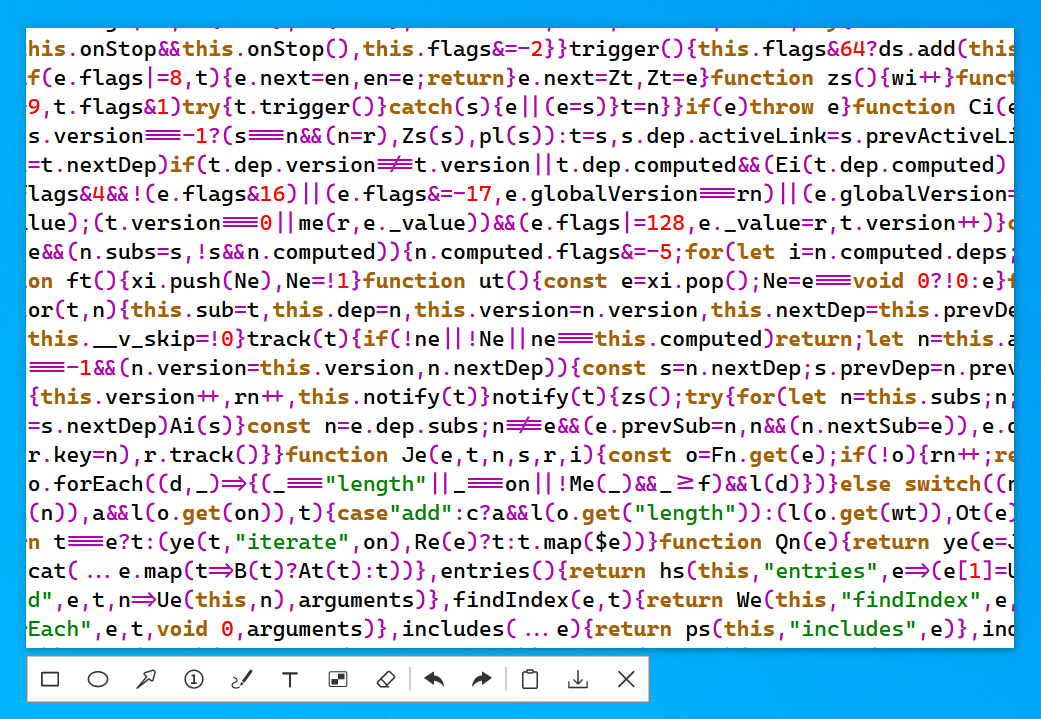
ScreenCapture
A powerful and lightweight Windows screenshot tool.
Features
- Screenshot, drawing annotations, scrolling screenshot (long screenshot), screen recording.
- Color picker, supports shortcut keys to copy RGB color (
Ctrl+R), HEX color (Ctrl+H) and CMYK color (Ctrl+K). - Draw filled and unfilled ellipses, perfect circles (hold
Shift), rectangles, squares (holdShift), arrows, numbered labels, etc. - Draw curves, straight lines (hold
Shift), mosaic, eraser, text. - Modify or delete drawn elements at any time (hover the mouse over an element).
- Undo (
Ctrl+Z), redo (Ctrl+Y), save to file (Ctrl+S), save to clipboard (Ctrl+Cor double-click). - Scrolling screenshot (long screenshot), screen recording (output Gif\Mp4 format).
- Fast performance with low memory usage.
- Small size, a single executable file, no installation required, does not depend on any dynamic link libraries.
- Supports directly launching specified functions via command-line arguments.
- Supports one-time execution mode (the process will not remain resident in the system).
Download
Release (778KB)
Supported Operating Systems
- Windows 10 1607 or Later
Compilation
- This project has no third-party library dependencies other than libraries built into the operating system.
- The project can be compiled with Visual Studio 2026 (installed with the C++ Desktop Development Kit).
Command Line
- Do not add spaces on either side of the equal sign in command-line arguments.
- The three types of arguments below can be used in combination. Example:
> ScreenCapture.exe enter=long tray=false auto-quit=true
// Launch and directly enter screenshot mode (default).
> ScreenCapture.exe enter=cap

// Launch and enter long scrolling screenshot mode.
> ScreenCapture.exe enter=long

// Launch and enter screen recording mode.
> ScreenCapture.exe enter=video
// Show system tray icon (default).
> ScreenCapture.exe tray=true

// Hide system tray icon;
> ScreenCapture.exe tray=false
// Keep the process running after screenshot capture.
> auto-quit=false

// Terminate the process immediately after screenshot capture.
> auto-quit=true
Sponsor
Alipay Sponsor |

WeChat Sponsor |
Author WeChat |
WeChat Blog: Desktop Software |
Thanks to EV Sign for providing digital signature services