English · 中文 · Español · 日本語 · العربية · Português
Awesome GPT Image 2.5 Prompts



150 production prompts for OpenAI's GPT Image models, including GPT Image 2.5. Every one is reproduced verbatim from the person who published it, with their account and a link to the post it came from.
150 prompts · 110 creators credited · 9 use cases · 25 written as JSON · updated 2026-09-10
GPT, GPT Image and ChatGPT are trademarks of OpenAI. YouArt is an independent platform and is not affiliated with or endorsed by OpenAI. GPT Image 2.5 is still rolling out and is not yet open to every account; when it opens, these prompts move across unchanged.
What this is
A curated, credited library of prompts that people published after running them on OpenAI's GPT Image models. They are grouped by what you are trying to make, not by style, because that is how the demand is shaped. Every prompt keeps its original wording, its author, and a link to the post it came from.
Where these came from, plainly: they were published on X by the 110 people credited here, and collected by two open-source repositories we drew from. 144 of the 149 datable posts predate GPT Image 2.5's release on 2026-09-08. These are natural-language prompts, not model-specific syntax, so a prompt written for GPT Image 2 runs unchanged on 2.5 — we would rather say that than restyle a GPT Image 2-era library as a 2.5-native one, and we do not claim that anyone here ran these on 2.5.
Every number in this file — prompts, creators, use cases, characters — is computed from data/prompts.json when the file is built. Not one of them is typed by hand, so none can drift from the corpus: change the data and the sentence changes with it.
How to use it
- Pick a use case below and open its file.
- Copy the whole prompt out of the code block. Do not paraphrase it — the quoted strings are there so the model renders them literally.
- Change the parts that should be yours: the subject, the copy, the palette. Then run it.
56 of these prompts still carry the template tokens their author wrote in curly braces. Replace each one with your own value before you run the prompt, or the model will render the placeholder as text.
A further 18 prompts use the other placeholder convention their authors wrote in — bracketed capitals such as [BRAND NAME] — and those need the same treatment. Swap in your own value, or the model will draw the placeholder into the picture, spelled correctly.
The bodies live in prompts/gpt-image-2-5-<use-case>-prompts.md, one file per use case. All 150 are in data/prompts.json as well, if you would rather work from the data than from the page.
GPT Image 2.5 image examples
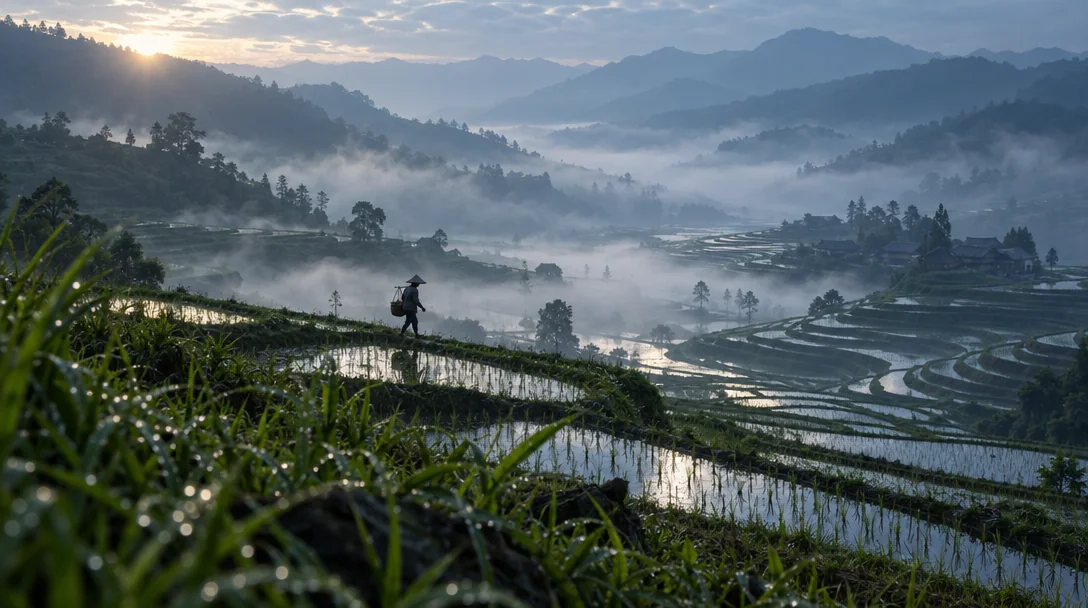
Every example below was generated on YouArt with GPT Image 2.5. The prompts and editable templates are available on the GPT Image 2.5 prompts page.
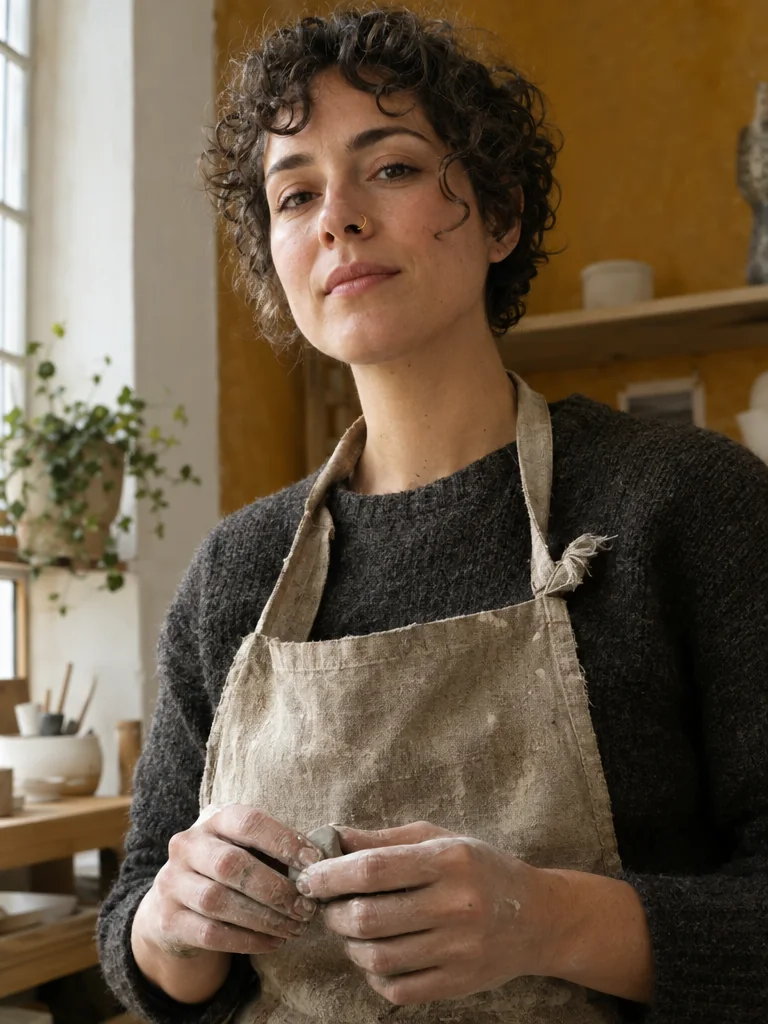 | 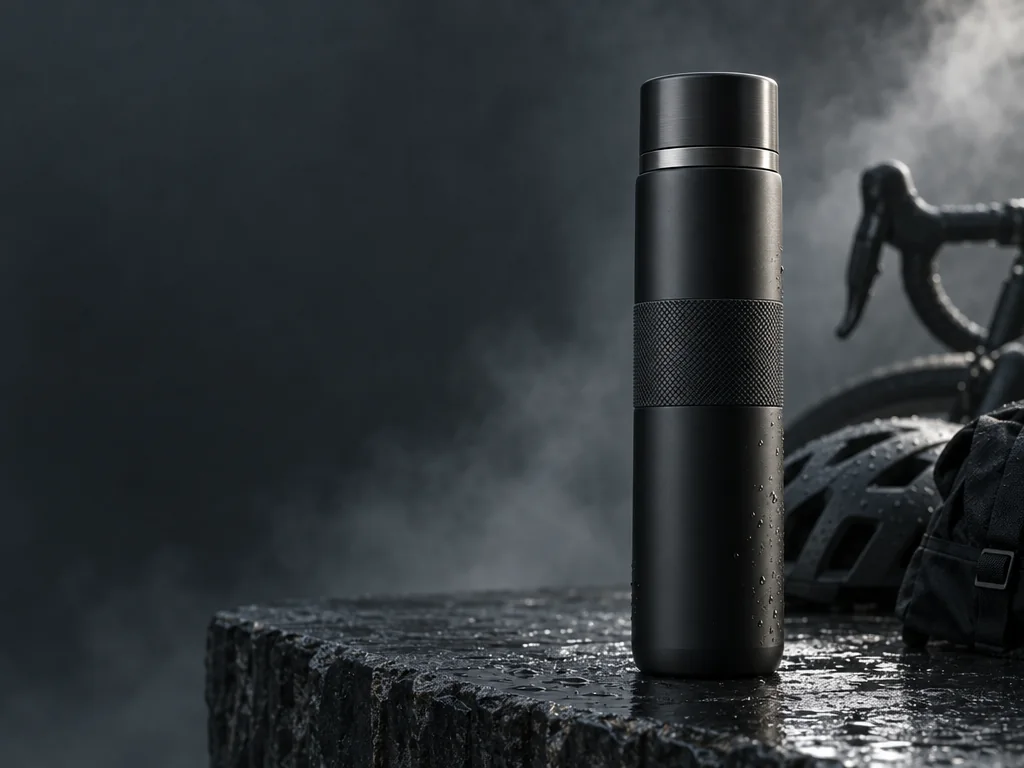 | 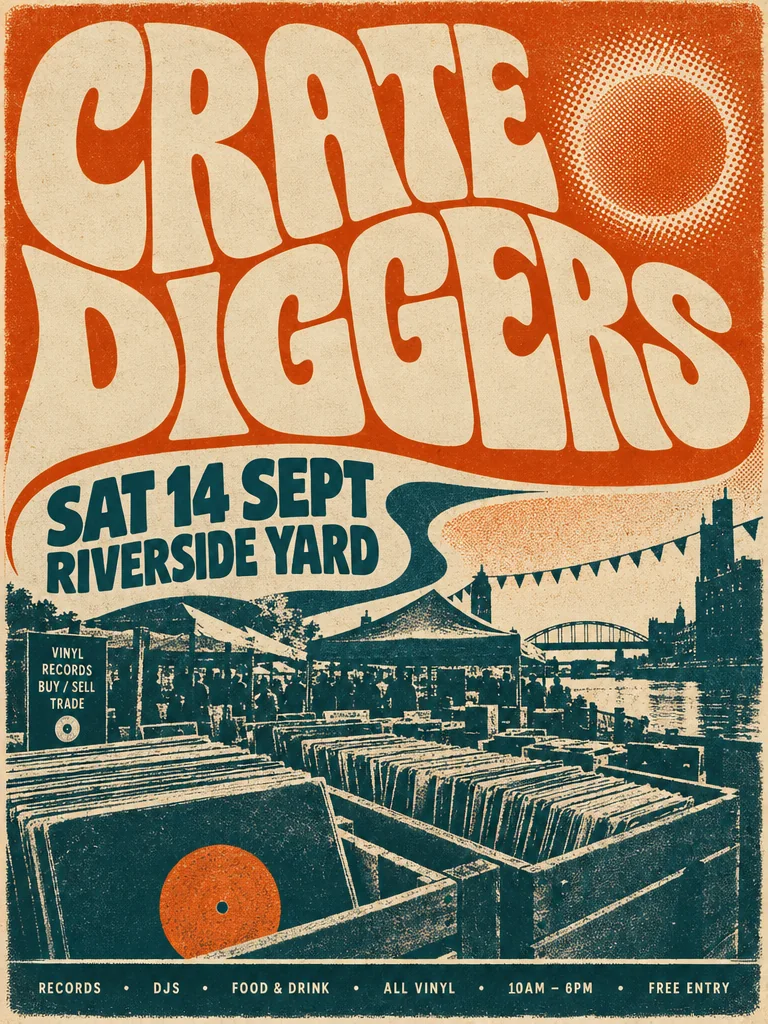 | |
| Portrait | Product campaign | Typography poster | Cinematic scene |
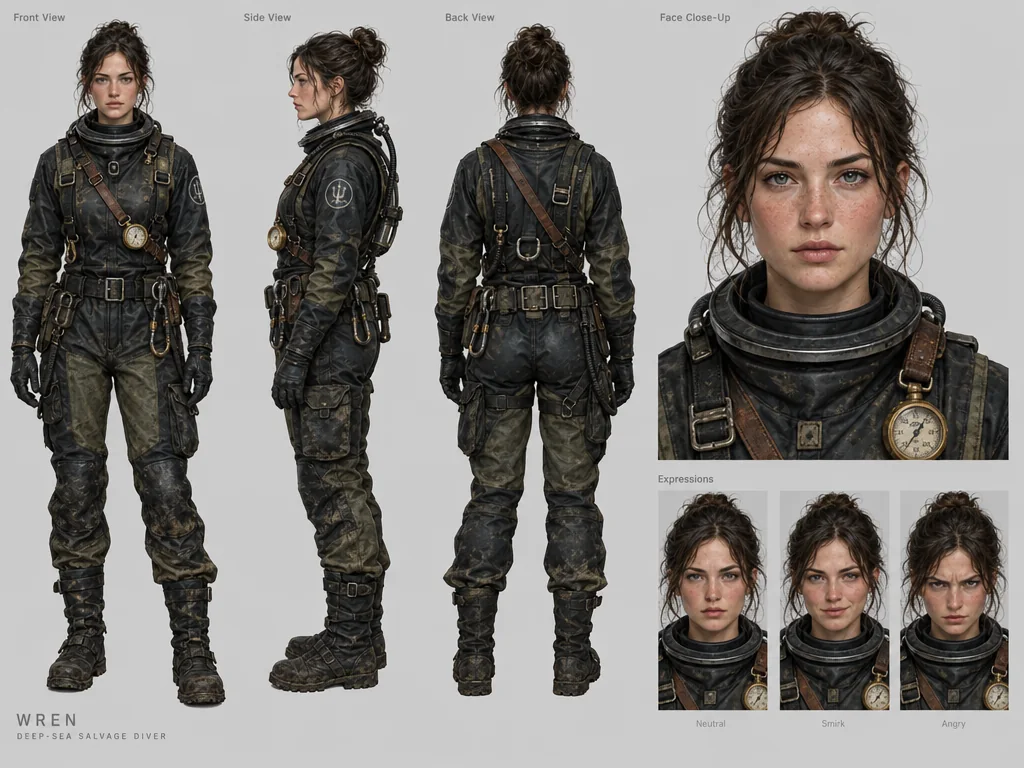 | 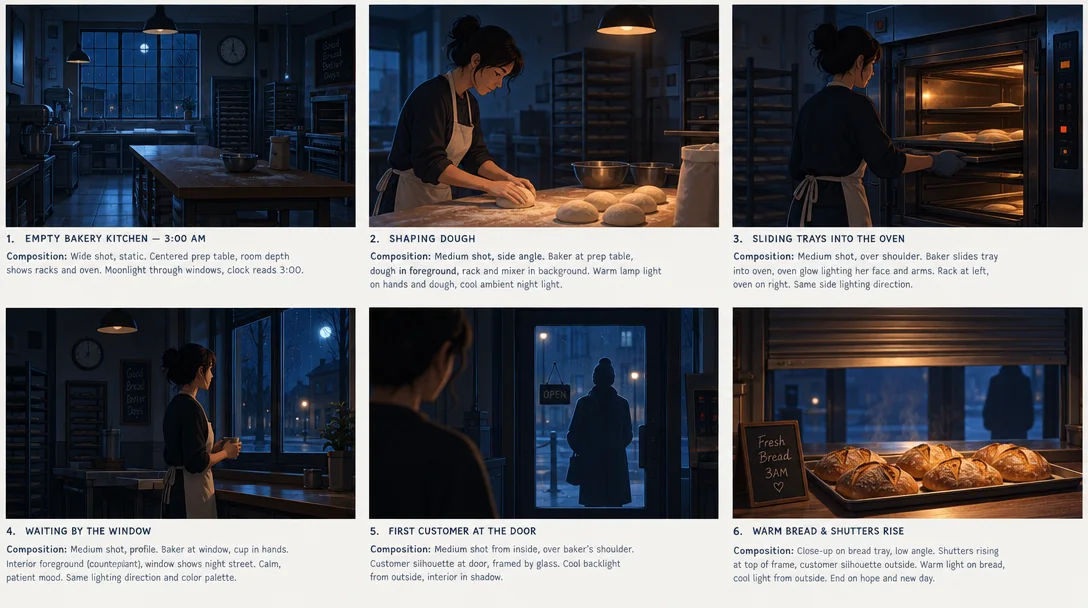 | 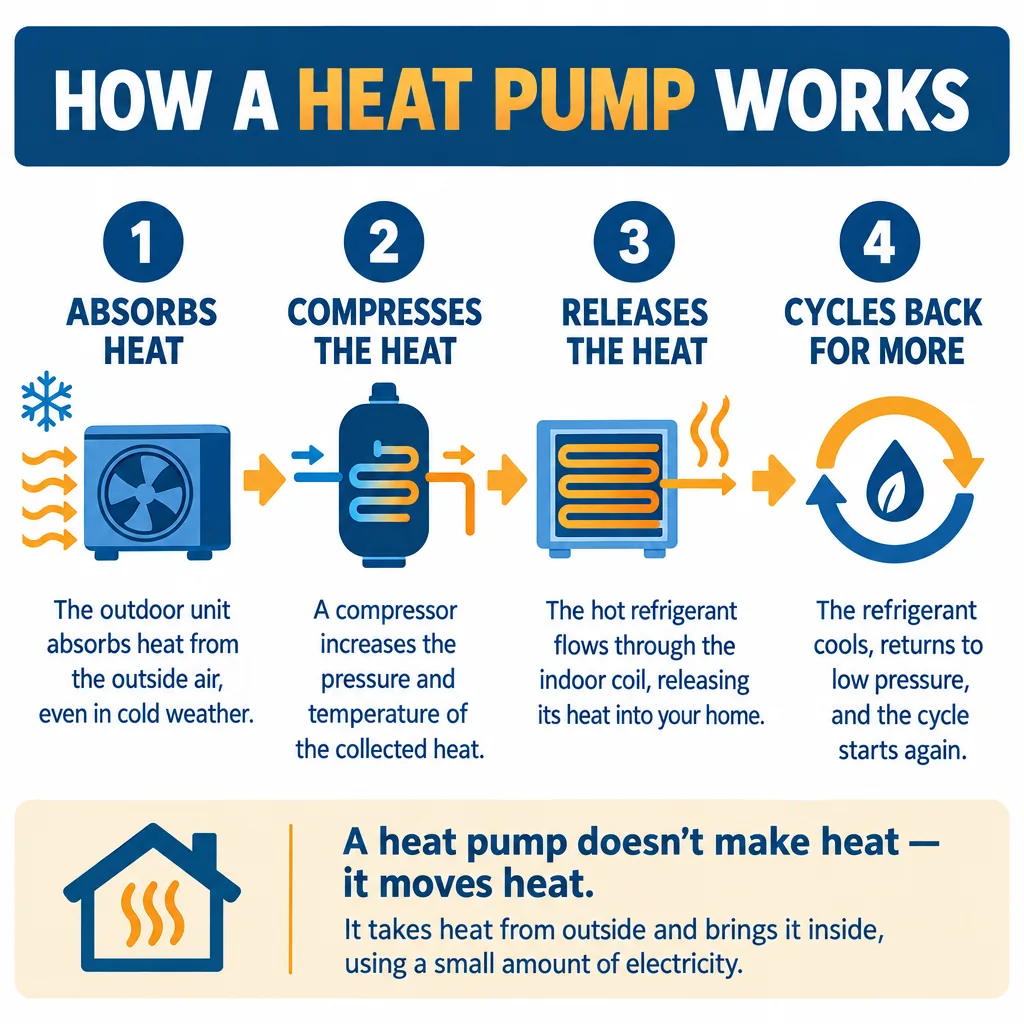 | 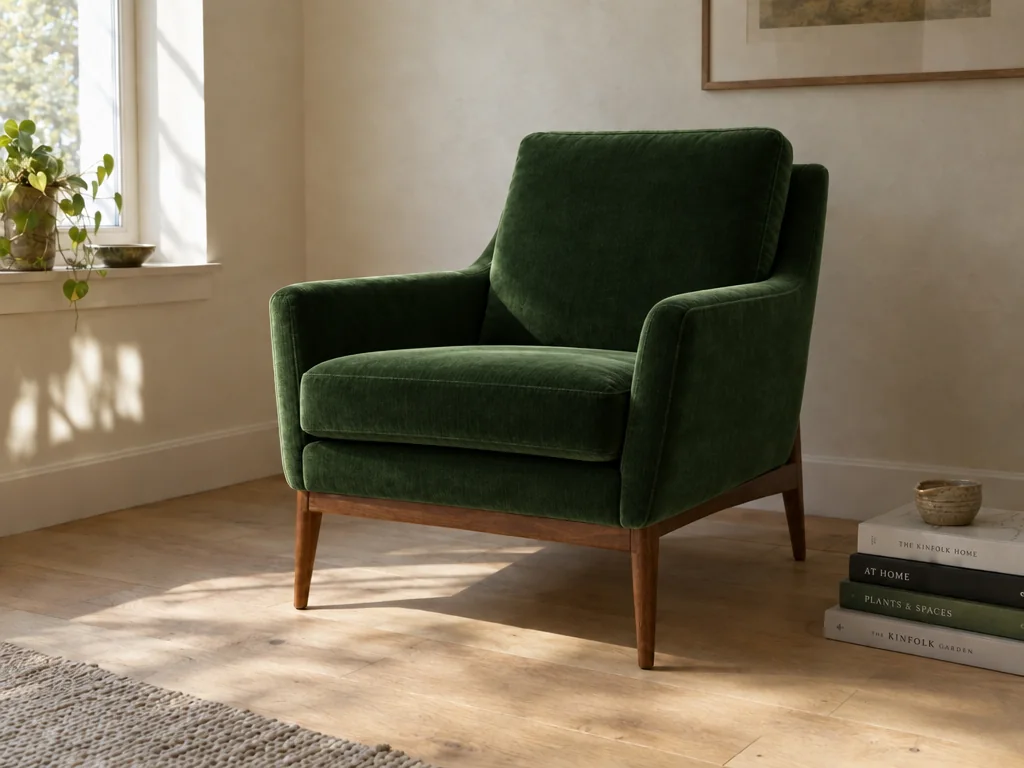 |
| Character sheet | Storyboard | Infographic | Focused edit |
The example images are reproduced from YouArt for demonstration. Image rights remain with their respective creators; this repository grants no additional licence for them. The third-party prompts retain their separate authorship and terms as well.
Browse by use case
The prompts themselves are not translated. They stay in the words their author wrote, because a prompt is input to a model rather than prose — this model's headline skill is rendering the exact quoted string into the picture, and translating it changes the output.
- Posters — Movie teasers, event flyers, travel posters and album covers. These prompts spend most of their length on layout, because a poster is a composition problem before it is a style problem: where the title sits, how much negative space is above it, what occupies the lower third. Open the 17 prompts
- Text in image — Legible words rendered inside the picture is the capability this generation of the model is known for. These prompts quote the exact string to render, name the typeface character, and place the text in the frame instead of hoping for it. Open the 17 prompts
- Infographics — Charts, timelines, exploded views and explainer slides. The long ones read almost like a spec: how many callouts, on which side, with what label text. That is the reason they work, and the reason many of them are written as JSON. Open the 17 prompts
- UI mockups — Dashboards, mobile screens, landing pages and stream overlays. A UI prompt has to name its components, because the model will invent a plausible interface if you do not tell it which one you meant. Open the 17 prompts
- Product shots — Studio product shots, packaging renders and catalog imagery. These are the prompts that pay for themselves: they describe a lighting setup, a surface and a camera position precisely enough to be repeatable across a whole product line. Open the 17 prompts
- Ad creative — Campaign key visuals, banners and social ad creative. Most of these carry both an image direction and a piece of copy to render, which is why they belong to this model rather than to a generation that could not spell. Open the 17 prompts
- Character design — Turnaround sheets, expression grids, equipment breakdowns and mascots. The useful pattern here is asking for a sheet rather than a picture: several views of one character in a single image, which is how you get a design you can keep using. Open the 16 prompts
- Portraits — Editorial portraits, headshots and film-look photography. These live or die on camera direction: the format, the focal length, the light source and the grade do more work than any adjective about mood. Open the 16 prompts
- Illustration — Anime, watercolour, line art, 3D render, isometric and pixel art. Style prompts are the shortest in the library, and the ones most worth editing: swap the subject and keep the style clause, and you have a series. Open the 16 prompts
How to write a GPT Image 2.5 prompt
Six patterns that show up again and again across the library. They are not rules about wording; they are decisions the model will make for you if you do not make them yourself, and the difference between a prompt that works once and one you can reuse.
Name the artefact, not the subject
Start with what the finished thing IS. "A 16:9 movie teaser poster" and "a cinematic scene of a woman in a chamber" produce different images from the same description, because the first one commits to a format, a purpose and a set of conventions. Almost every prompt in this library opens this way.
Lock the layout before the style
Say where things sit: which third holds the subject, what fills the header, how many panels, what is in the lower band. Style adjectives are cheap to change afterwards; a composition you did not specify is the thing you will regenerate five times trying to fix.
Put the exact words in quotation marks
If a string has to appear in the image, write it in quotes and say where it goes. Describing it ("a bold title at the bottom") gets you a bold title with the wrong words. This model can spell, so the failure mode has moved from garbled glyphs to text you did not ask for.
Direct the camera, not just the scene
Format, angle, focal length, light source, and the grade. "35mm film, harsh frontal flash, low-angle three-quarter view" is a specification. "Cinematic, moody" is a hope. This is the single biggest difference between the portrait prompts that reproduce and the ones that do not.
Constrain the palette
Three or four named colours beat any mood word. It is also what makes a prompt reusable as a template: a travel poster prompt that says "coastal cities use aqua, coral and cream; mountain cities use alpine blue and snow white" becomes a series instead of one image.
Say what must not appear
A short exclusion list at the end does real work: no watermark, no extra text, no visible sun in the corner, no plastic skin. Keep it short and specific. A long list of negatives starts competing with the description for the model's attention.
For an edit, name the change before the constraints
Describe the one thing that should change, then list what must survive it — subject, pose, camera angle, lighting, background, style. Reversing that order buries the instruction, and asking for three changes at once leaves you unable to tell which one moved the result. Match the new element to the original perspective, shadows and texture, or the edit reads as pasted on.
Say what a reference image is for
This model takes up to sixteen reference images, and "match this" is not an instruction. Name what the reference supplies — the subject, the silhouette, the colour palette, the layout, the material — and what should carry through to the new image. Then describe the setting or the change you actually want, which the reference does not contain.
Vary one thing, not everything
Hold the product, character or message constant and change one variable: two lighting directions, two compositions, two styles. Comparing a set that differs in one respect tells you which decision did the work; comparing four unrelated images tells you nothing. Keep the prompts that reproduce — those become the template for the next campaign.
What the library measures
Those patterns are not a house style; they are what this corpus does. The median prompt here is 2,587 characters — the shortest 272, the longest 4,648, 367,657 characters of prompt text in all. That median is the most useful number on this page: a prompt that reproduces for this model is closer to a short brief than to a sentence, and most people arrive expecting the opposite.
The long ones are not longer sentences. The longest quarter of the library — 38 prompts, from 2,973 characters up — runs to a median of 11 lines each, against 1 in the shortest quarter, and 88 of the 150 are broken across lines at all. They get long by adding parts rather than clauses: roughly one line per decision.
What that length is spent on is measurable, and it is not adjectives. 73 of the 150 name an explicit aspect ratio or page size. 74 of the 125 written as prose quote at least one literal string for the model to render. 57 name a lens, an aperture, a camera angle or a depth-of-field instruction, and they cluster where a result has to be repeatable rather than merely good — heaviest in the Portraits file, at 12 of 16. 73 end on an explicit exclusion clause. And colour is named in words rather than values: 0 of the 150 give a hex code.
Licence and credit
The build scripts are MIT — fork them, ship them commercially, credit us and our part is done. Everything else we assembled is not offered under an open licence yet; ask if you want to reuse a piece of it.
The prompts and their titles are their authors' work, not ours. Each row credits the person who wrote it and links the post it came from, and we did not change the text. We have not traced the chain of rights behind each one, so if you want to build on a prompt for something that matters, that credit line tells you whose it is.
Wrote one of these and want it gone? Ask, and it goes — no explanation needed.
LICENSE · ATTRIBUTION.md · TAKEDOWN.md
The JSON prompt format
Some of the prompts in this library are a JSON object rather than a sentence. That is not a special API mode or a hidden feature: the model reads it as text like anything else. What the structure buys you is precision, and an easier edit.
Reach for it when the image has parts that need to stay separate: a header, a centrepiece, a numbered set of callouts, a footer. Prose blurs those together and the model has to guess the hierarchy. Keys keep them apart, and they make the prompt a template, because changing one value does not risk rewriting the sentence around it. For a portrait or a single-subject illustration, prose is shorter and works just as well.
25 of the 150 prompts here are written that way, and JSON is the longer format when it is used: a median of 3,360 characters against 2,487 for the 125 written as prose. The bias grows with size — 17 of the 38 longest prompts in the library are JSON objects. Paste the whole object, braces and all; the model reads it as text, and a fragment of one reads as a fragment.
Every prompt
All 150. The Prompt link opens the full text in this repository; Run opens it on YouArt, where you can generate from it.
GPT Image 2.5 poster and key-art prompts
GPT Image 2.5 typography and in-image text prompts
GPT Image 2.5 infographic and diagram prompts
GPT Image 2.5 app and web UI mockup prompts
GPT Image 2.5 product photography and packaging prompts
GPT Image 2.5 advertising and campaign prompts
GPT Image 2.5 character design and concept art prompts
GPT Image 2.5 portrait and photography prompts
GPT Image 2.5 illustration and art style prompts
GPT Image 2.5 prompt FAQ
Do GPT Image 2 prompts work with GPT Image 2.5?
Yes. These are natural-language prompts, not model-specific syntax, so a prompt written for GPT Image 2 runs unchanged on 2.5 and generally comes back sharper. That is why this library is useful on day one: the prompting technique carried over even though the model changed.
Should I write prompts as JSON or as prose?
Prose for anything with one subject: a portrait, an illustration, a product shot. JSON once the image has parts that must stay distinct, such as a header, a numbered set of callouts and a footer. The model treats both as text, so JSON is not a special mode. It is a way of keeping a complex layout unambiguous and turning the prompt into a template you can edit one value at a time.
How do I get text to render correctly inside the image?
Write the exact string in quotation marks and say where it belongs in the frame, then name the type character you want rather than a specific font. Describing the text instead of quoting it is the usual cause of near-miss wording. This model generation renders in-image text well, including Chinese and Japanese, so most remaining failures come from an underspecified prompt rather than the model's spelling.
How do I keep the same character across several images?
Ask for a character sheet in one image rather than for several images of one character. A prompt that requests front, side and back views plus an expression row and an equipment breakdown gives you one reference to work from, which is the pattern the character design prompts in this library use. Reference images are the other half: the model accepts several, and feeding the sheet back in holds the design steady.
Can I run these prompts on YouArt?
Yes. Copy any prompt into GPT Image 2, the OpenAI image model YouArt serves today, and it will run as written. GPT Image 2.5 is still rolling out and is not yet open to every account; when it opens, these prompts move across unchanged.
How should I write GPT Image 2.5 prompts for editing?
Describe one intended change first, then name the details to preserve — the subject, pose, lighting, camera angle and any product details that must not move. Reviewing after each revision keeps every change attributable to something you asked for, which a batch of simultaneous edits does not.
Can I use a reference image with GPT Image 2.5 prompts?
Yes, and the model accepts up to sixteen. Say what the reference contributes rather than asking for a match: a subject, a silhouette, a colour palette, a composition, a material. Then identify the features that must carry through and describe the new setting or change you want on top of them.
Should I use one long prompt or several revisions?
Start with a complete brief for the first image, then use focused revisions for the parts that need work. That protects what already worked and makes each output comparable to the last. Keep composition, lighting, text and styling as separate revisions when they each need attention.
How do I write prompts for an AI image generator?
Write in the order a viewer notices the image: subject, setting, composition, style, lighting, then the details that must stay consistent. If the output carries text, a layout or product information, give the exact wording and say where it belongs in the visual hierarchy rather than describing it.
What makes a good GPT Image 2.5 prompt?
Specificity about the things the model would otherwise decide for you: the format of the finished artefact, where each element sits, the exact text to render, and the camera or lighting setup. Style adjectives matter far less than most people expect. The median prompt in this library is 2,587 characters — the shortest is 272, the longest 4,648 — and that length goes on layout, quoted copy and camera direction rather than mood words.
For LLMs and agents
GitHub serves the full prompt text to a non-rendering crawler on a file page, but not on the repository overview. So the machine-readable copies are listed here, with their sizes.
| Contents | File | Bytes |
|---|---|---|
| Every prompt | data/prompts.json | 496,998 |
| For LLMs and agents | llms.txt | 11,022 |
| Posters | prompts/gpt-image-2-5-poster-prompts.md | 60,016 |
| Text in image | prompts/gpt-image-2-5-text-in-image-prompts.md | 38,349 |
| Infographics | prompts/gpt-image-2-5-infographic-prompts.md | 70,351 |
| UI mockups | prompts/gpt-image-2-5-ui-mockup-prompts.md | 41,745 |
| Product shots | prompts/gpt-image-2-5-product-photo-prompts.md | 45,681 |
| Ad creative | prompts/gpt-image-2-5-ad-creative-prompts.md | 60,933 |
| Character design | prompts/gpt-image-2-5-character-design-prompts.md | 50,346 |
| Portraits | prompts/gpt-image-2-5-portrait-prompts.md | 54,404 |
| Illustration | prompts/gpt-image-2-5-illustration-prompts.md | 58,486 |
The conventional address for an assistant index is the site's own llms.txt, which already lists this library. The copy in this repository mirrors that section. llms.txt
If you quote a prompt, carry its author and the link to their original post with it.
Every record in data/prompts.json carries slug, title, category, author, authorUrl, sourceUrl, statusId, isJson, upstream, upstreamStatedTerms, promptSha256, url and prompt. What each field means, and the constraints the build enforces on it, are declared once in data/prompts.schema.json — the only declaration of the row shape in this repository, and the same list the build reads to render these files.
promptSha256 is the SHA-256 of the UTF-8 bytes of prompt, so a copy can be checked against ours without a diff. _meta.corpusSha256 is that idea over the whole corpus, and _meta.corpusSha256Algorithm states the serialisation in prose, so the hash can be reproduced without reading our code. _meta also carries the row, creator and category counts and the pinned upstream commits — the same values this README renders, from the same file, so a number here and a number in the data cannot disagree.
About
Maintained by YouArt, a product of Formative Intelligence Inc.
YouArt is an AI image and video studio. All 150 of these prompts are on the site as well, with a one-click composer, so you can run one without setting anything up. Free credits to start.
Everything readable in this repository is generated. node scripts/build.mjs renders every README, every file under prompts/ and llms.txt from data/prompts.json, locales/*.json and the prose in content/. Those inputs are the only files a human edits, and the build reads no clock and no network, so an unchanged input rebuilds byte for byte.