Ryoku
力と美のために · For the sake of power and beauty.
A hand-built Linux desktop: one shell, three compositors, four distributions, all from one repository.












Download · Showroom · What Ryoku is · Docs · Contributing
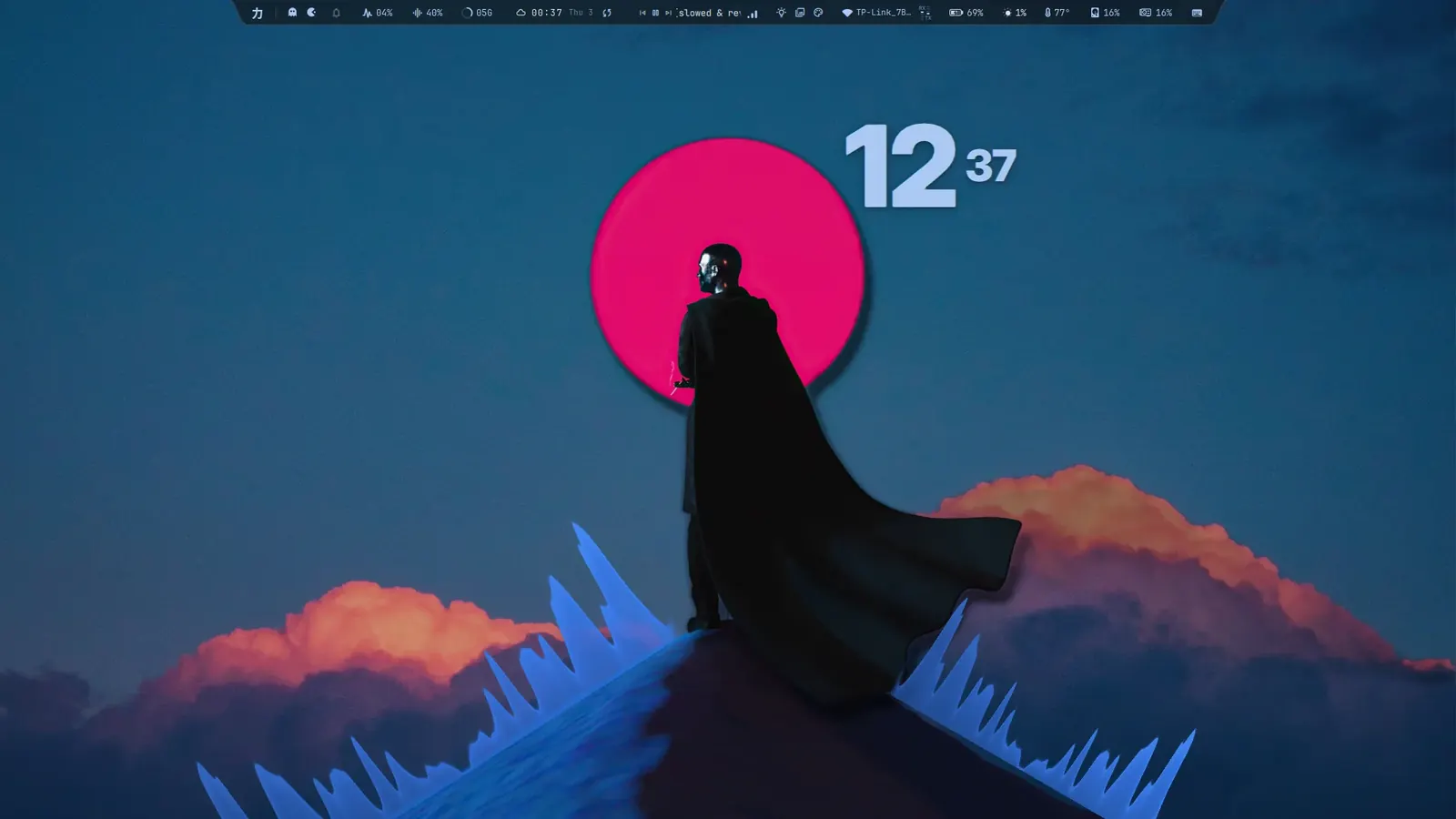
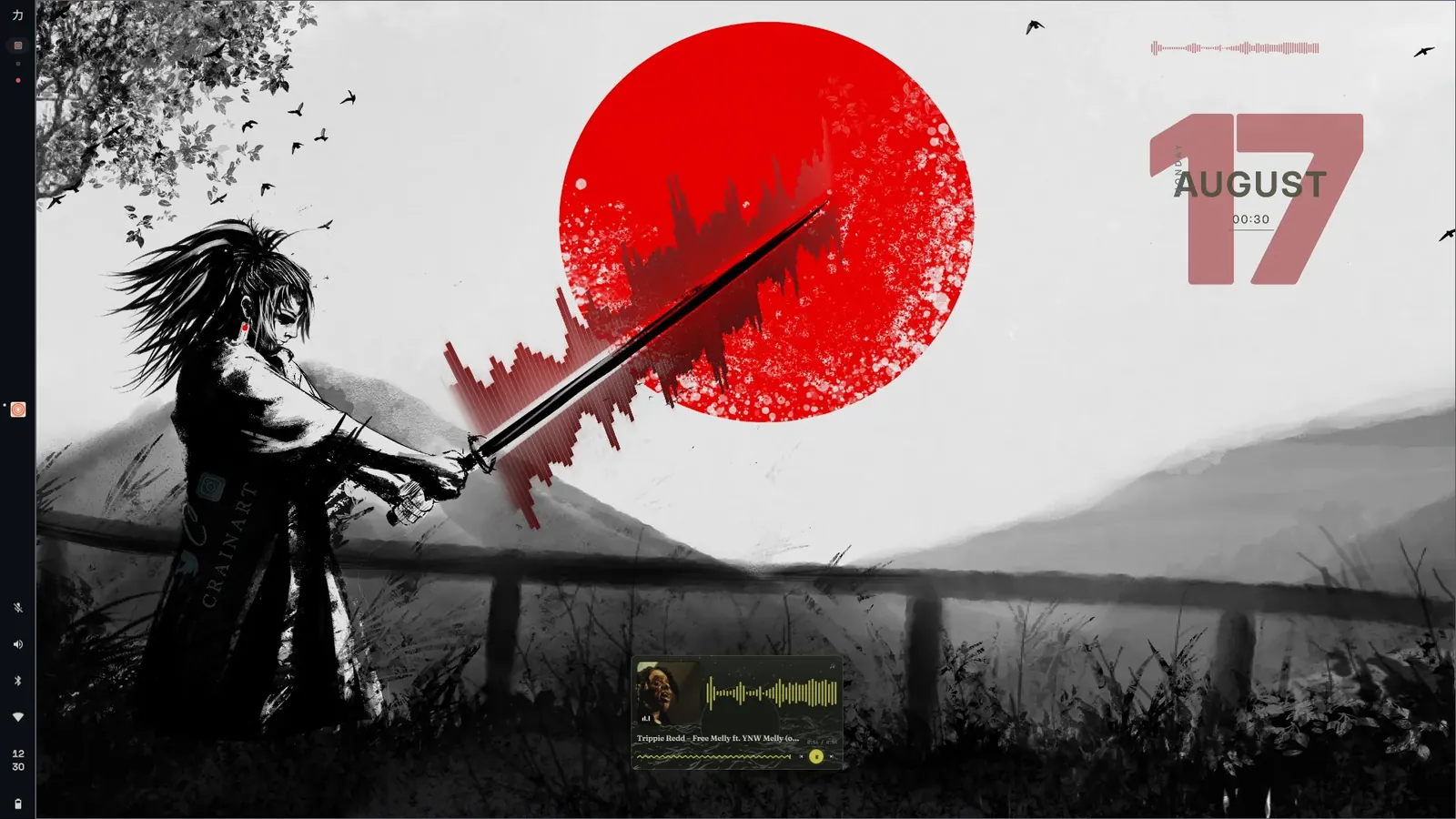 Red August | 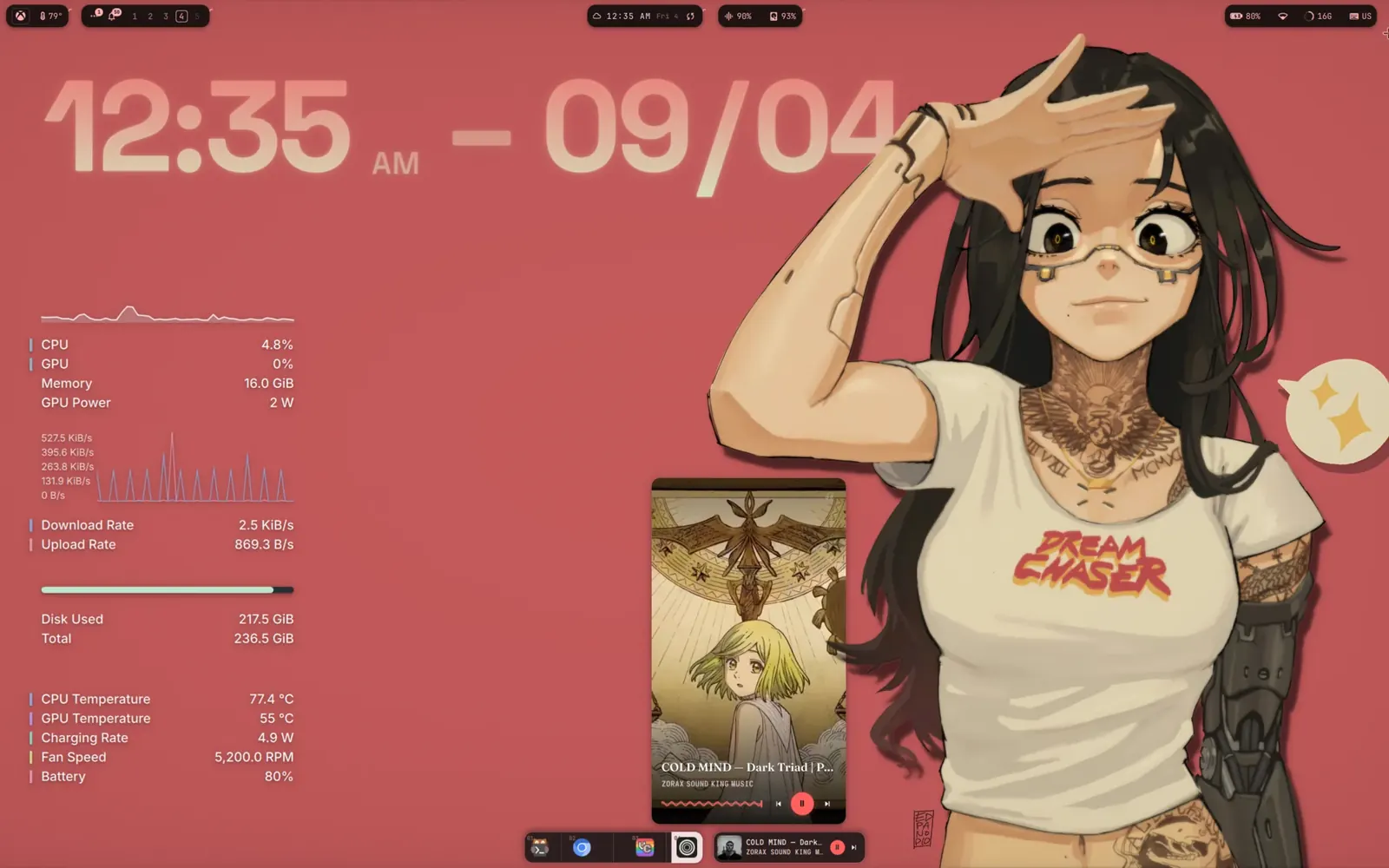 Rose | 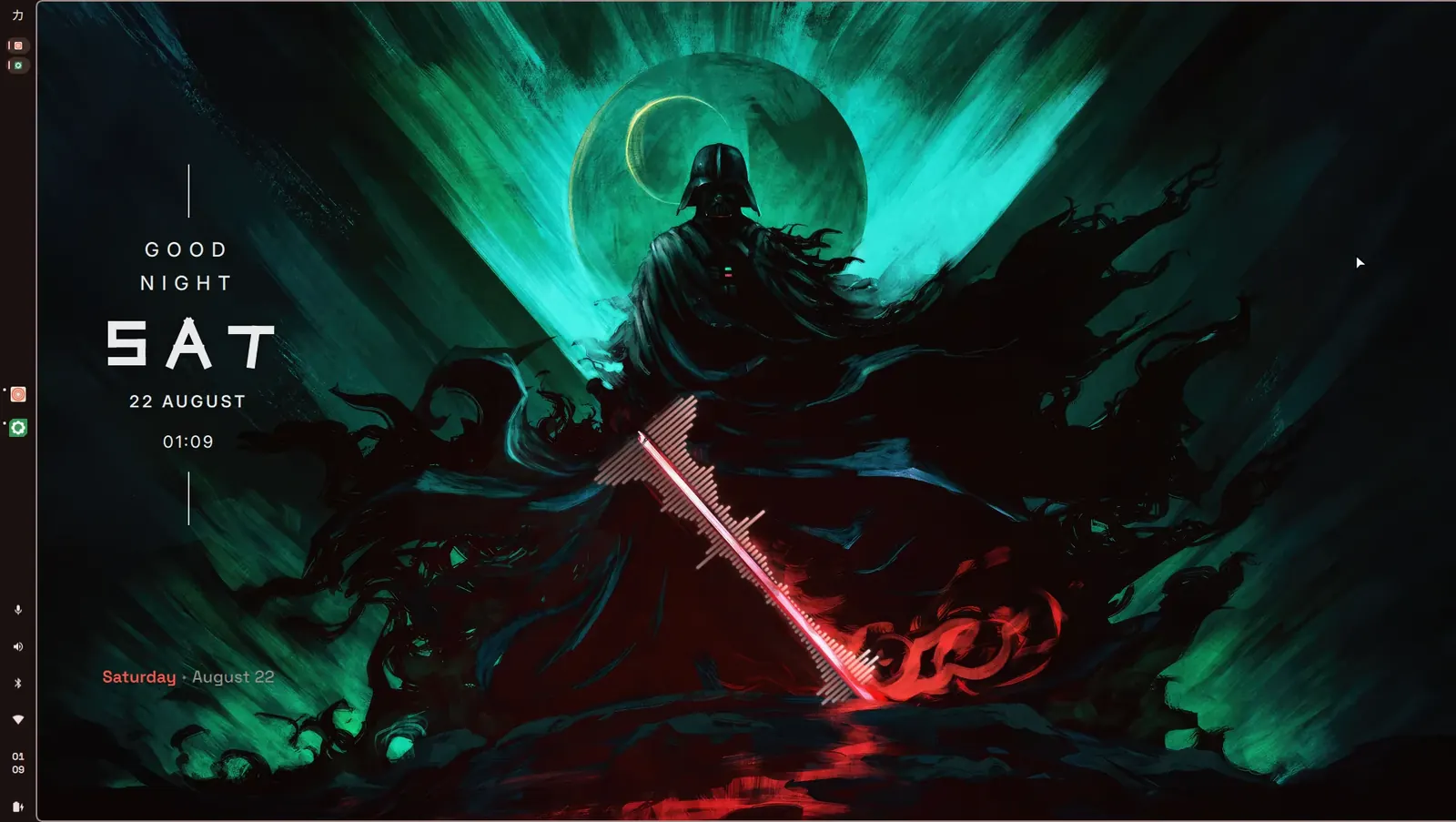 Teal |
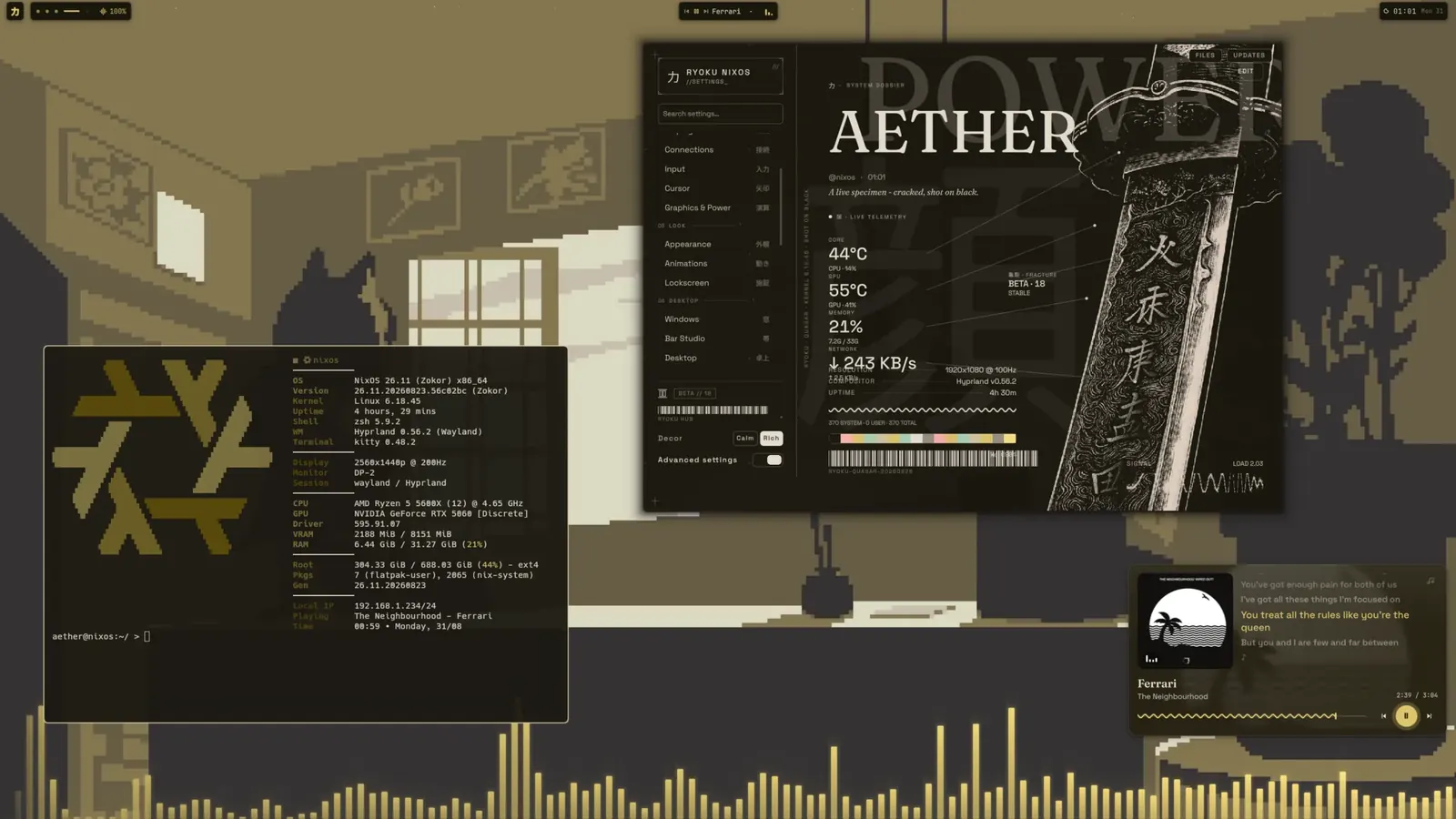 Aether | 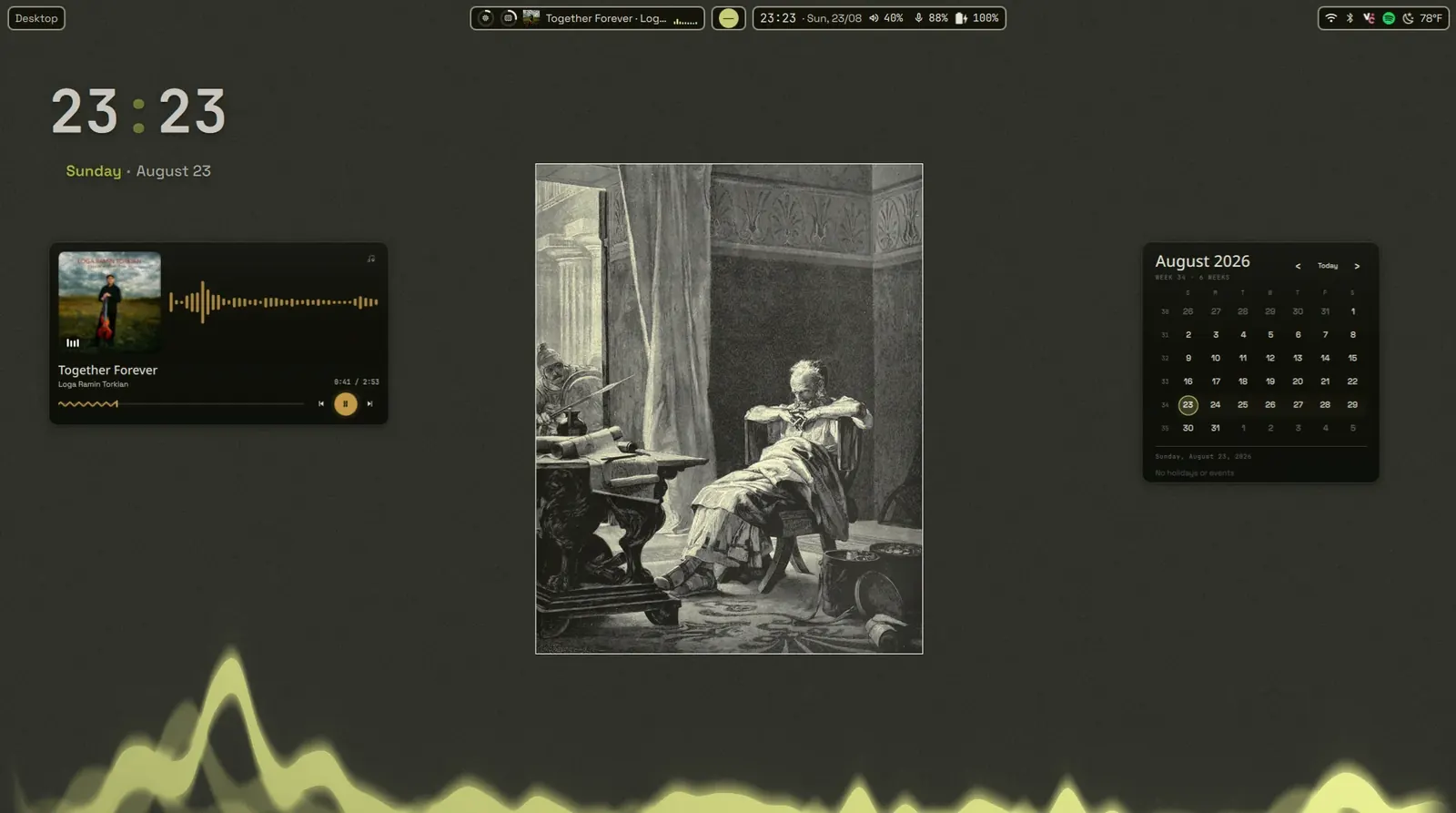 Olive dusk | 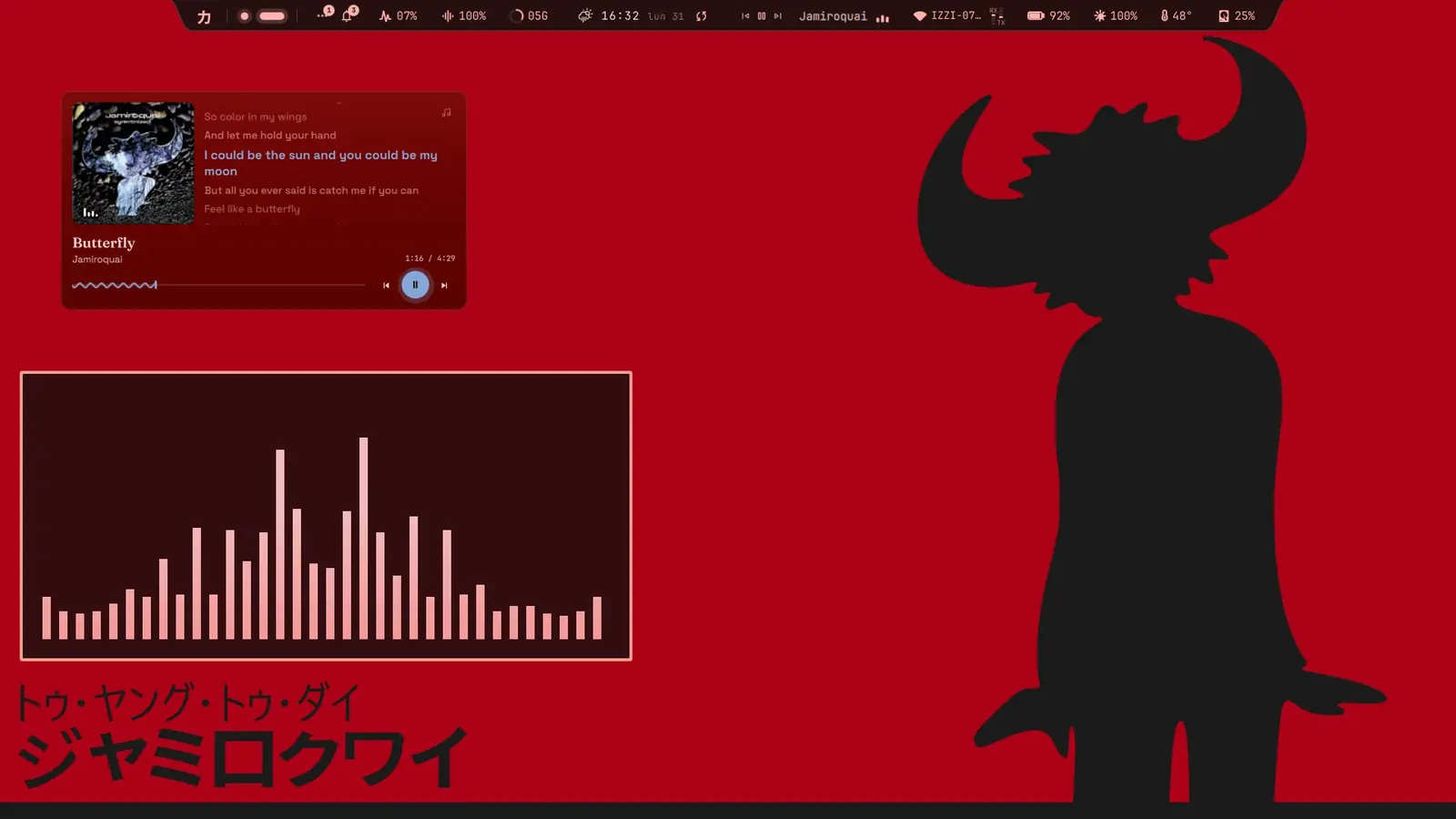 Katakana red |
What it is
Ryoku means power, and the name is the point. The desktop is one continuous surface: the bar, the panels, the launcher, the lockscreen and the session controls move as a single thing, paper and ink, warm bone type on pure black, with the frame retinting live from your wallpaper. Click a widget on the bar and its controls grow out of the rail; let go and they melt back. It is built from small independent surfaces, so it grows with what you actually use: seven bar styles, desktop widgets, a store for more, and a plugin host.
Underneath, Ryoku is a distribution, not a config dump. The desktop, the installer and the system definition live in this repository, every machine is built from it, and a live machine is only ever a deployment target. It is a community-first passion project led by one maintainer in their spare time and improved by generous contributors, and it favours a rich, deliberate desktop on capable hardware over a lightweight one.
Ryoku 1.0, Amaterasu, is the first stable release. Arch and CachyOS are the stable editions. Void and Fedora ship the same desktop and update path, but remain experimental while those editions get wider hardware coverage.
Editions
| Edition | Compositors | Get it | Status |
|---|---|---|---|
| Arch Linux | Hyprland, niri, Wayfire | signed ISO, or the one-liner on an existing install | stable |
| CachyOS | Hyprland, niri, Wayfire | signed ISO, or the one-liner | stable |
| Void Linux glibc, runit | niri | signed ISO, or the one-liner | experimental |
| Fedora 44 and 45 | Hyprland, niri | the one-liner, on Workstation, KDE Plasma, Server or a spin | experimental |
| NixOS | Hyprland, niri | Ryoku on NixOS, a port for flake-based systems | community |
Every edition is x86_64 and ships the same shell from a signed native
repository (pacman, XBPS or RPM). The Arch edition keeps an Arch userland and
can opt into Gaming with CachyOS during installation or add the same
CachyOS Gaming bundle from RyoStore later. The CachyOS ISO is CachyOS from
the live kernel through the installed system: CachyOS repositories, kernels,
identity, tuning, hooks, and tools with Ryoku as its desktop. The Void ISO can
add Steam and its 32-bit graphics stack with the installer Gaming question.
Hyprland and niri are the first-class compositors; Wayfire 0.11 is the
experimental third on Arch and CachyOS, reached by switching desktops in the
Hub or with ryoku wm use wayfire. Void is niri-only until it ships GCC 15
(why). Fedora converts an existing mutable system in place,
keeps GRUB with a Ryoku snapshots submenu, and leaves NVIDIA on nouveau
(details).
The no-ISO guide covers each existing-system path, starting from a stock Void installation.
The desktop
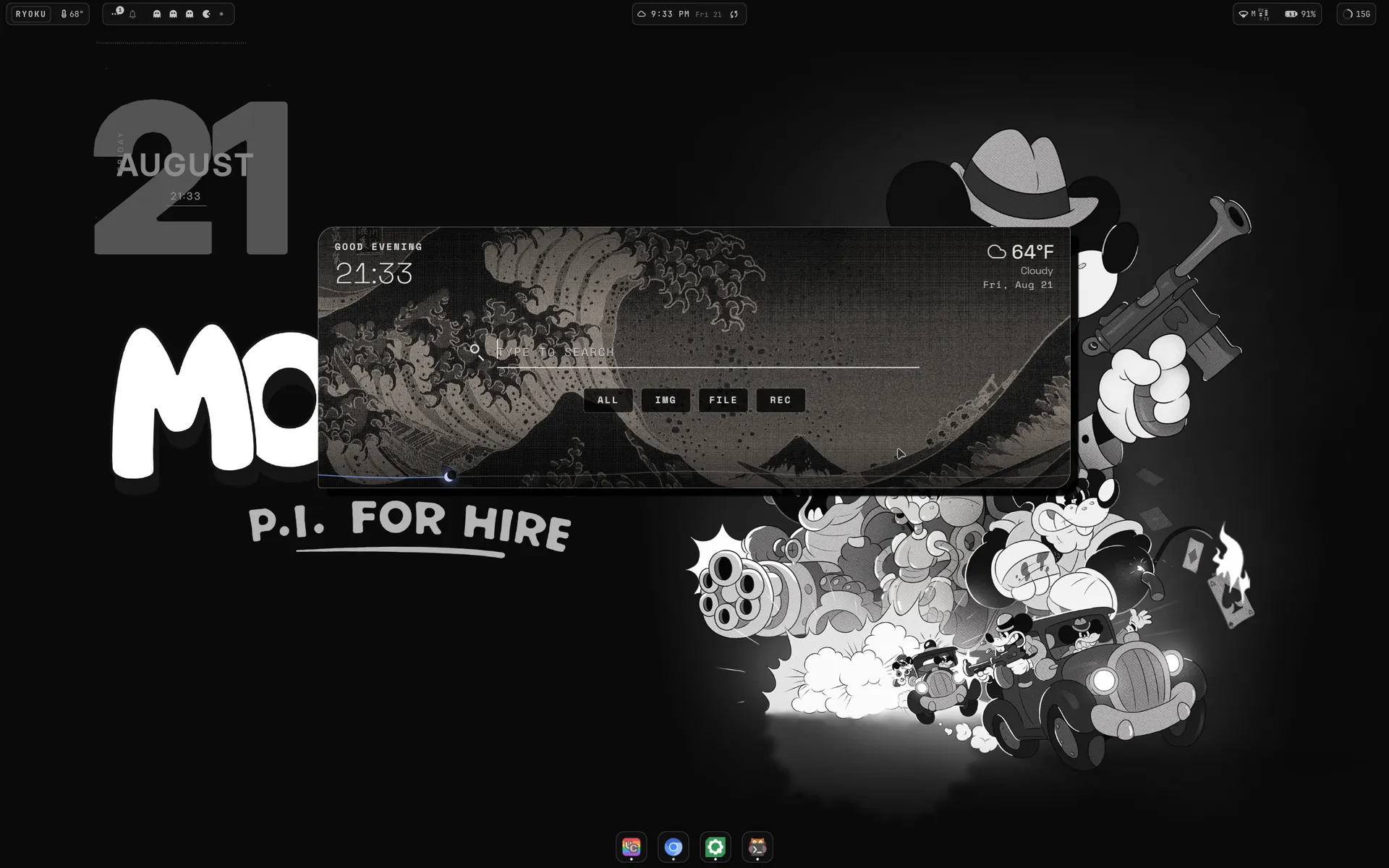 Launcher. At rest a clock, the weather and a plate of art; type, and apps, commands, files, packages, radio and the calculator come out of one search. | 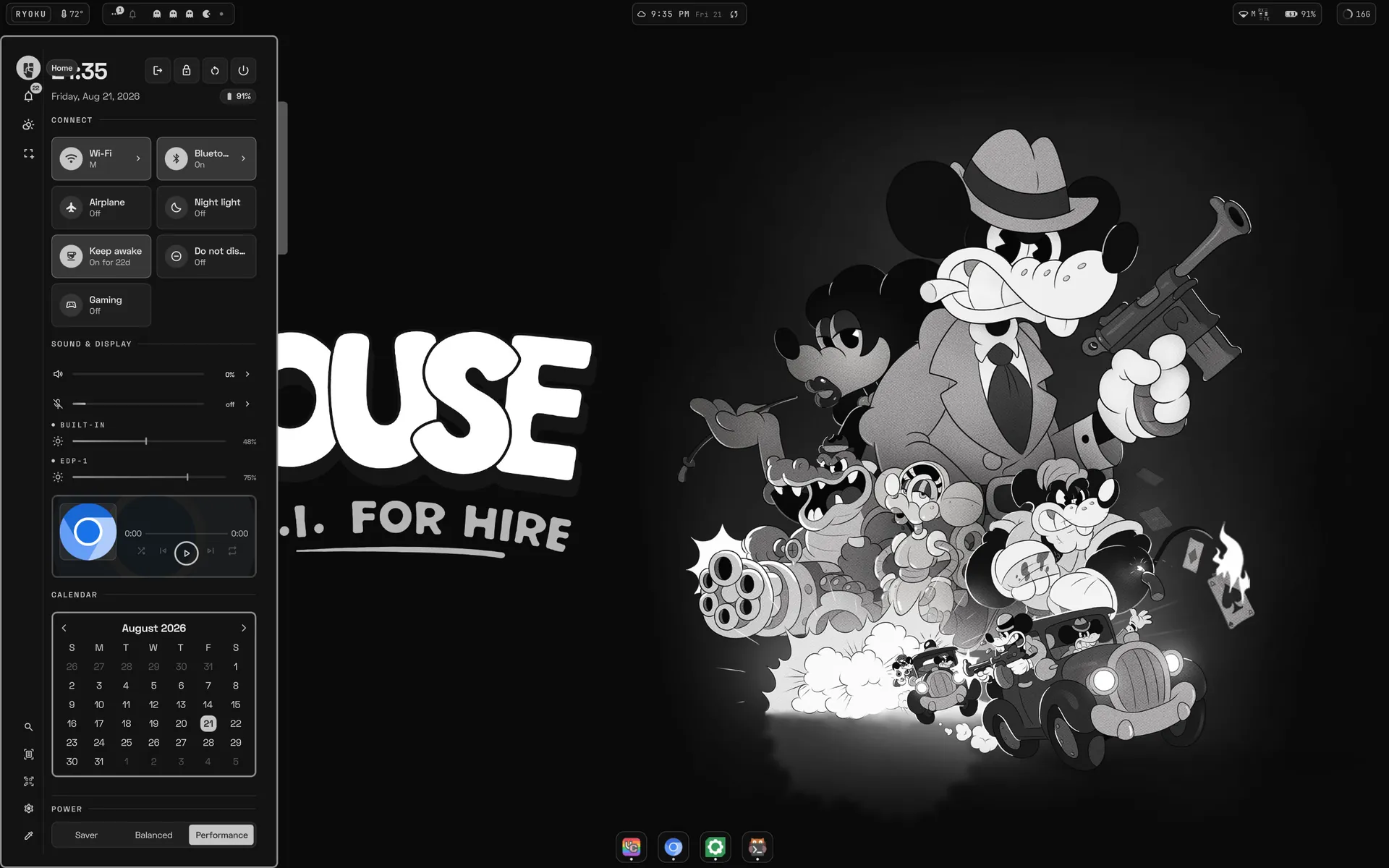 Control sidebar. Session, connect tiles, sound and brightness, media, calendar and the power profile on one rail. | 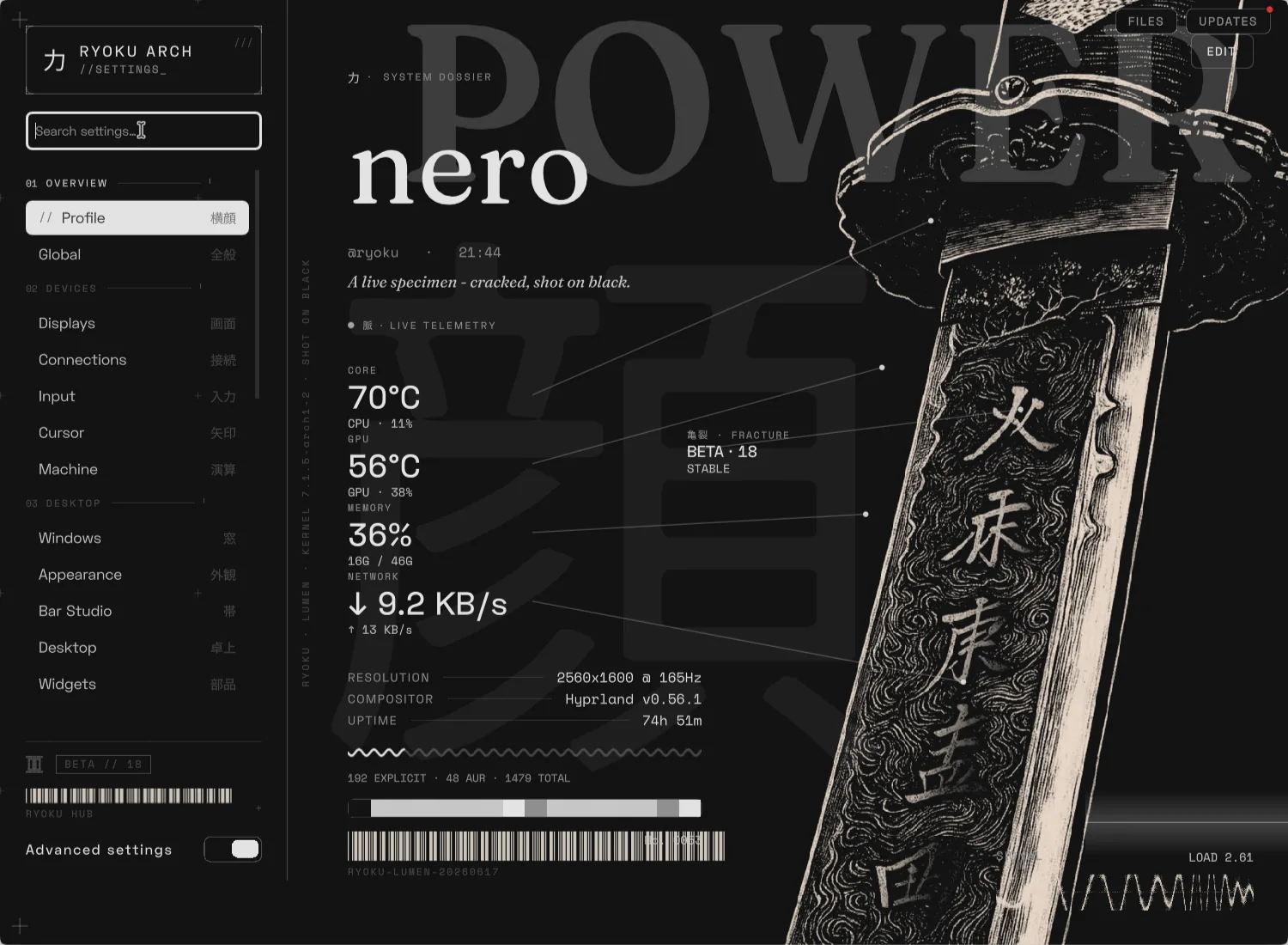 Ryoku Hub. Every setting, a live dossier of the machine, the store, and the desktop switch. |
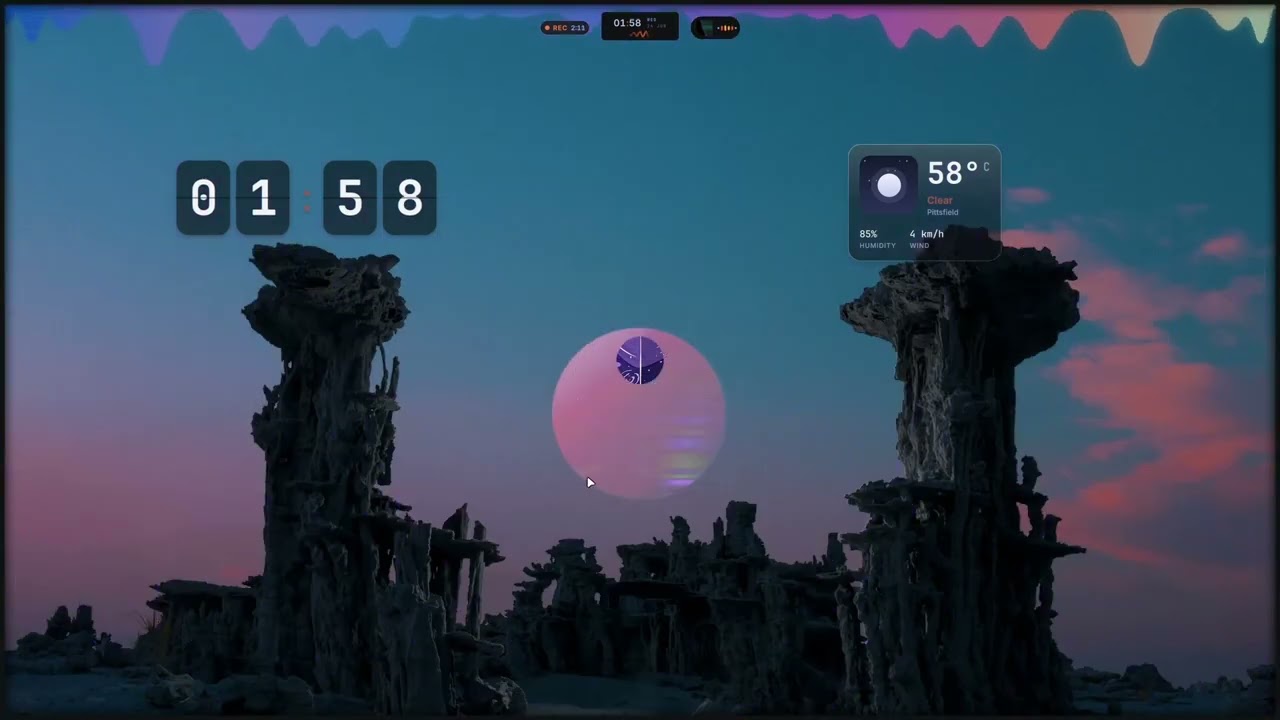
On first login a short welcome walks you through the handful of keybinds that
open almost everything and lets you pick the interface scale, the bar and the
desktop widgets. Everything else lives in the Ryoku Hub (Super + ,). The bar
is a choice, not a given: Orpheus (the default, a liquid top bar), QS Bar
(in full colour), Sumi (the monochrome rail), Kairos (one island carrying
the clock), Shima, Python and Nomarchy all ship, and every one of them
reads the desktop through the same window-manager seam rather than a
compositor's own API (docs/barstyles.md).
Install
From the ISO. Download the Arch, CachyOS or Void image from
ryoku.dev with its signature, write it to a USB stick and
boot it. The guided installer partitions the disk, installs the base system and
the desktop from the signed repository, sets up Limine, and configures Btrfs
snapshots unless you turn them off. Releases are signed by Ryoku Releases <releases@ryoku.dev>, fingerprint EB6D 3C0F 55A7 B3CA BA6B 2838 847B 274F 025D D6E3, key in keys/:
gpg --import keys/ryoku-release-key.pub.asc
gpg --verify ryoku-*.iso.sig ryoku-*.iso
On a machine you already have. One line converts an existing Arch, CachyOS,
Void glibc or Fedora system in place. It backs up your configs (with a
restore.sh to undo), trusts the signed repository, moves you off conflicting
shells and daemons, and wires up the full desktop. It never partitions a disk.
curl -fsSL https://raw.githubusercontent.com/ryoku-dev/ryoku/main/ryoku-shell-installer/install.sh | bashAppend -s -- --dry-run after bash to see everything it would do first.
[!WARNING] The shell installer rewrites your desktop configuration in place and is still being tested across hardware and setups. Back up first, run the dry run, and prefer a machine you can afford to reinstall. What it does on each distribution, and the limits there, are in
ryoku-shell-installer/.
The step-by-step no-ISO guide starts with a stock Void installation and also covers Arch, CachyOS, Fedora and NixOS.
Day to day
ryoku update            # Ryoku packages, configs and the doctor
ryoku update --system   # the same, plus the Void or Fedora base system
sudo pacman -Syu        # Arch or CachyOS base system and kernel
ryoku rollback          # the ten frozen builds you can return to
ryoku recovery          # last resort: rebuild the whole desktop from main
ryoku update snapshots first where the host can, moves the packages the
signed repository serves, re-lays the desktop configs, runs the doctor and
reloads the shell. Your own edits live in override files it never touches, so
they survive every update. When even the ryoku command is gone, the recovery
runs straight from the repo at a TTY:
curl -fsSL https://raw.githubusercontent.com/ryoku-dev/ryoku/main/bin/ryoku-recovery | bashOn Arch, Gaming with CachyOS is offered during installation and the same
bundle is available later in RyoStore (docs/kernels.md).
docs/updates.md is how a change reaches you;
docs/cli.md is every ryoku command.
Hardware
| Minimum | Recommended | |
|---|---|---|
| CPU | 64-bit x86_64, dual-core | quad-core or better |
| RAM | 4 GB | 8 GB, 16 GB with the dev toolchains |
| GPU | any card with working KMS and OpenGL/Vulkan | recent integrated or discrete |
| Storage | 32 GB (installer floor) | 64 GB+ SSD |
| Firmware | Arch/CachyOS ISO: UEFI; Void ISO: BIOS or UEFI; Secure Boot off | UEFI, Secure Boot off |
The shell is an accelerated Qt surface, so it wants a real GPU: AMD on Mesa,
Intel from Broadwell on, NVIDIA on the open modules from Turing on and the
proprietary ones before that, all picked at install time. A resting session
uses under 1 GB of RAM. Driver details, hybrid laptops, and the playbook for
awkward hardware (Intel VMD, NVIDIA modeset, Windows dual-boot, Broadcom Wi-Fi)
are in docs/installation-hardware.md.
Where things are
| Guide | What it covers |
|---|---|
docs/install-without-iso.md | Install on stock Void or an existing Arch, CachyOS or Fedora system. |
docs/ryoku.md | What Ryoku is and how the parts fit. |
docs/structure.md | The repo map: ryoku/ is the desktop, system/ the machine, installation/, void/ and fedora/ the installers and packaging, release/ the signed repo. |
docs/compositors.md | The window-manager seam: what each compositor can do, and how to add one. |
docs/barstyles.md | The seven bar styles, and how to ship another. |
docs/updates.md | Channels: main is stable, unstable-dev is the gated preview, and how a change reaches an installed machine. |
CONTRIBUTING.md | The commit gates and how to send a change. |
Credits and license
Ryoku's alpha series began as a fork of Omarchy by David Heinemeier Hansson and
contributors; from the beta series on it was rebuilt from an empty root and
shares no code with it. The shell is Ryoku's own, with its frame-blob rendering
and some animation adapted from the
Caelestia shell and parts of the
display configuration UI from
DankMaterialShell. The bar
styles carry their upstreams with them: QS Bar from HANCORE-linux's Quickshell
Rise, Shima from snowarch's iNiR, Python from ilyamiro's Serpantinum, Nomarchy
from Omarchy quattro. Full attribution is in NOTICE. Ryoku is
released under the GNU GPL v3.